
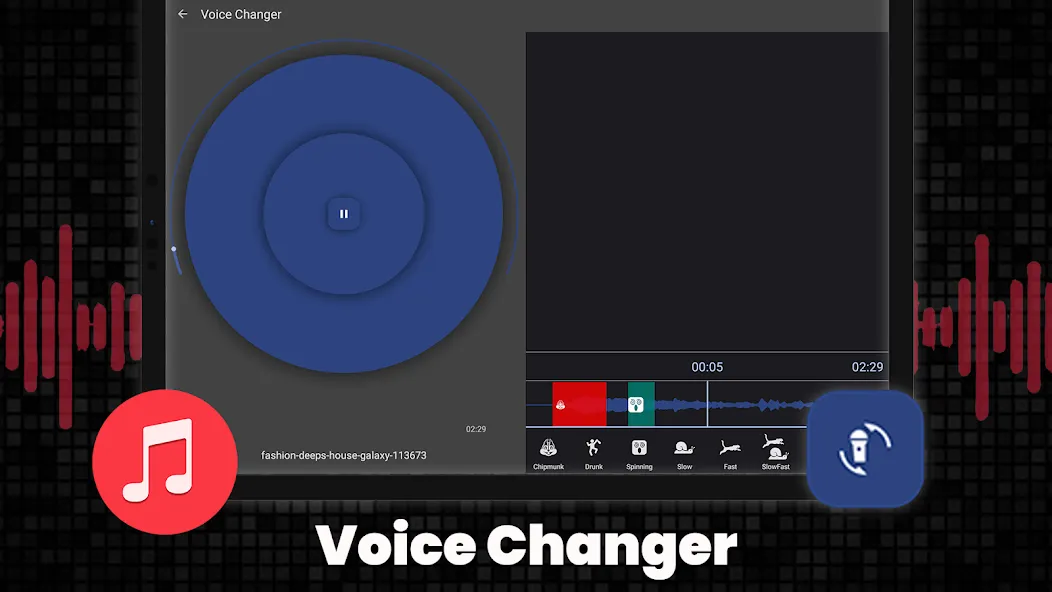
AudioLab is an audio editing tool for Android devices, designed for creating custom audio clips and ringtones. The app features a variety of easy-to-use tools; simply import your own audio material to get started. You can utilize functions such as noise reduction, voice processing, and 3D sound synthesis to craft personalized ringtones. The software supports a wide range of editing operations, including trimming, splitting, merging, and reversing audio, along with various high-quality sound effects. This version also introduces a cloning feature and AI-powered tools that allow for one-tap processing. Additionally, the user interface has been optimized for landscape mode.
Features
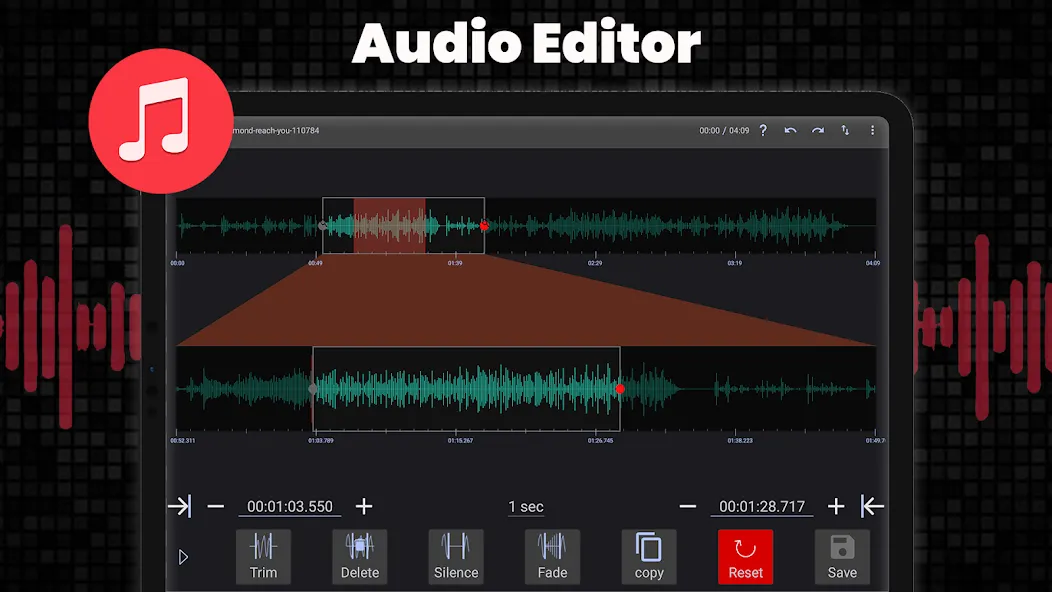
Audio trimming, sound editing, and ringtone creation capabilities.
Advanced features including noise filtering, voice manipulation, and 3D audio effects.
Batch processing options for seamless editing workflow.
Precision cutting tools for creating personalized ringtones.
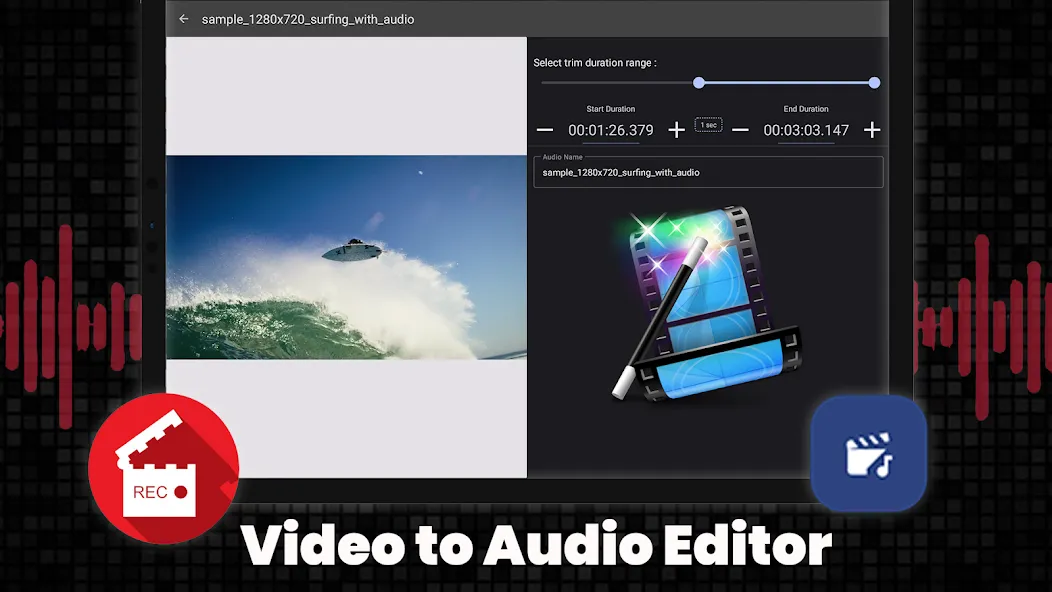
Integrated video editing features for added versatility.
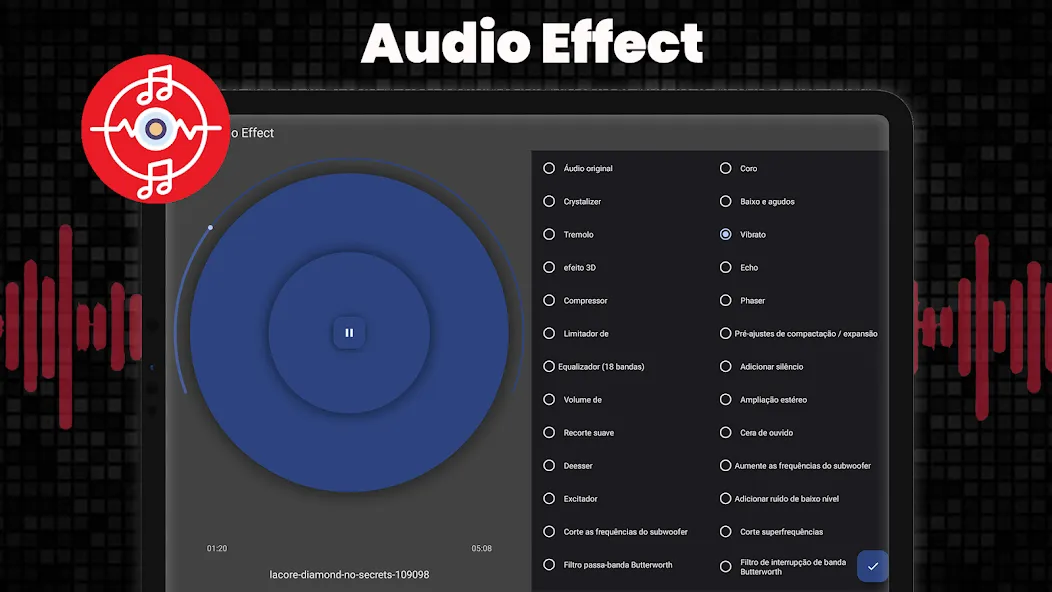
Audio mixing functionalities with a variety of effects.
Conversion tools to transform audio formats without compromising quality.
Highlights
Precise editing tools to trim, cut, merge, and reverse audio: I can freely create and edit audio as I want, such as cutting, separating background music, removing noise, or adding effects without wasting much time. The effort is thanks to this app.
Add effects like echo, reverb, 3D to enhance audio: Add effects to sound? Great! I like this function the most in AudioLab. My music becomes much more professional thanks to effects such as reverb, echo, chorus, flanger… and the usage is also extremely simple, just drag and drop and you’re done.
Real-time preview to monitor all modifications: I can listen to the changes I make immediately, helping me adjust the sound more accurately and effectively thanks to this feature on the application.
Update Log
Added audio transcription feature
Added audio cloning feature
Improved advanced trimming functionality
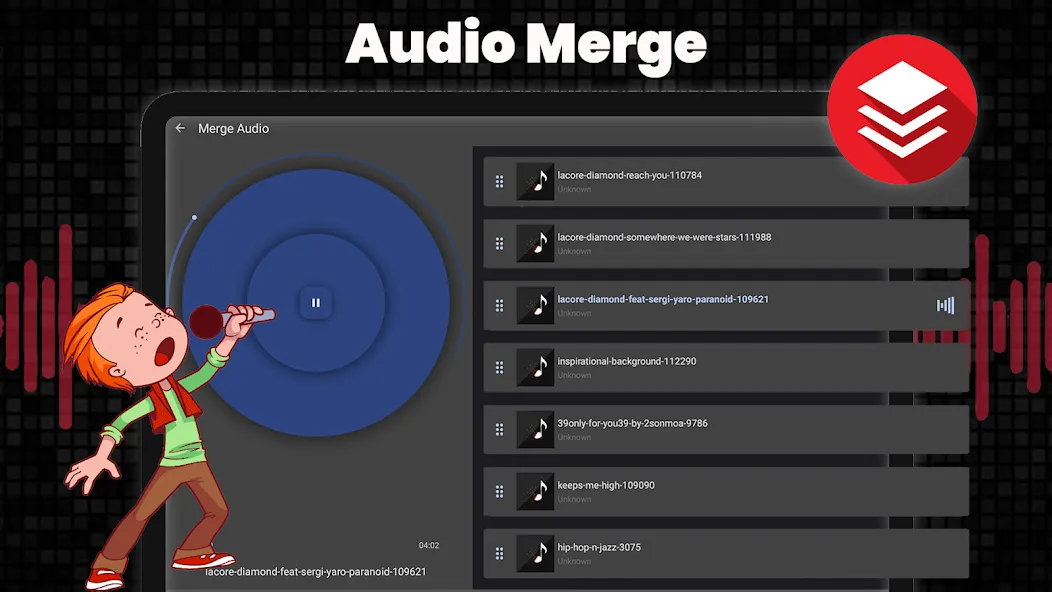
Improved audio merging functionality
Added a search function to the main menu
AI features: vocal removal, multi-track separation, noise reduction, echo cancellation, reverb removal, and key/BPM detection
Improved the audio duplication tool within the trimming feature
Added a mix-down function to the AI track separation feature
Fixed numerous bugs and enhanced performance
Implemented various UI improvements
Optimized the UI for landscape orientation
Pros and Cons
Pros
Audio Cutter allows for the direct creation of ringtones, alarm sounds, and notification tones
Audio Mixer supports the mixing of four distinct audio tracks
Includes features for extracting audio from video, format conversion, compression, and tag editing
TalkBack offers good accessibility for most controls and menus
Cons
The large number of tools and menus can make it time-consuming to locate specific functions
Some advanced processing tools lack clear explanations regarding their actual effects
Summarize
AudioLab stands out as an exceptional choice among audio editors due to its instant preview feature, offering users real-time monitoring of their editing process. The application's intuitive interface and diverse toolset make it a valuable asset for both novice and experienced users seeking to elevate their audio editing experience.