
Background Video Recorder is a video recording application designed for Android devices. The app features a simple one-tap button to start or stop recording, which captures the entire screen of your phone. It supports discreet recording, including a silent mode—where permitted by the device—that mutes the camera shutter sound. Users can also set custom durations for their recordings. The application does not require root access to function. It leverages hardware acceleration for improved performance and includes sensitive audio detection, which can identify loud noises and apply active noise reduction.
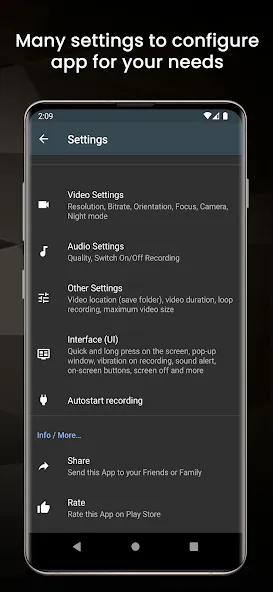
Features
One tap start and stop
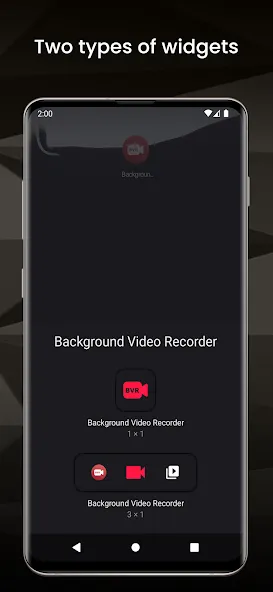
Background Video Recorder offers two app icons. One icon lets you start or stop recording with a single tap, while the other opens the main menu for settings and navigation. Recording runs in the background until you end it, so you can keep using your phone normally.
Quiet recording options
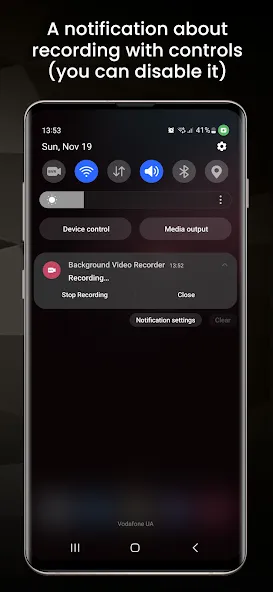
You can turn off app notifications for discreet use, system notices may still appear.
You can enable or disable the camera shutter sound for silent capture when your device allows it.
The app records from the camera only and does not record the screen.
Timed recordings and duration limits
You can schedule a recording to start after a set number of seconds and choose a target duration. This helps when you need a hands free start or want the clip to stop automatically at a certain length.
Video quality controls and device support
After installing the Background Video Recorder APK, you can select resolution based on what your camera supports.
Advanced options include choosing video source, encoder, and bit rate in the sub menu.
Works on non rooted devices and may record phone audio during video if the device supports it.
Known limits include mirrored front camera video on some models and shutter sound that cannot be disabled on certain vendors.
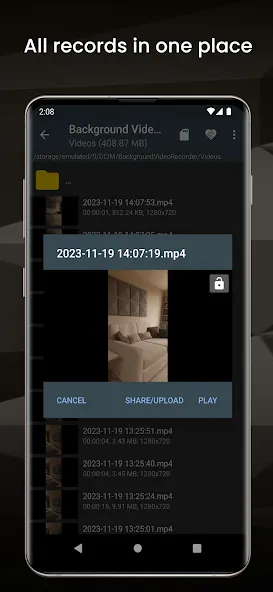
Update Log
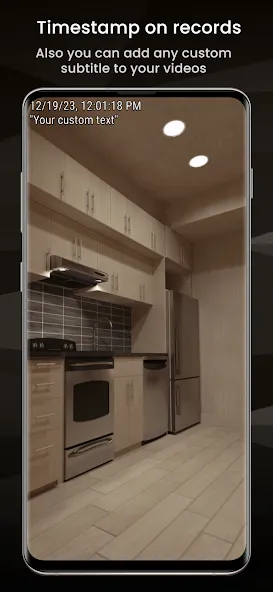
Major update: Added screen recording with annotations, live streaming with remote control, Pro features, fragmented MP4 (no corruption), custom watermarks, What's New page, and standalone beta.
Performance: 45-50% less CPU, 28-33% better battery, 30% less memory.
UX: Cleaner interface, better settings, improved audio.
Fixes: Video corruption, memory leaks, stability.
Advantages and disadvantages
Pros
Records video while the screen is off
Volume buttons and widgets provide quick controls
Broad motion detection and remote-monitoring options
Supports specialized modes such as OCR, slow motion, and dual cameras
Cons
Recording and motion controls can behave inconsistently
Some recordings may stop and restart unexpectedly
Highlights
Energy saving: The application provides features that help you record videos easily and quickly to optimize the life of your device.
Suitable and convenient: Users will not be afraid of having to execute long files because there is support from the application.
Easy sound recognition: The application is extremely sensitive to sounds from outside and notifies you if necessary.
Detect sounds that are too loud: If there are many people around you, turning on the detection feature is extremely necessary.
Summarize
Background Video Recorder turns an Android phone into a screen-off video recorder, motion detector, dash cam, or basic security camera. Its defining trick is continuing to capture footage when the display is closed, with several ways to control recording without reopening the app.