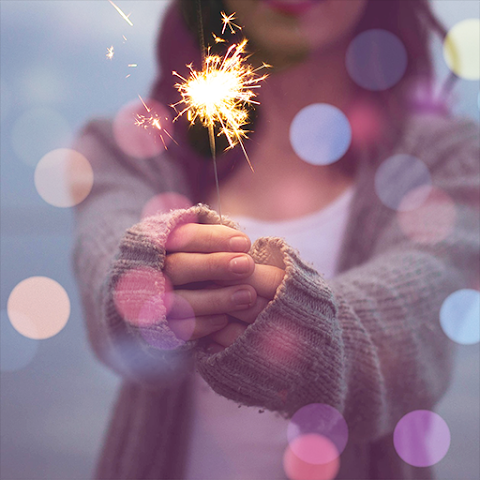
Bokeh Camera Effect is a powerful photography tool. You can customize the save location for photos taken with this app. While shooting, you can incorporate various optical effects—such as light spots (bokeh), star-filter effects, and blurred light—along with a wide range of other filters. Before taking a photo, you can adjust parameters like brightness, sharpness, and contrast. Once a photo is captured, you can use the built-in text editor to add text, emojis, and more. The process is incredibly straightforward: simply select your focus point, choose a blur style, apply a filter, and you’re ready to take your shot.
Function
Select an image from your gallery or take a new one using your camera.
Edit your photos with bokeh effects.
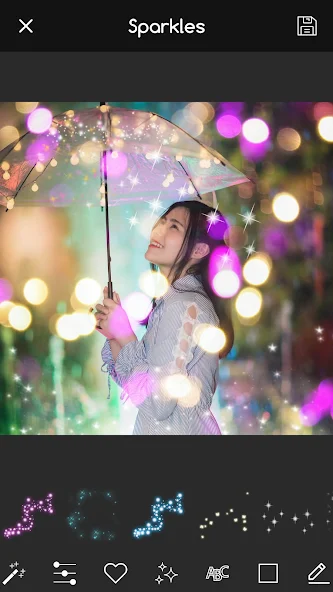
Add various bokeh and lighting effects to your photos.
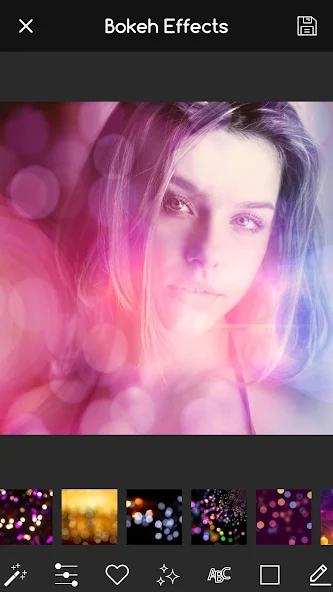
Choose from 50 different bokeh effects, including bokeh lights, heart-shaped filters, blurred lights, heart-patterned bokeh, and lens-style bokeh.
Apply over 23 types of image effects, such as photo overlays.
Use a variety of photo filters, including vintage, retro, black and white, grunge, dramatic, analog, and glow effects.
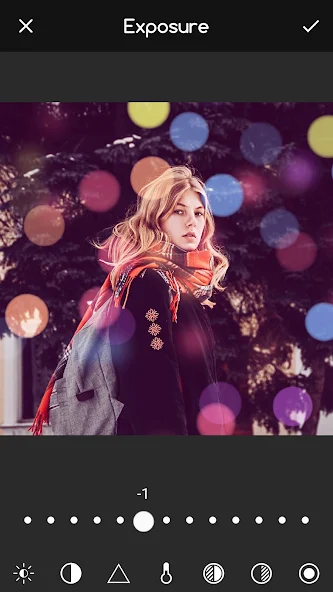
Fine-tune your images with advanced editing tools: brightness, sharpness, contrast, vignette, exposure, saturation, shadows, highlights, and temperature.
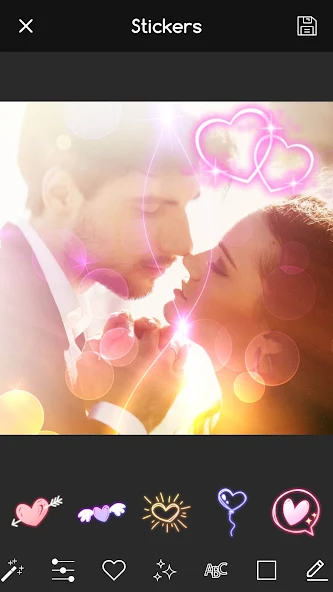
Enhance your photos with an array of stunning stickers.
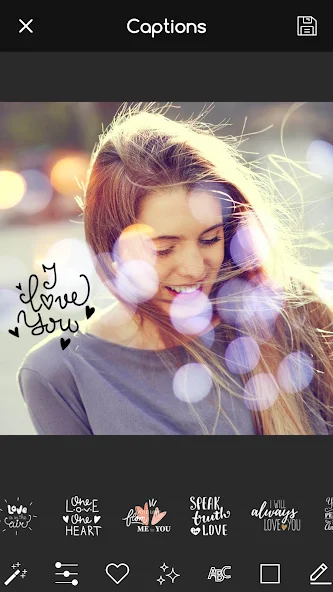
Add text to your images—create text-based memes or customize the added text by adjusting its weight, color, font, and opacity.
Share your photos on social media.
Instantly set your image as a bokeh-style wallpaper.
How to Use
Selective Focus: Choose where to apply focus so that attention goes right where you want it.
Blur Effects: Play around with blur types (like circular or line blurs) until everything looks perfect.
Filter Fun: Add colours and flair using various built-in filters designed especially for bokeh effects.
Easy Interface: No complicated settings here; intuitive controls mean more time shooting great pics!
Tips
Increase the distance between the subject and the background: Position your subject as far away from the background as possible (for example, move them further from a nearby grove of trees or a wall). The greater the distance, the more pronounced the blur effect will be.
Get closer to your subject: Bring your camera or lens as close to the subject as you can. This narrows the plane of focus, which in turn intensifies the background blur.
Incorporate point light sources (in the background): Introduce small, distinct light sources into the background—such as sunlight filtering through the gaps in tree foliage, neon street signs, or strings of Christmas lights—and they will transform into beautiful, soft-edged circles or spots of light.
Summarize
Enhance your photos with the enchanting allure of Bokeh Camera Effect, a compelling application designed to infuse your images with stunning bokeh light photo effects, shimmering glitter, and eye-catching sparkle. The application is tailored for those seeking to add an artistic touch to their favorite photographs, perfect for creating standout profile pictures or mesmerizing wallpapers for your phone.