
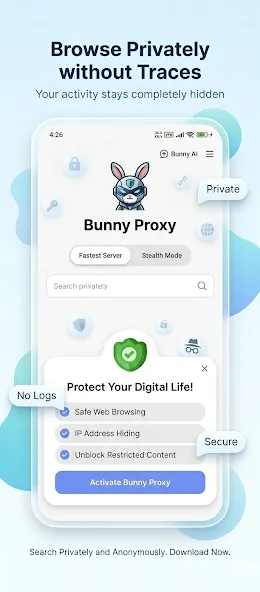
Bunny VPN is a VPN tool for Android devices that allows users to connect to servers located in various countries. By using this software, you can bypass certain geographical restrictions to access forums, news sites, and social networks. It enables anonymous browsing and access, ensuring you don’t have to worry about your IP address being tracked. With this tool, you can enjoy seamless gaming, watch videos on YouTube, and listen to popular songs via various music streaming platforms. You can connect to free VPN servers with a single click; the service utilizes advanced encryption technology and imposes no time limits on usage. Additionally, it allows for the customization of routing ports.
Features
Unblock websites with secure Bunny VPN
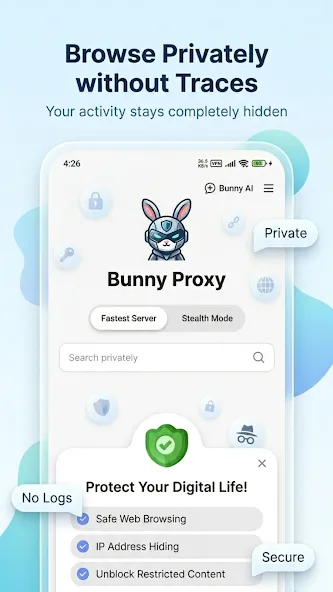
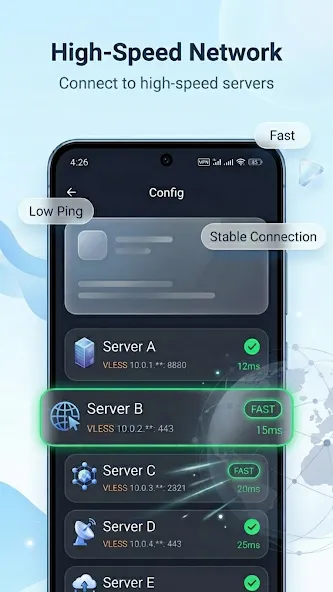
Access favorites sites and apps at stable and fast VPN speed. Connect to Bunny VPN free vpn proxy servers, access geo-blocked content, forum, news, social network, immediately.
Anonymous connection by Bunny VPN
Bunny VPN protects your network under WiFi hotspot or any network condition. You can browse anonymously and securely without being tracked.
Gaming and streaming with Bunny VPN
Stream videos, live sports and TV shows on YouTube, Netflix without buffering. Listen to popular songs on any music player whenever you want. Improve your gaming experience with fast Bunny VPN servers.
User-friendly VPN experience
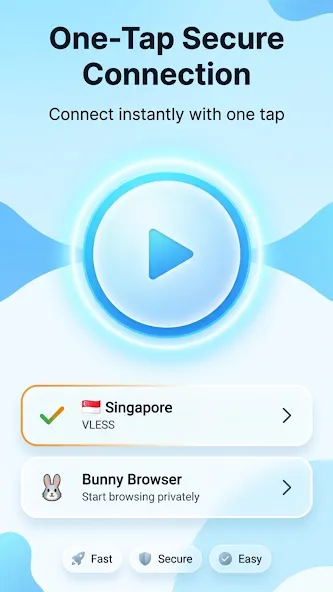
One tap to connect to a free VPN proxy server. Bunny VPN works with WiFi, LTE, 3G, and all mobile data carriers.
Pros and Cons
Pros
Features high-level encryption and a strict no-logs policy; clear value proposition.
One-tap connection, combined with auto-connect and "remember last server" features, ensures a low barrier to entry.
No limits on bandwidth or usage time; the free version is suitable for everyday browsing.
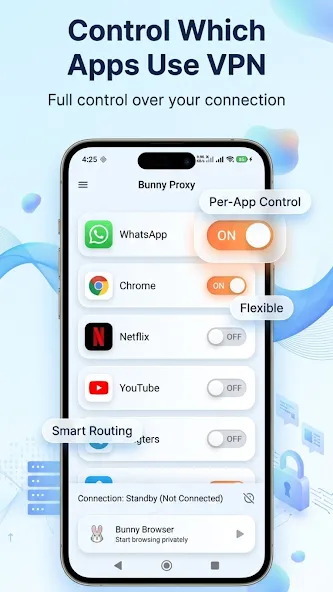
Includes options to manage which apps route their traffic through the VPN.
Cons
Frequent ads can disrupt the user experience, and some ads may be difficult to close.
Limited selection of free servers; may not fully meet needs in certain regions.
Tips
Optimize Connection Speed: Pause downloads, torrents, and background updates. Test your baseline speed without the VPN, then reconnect in the app to refresh the session.
Pick the Right Server & Protocol: Choose a server closer to you with lower load. If speeds drop sharply, switch servers or change connection protocols.
Check for ISP Throttling: If switching servers and protocols does not fix slow speeds, your internet service provider (ISP) may be throttling traffic.
Summarize
Bunny VPN is a very interesting tool, thanks to which you can connect to servers from more than 100 countries around the world. With this app, secure and anonymous browsing is always guaranteed.