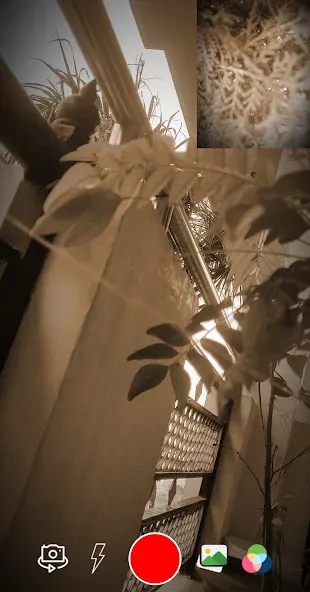
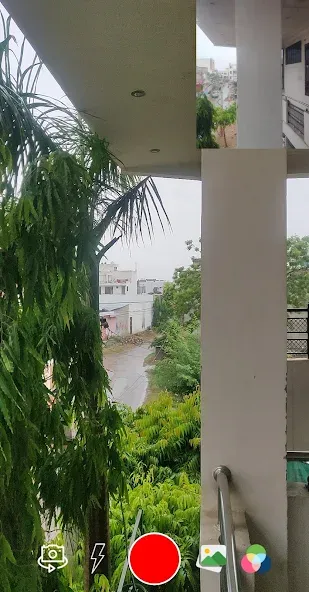
Dual Camera Record is a powerful recording tool that enables simultaneous capture from multiple angles. Users can activate recording mode and switch between the front and rear cameras to record footage from both perspectives, with the option to snap photos instantly. During recording, users can manually adjust settings such as focus, brightness, and exposure. The app supports a picture-in-picture mode, allowing for flexible positioning and resizing of the secondary view; users can also set the timing for when these elements appear. Furthermore, the app offers various video quality options, letting users export their content at their desired resolution. It also supports importing media from your photo library for editing directly within the app. This tool is exceptionally useful for creating content such as travel vlogs, interviews, and instructional videos.
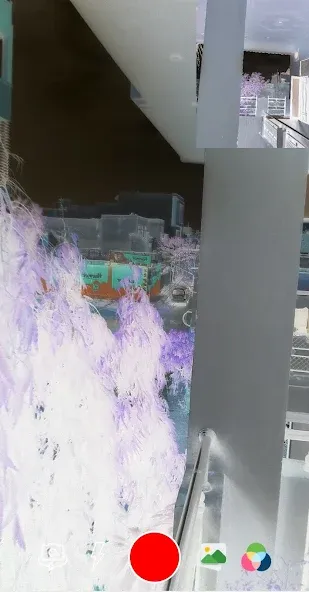
Features
Record front and rear views at the same time for a complete take;
Choose picture-in-picture or split-screen while filming with Dual Camera Front And Back Video;
Grab quick Doubletake shots-selfies or stills-with a tap;
Switch angles on the fly using Double Take without pausing the clip;
Export, share, or upload your Double Camera Video Recording in seconds;
Adjust focus, brightness, and exposure by hand for pro-grade results;
Run in background mode so Dual Camera Record keeps shooting while you juggle apps.
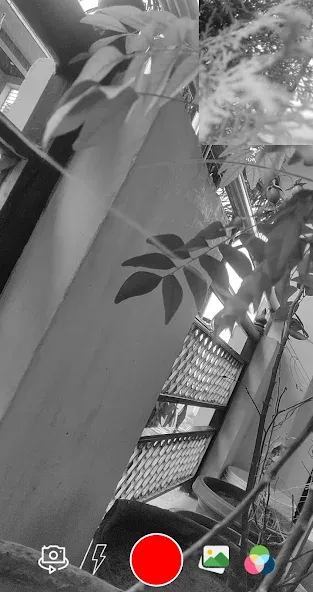
Function
Stack Mode – Place two videos top and bottom
PiP Mode – Overlay one video on another, move and resize easily
Shapes & Border – Customize the PiP look
Delay Control – Set when the second video appears
Music & Sound – Add music and control audio
Text Overlay – Add text with custom styles
Export Quality – Save in 480p, 720p, or 1080p
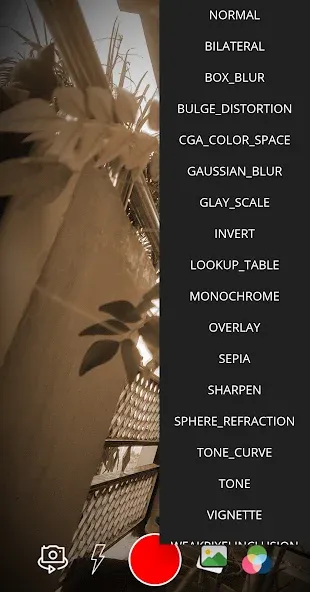
Pros and Cons
Pros
Automatic merging produces combined split-screen videos and photos
Six layout templates for varied framing and corner overlays
Gallery import and 'My Work' folder simplify on-device project management
Cons
Sequential capture may produce timing mismatches for live reaction videos
Only six fixed layouts limit unconventional framing options
Summarize
This app is designed for creators who plan to film in segments and want the final files generated directly on their device; it focuses more on carefully staged scenes than on capturing spontaneous reactions. Consequently, it is well-suited for creating travel vlogs, tutorials, and sequential interviews, but less ideal for capturing time-sensitive, real-time footage. Short previews and test runs are helpful for refining pacing and composition before sharing your content on social media.