
Dual Space is a powerful multi-instance tool that allows users to run multiple instances of the same application on a single device, with all data kept strictly isolated. Game save files and media files remain separate and do not interfere with one another. The tool is specifically optimized for WhatsApp, ensuring that two separate accounts can remain active simultaneously. It also includes a "privacy space" feature, which allows you to hide specific accounts. You can switch between work and personal accounts with just a single tap. The app is lightweight, consuming minimal system resources, and requires no additional system components to be installed.
Features
Parallel logins for social and games
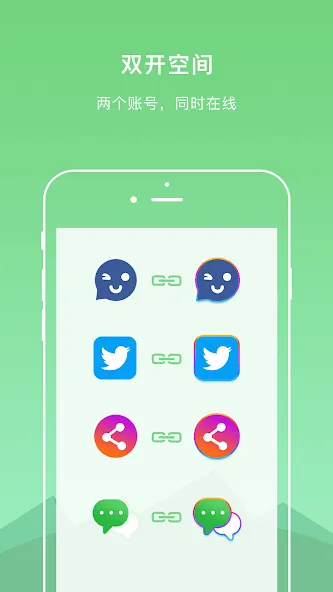
Dual Space runs two instances of the same app at once, letting you sign in with different accounts. Each instance stores data separately, so messages, media, and game saves stay in their own space. Notifications arrive for each login without merging. This setup helps you manage work and personal profiles side by side.
WhatsApp focus with enhanced stability
The app is tuned for WhatsApp so both accounts can remain online in parallel. It aims to reduce common issues like crashes or missed messages seen in some cloners. When combined with proper notification settings, it supports steady background operation. This approach provides a more consistent chat experience across accounts.
Privacy Zone for hidden accounts
Privacy Zone keeps selected accounts out of plain view and avoids traces in common system lists. You can store sensitive logins in this area so casual device checks do not reveal them. Account data in Privacy Zone remains isolated from the main space. This helps limit exposure when lending a device or sharing a screen.
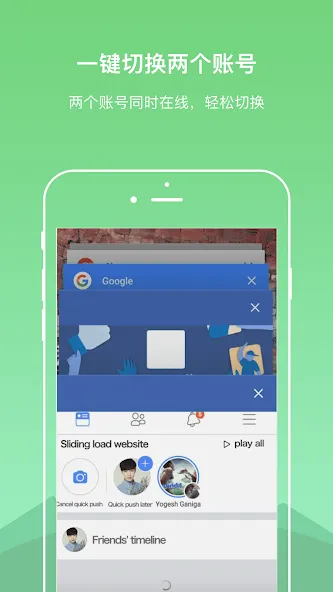
One tap account switching
Switching between identities is designed to be quick. With one tap you can move from a work profile to a personal one and continue where you left off. This reduces time spent reopening apps or reentering credentials. It also lowers the chance of sending messages from the wrong account.
Broad app support with light resource use
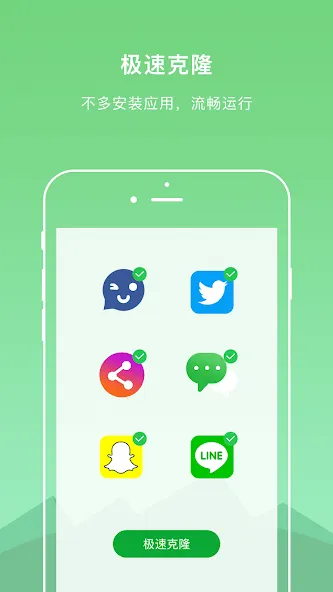
Dual Space supports most top social apps and popular games while keeping clones independent. The cloning process is fast and does not require extra system installations. Resource usage is kept low to help preserve battery life and keep the device responsive. This balance allows multiple sessions without heavy performance impact.
Pros and Cons
Pros
Allows multiple accounts to be logged in simultaneously on a single device, eliminating the need for frequent logging in and out.
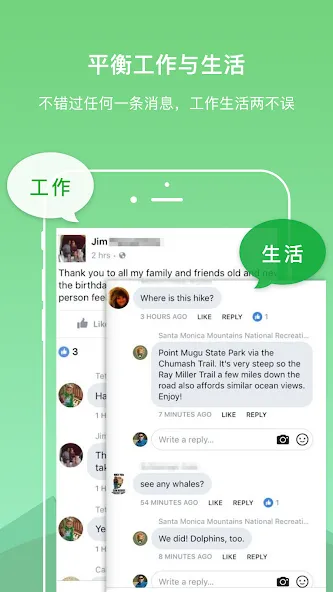
Isolated environments keep instances separate, making it ideal for distinguishing between work and personal use.
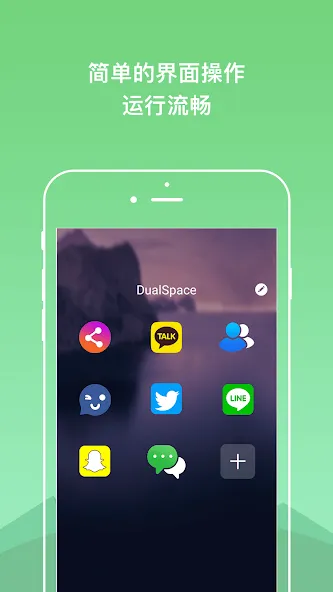
Features a clean, minimalist interface that is easy to use.
Does not require root access.
Cons
Resource-intensive apps running within these instances may experience slower loading times or lag.
Compatibility issues may arise depending on the specific device or Android version.
Tips
Install the original app before cloning: DualSpace is a cloning tool; ensure the target app is already installed on your phone before attempting to clone it. If you uninstall the original app, the cloned version will also be automatically removed.
Use a separate phone number and verification code: When logging into a second social media or messaging account (such as WhatsApp), please use a different phone number capable of receiving verification codes.
Avoid frequent switching between devices and phone numbers: Repeatedly logging in and out across multiple devices (as DualSpace functions as an independent environment) and different phone numbers can easily trigger platform security protocols, potentially leading to your account being banned.
Important Notes
Permissions: We request a wide range of system permissions to ensure that apps cloned within the dual-app space function correctly. For example, if camera permissions are denied, you may be unable to use the camera within a cloned app.
False Positives from Antivirus Software: Because our app requests extensive system permissions, some antivirus programs may incorrectly flag it as malicious. Please rest assured that our dual-app space is completely safe and contains no viruses.
Receiving Notifications: To ensure you continue to receive notifications from your cloned apps, please add our dual-app space to the "whitelist" (or exclusion list) when using memory-clearing or phone-optimization tools.
Summarize
If you have multiple accounts for different needs and purposes and want to be able to access and manage them from a single device, give Dual Space a try. It's easy to use, has wide app support, and just works as intended. Push notifications can work more consistently, though, but aside from that, this one gets a recommendation.