
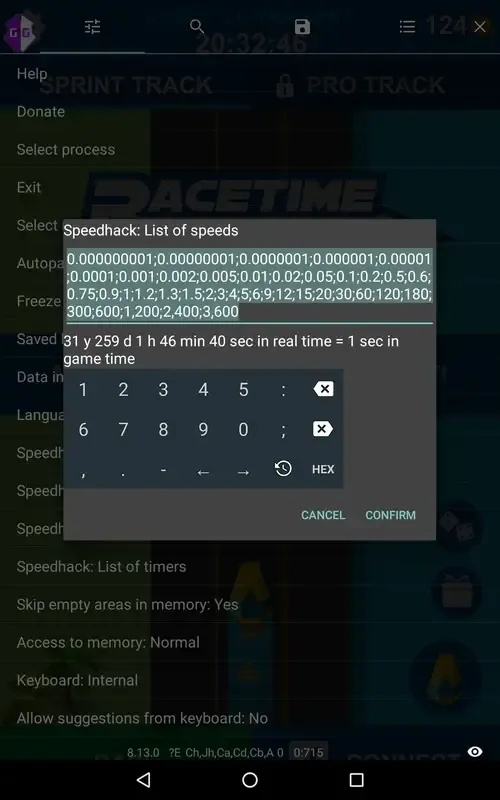
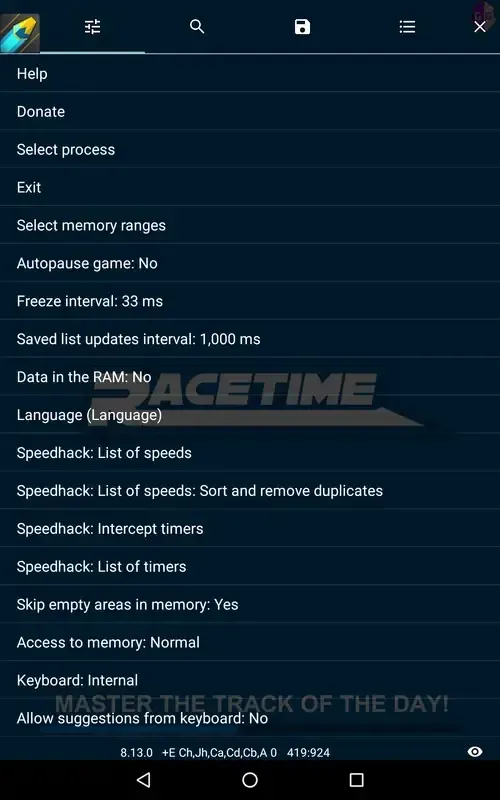
GameGuardian is a game modification tool designed for Android devices. It allows users to search the memory of offline games, enabling them to quickly locate and modify various data types—such as arrays, floating-point numbers, and binary values—within a game. Users can scan for hidden, otherwise inaccessible values and adjust them to suit their preferences. The software also includes a built-in hexadecimal editor, making it easy to enable "god mode" or secure infinite health. It is an excellent tool for obtaining unlimited in-game resources, such as coins, experience points, or high scores. This software serves as a resource for exploring the inner workings of offline video games, intended for educational and collaborative purposes.
Features
Like cheat engine, this app supports many types of research like an array, float, double, binary etc. If you get confused which option is suitable for your value then set it to auto.
There are so many hidden values in a game which are not visible in scan. But this app can encrypt those values so you can edit them.
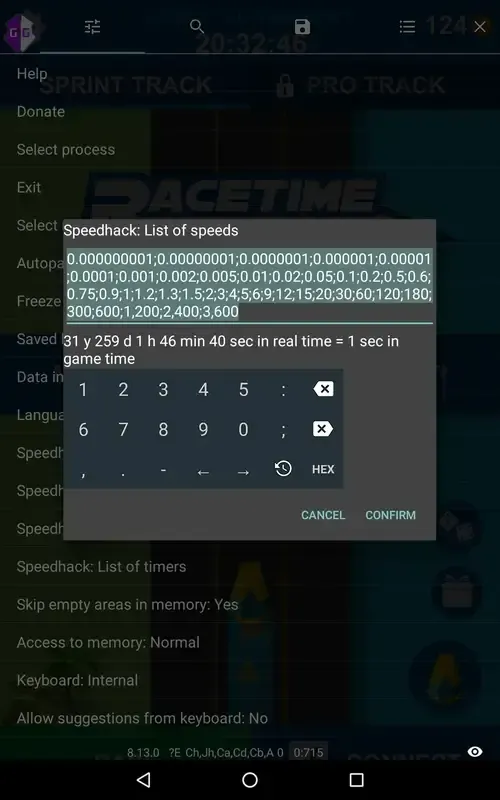
Speed hack is added in the last update it basically helps us to keep the values same before the changes.
You can enter the God mode of any game easily by using a hexadecimal editor. It means you will have unlimited lives and you will not die as God d doesn’t.
It works on all Android phones and BlueStacks or any Android Emulator. This property makes Game Guardian APK stand out from all other apps.
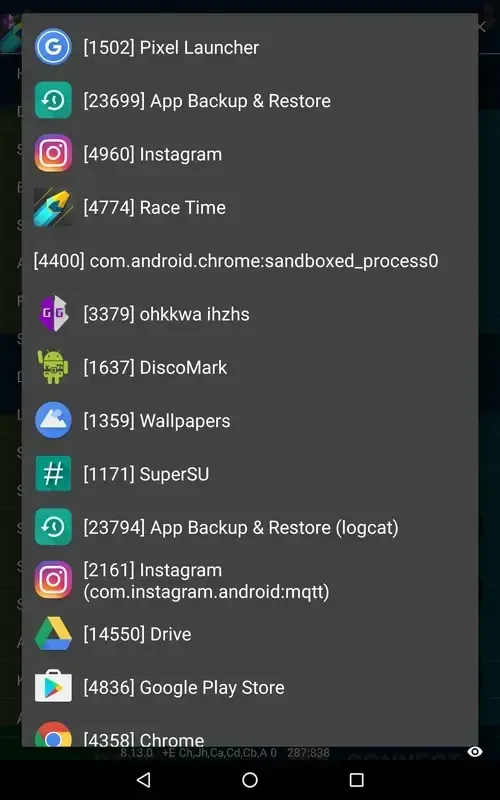
To prevent detection of hacking online android games many changes are made. Stealth App is automatically installed on your phone once install Game Guardian this app is basically a copy of Game Guardian this will surely avoid detection while hacking any game.
This is the best tool to get unlimited money, experience, gems, score etc in your favorite Mobile game.
Advanced filter app in Android for perfect scan results.
Highlights
Unlimited Resources: Modify in-game currency, HP, SP, and other resources to enhance your gaming experience.
Customized Gameplay: Tailor games to suit your personal preferences and playstyle.
Broad Compatibility: Works with a wide range of Android games and applications.
Regular Updates: Frequent updates ensure compatibility with the latest games and Android versions.
Pros and Cons
Pros
Accesses practically any offline game or app
Instructions are fairly easy to understand once app begins working
Free app that doesn't take up much room
Cons
Mobile device must be rooted to use
Any game or app to be changed must be offline
Update Log
Added a guided installer, replacing the old installation dialog with a step-by-step setup process.
Added a notification for when speed control operations are still in progress.
Fixed an issue where game content was visible in uncovered areas near the screen edges.
Fixed an issue where a "previous shutdown" warning would appear after manually closing the application.
Fixed an issue that required a second tap on the system keyboard when switching between prompt lines.
Fixed an issue with a root service on Waydroid that was intercepting (stealing) input events.
Summarize
Download GameGuardian if you want to explore the ins and outs of your favorite video games. While it is true that the most common use of the app is to unlock tricks and cheats in general, it also allows you to explore the inner workings of video games and apps in a simple and accessible way, which very few other apps offer.