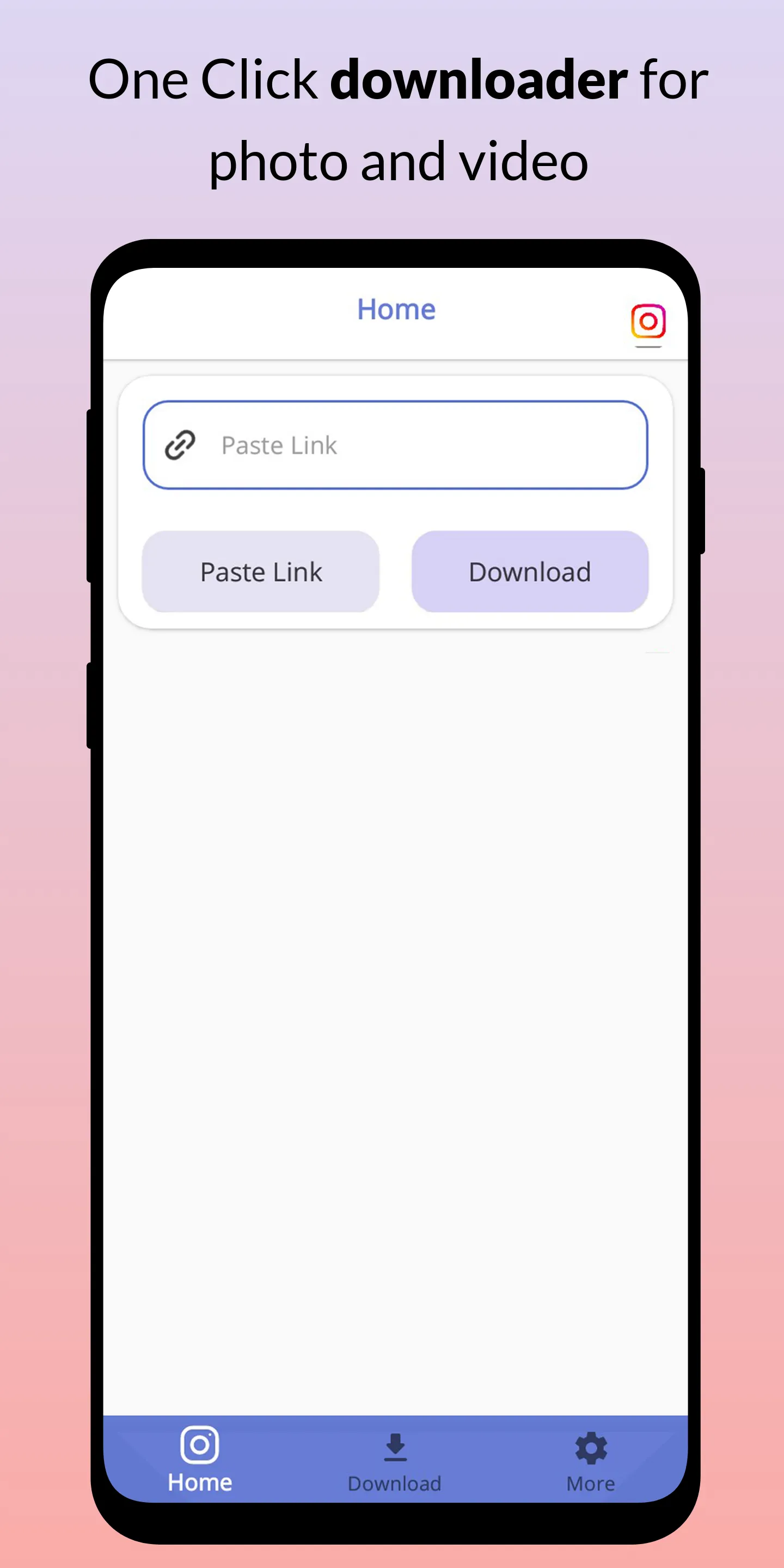
Inst Saver is a video utility tool for Android devices that allows users to efficiently download high-quality videos from Instagram. The process is straightforward: simply locate the video or story you wish to download, tap the share button, copy the link to your clipboard, return to the app, paste the link into the designated field, and tap the generate button. You can easily select your preferred video quality and format directly on the screen. The app supports high-speed, multi-threaded downloads, contains no hidden fees, and automatically removes watermarks while preserving the original video quality.
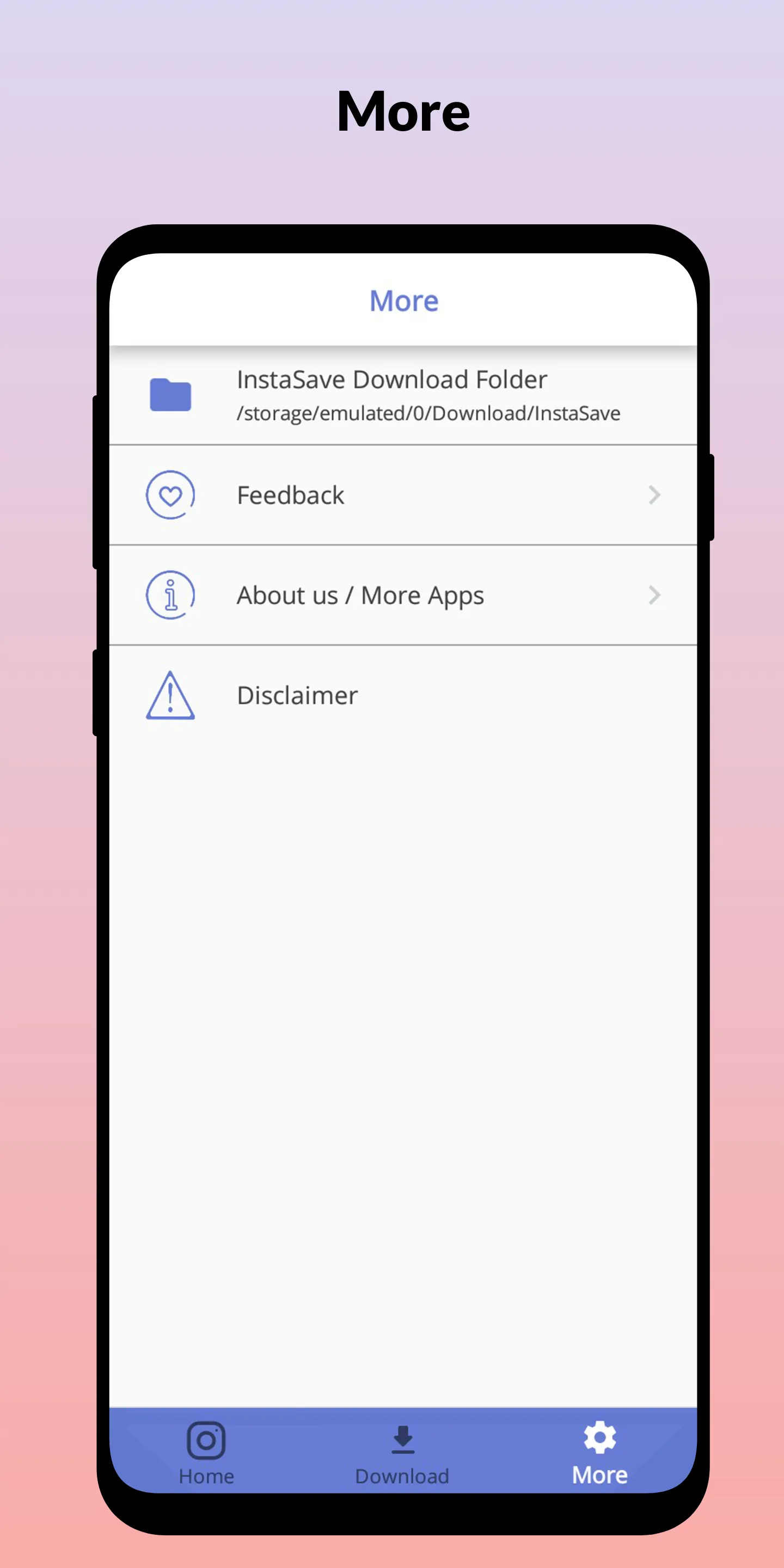
Features
Video Downloader - Quality video download from insta/IG fast and quick.
Image/Photo Downloader - Store the photos and images of your loved ones in the local storage.
Single click - image and video download faster and quicker in a single touch. Story saving can also be done with story saver feature.
Share - Sharing is the best policy. Fast and quick sharing of all image and video from insta/IG to anyone you desire.
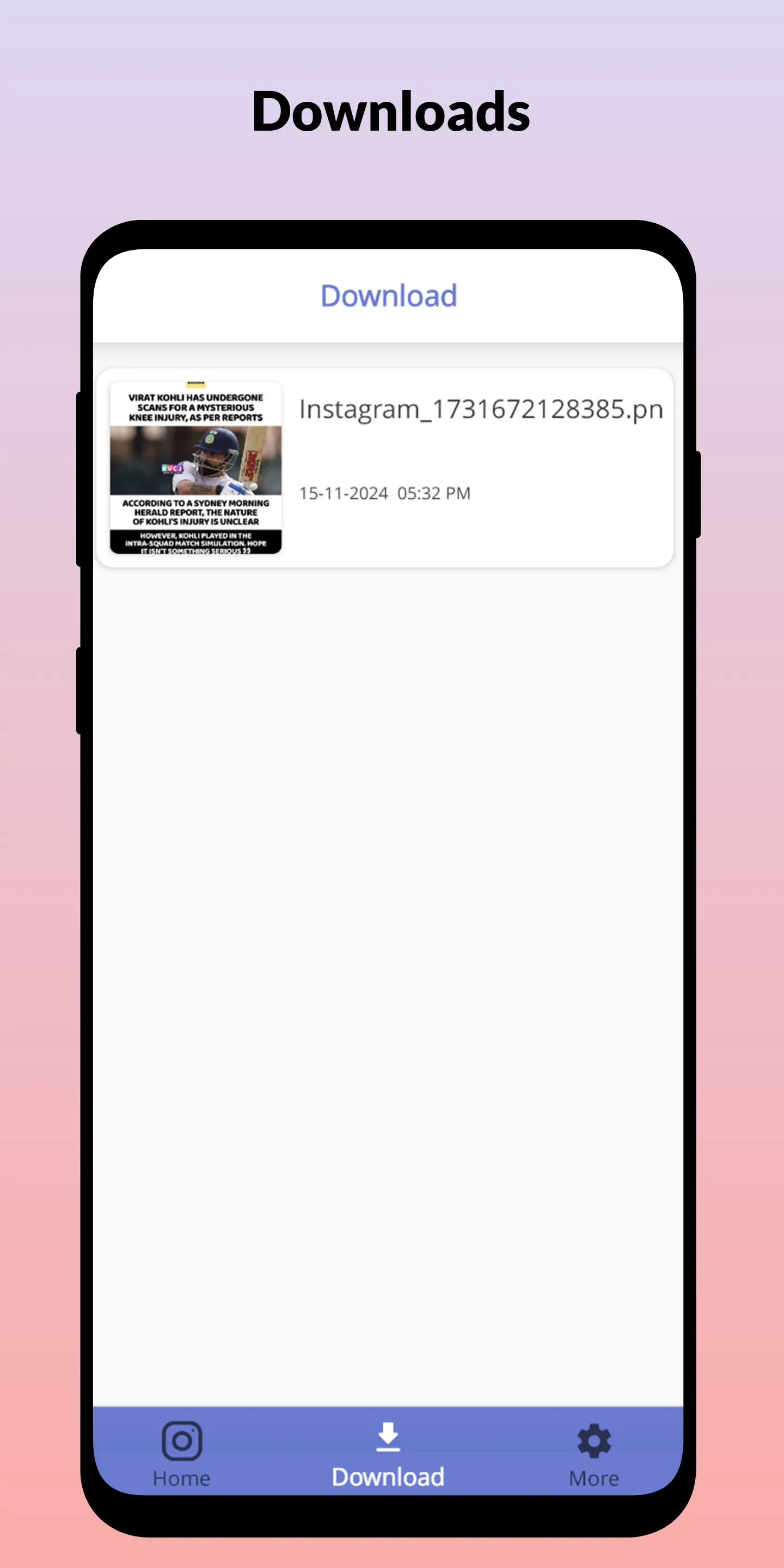
Recent image and video download - Track the image and video downloaded, separately using Instant Saver - fast and quick's amazing UI.
Auto download On/Off - The conservative design of Instant Saver - fast and quick helps to only use the app when needed. Allowing you full controls over image and video download.
Real-time notification - Get notified as soon as the image or video download starts and finishes. And Instant Saver -fast and quick can be accessed from notification panel with ease.
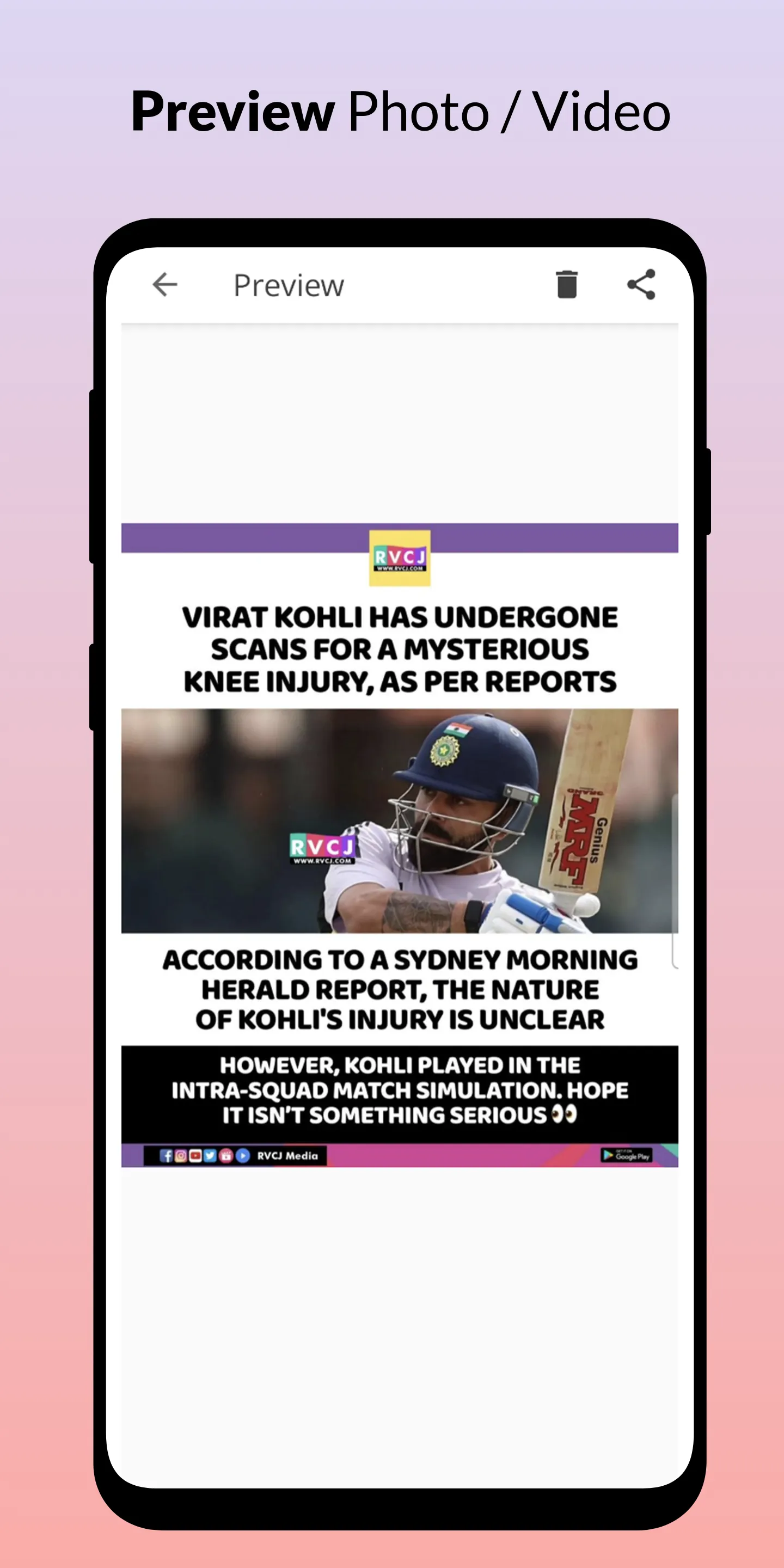
How to Use
Open your Instagram app and find the video, story, or post you want to download.
Click on the options icon and find the share option.
Copy the URL of the post to your clipboard.
Get back to the Inst Saver Apk, and on the homepage, you’ll blank area to paste the link.
Paste the link and click on Generate button.
Download options and quality preferences list will be available on your screen.
Select your desired quality/formats and hit the download button.
It will download your file within seconds.
FAQS
Is Insta Saver really free to use?
Yes, absolutely! Insta Saver is 100% free with no hidden costs, subscriptions, or download limits. Every feature you see—from HD downloads to audio extraction—is completely free, and it always will be.
Do I need to install anything on my device?
Not at all. Insta Saver works entirely in your browser—no apps, no extensions, no software. Just open the site, paste your link, and download. It works on any device with internet access.
Will my downloads have watermarks?
No. Everything you download through Insta Saver stays exactly as it appears on Instagram—no added watermarks, logos, or branding. We keep the original quality intact.
Summarize
Inst Saver is a good tool for private users and social media managers, allowing them to grab all content from the social media platform. From wall posts, stories, to even IGTV content, all materials can be downloaded easily. Additionally, the app offers almost everything you need: from background downloading, social media integration, to an in-app video player. This is a useful tool for frequent content downloaders.