KineMaster is a powerful video editing tool featuring an AI assistant designed to help users handle complex tasks. Users can import photos into the editing timeline, remove backgrounds from subjects with a single click, and apply dynamic tracking to attach stickers or text to those subjects. You can also save your own editing workflows as reusable templates and incorporate a vast library of built-in assets. The software supports multi-layered stacking of videos, photos, and GIFs, and handles high-definition output at up to 4K resolution and 60 FPS. Using KineMaster allows users to significantly boost their productivity.
Features
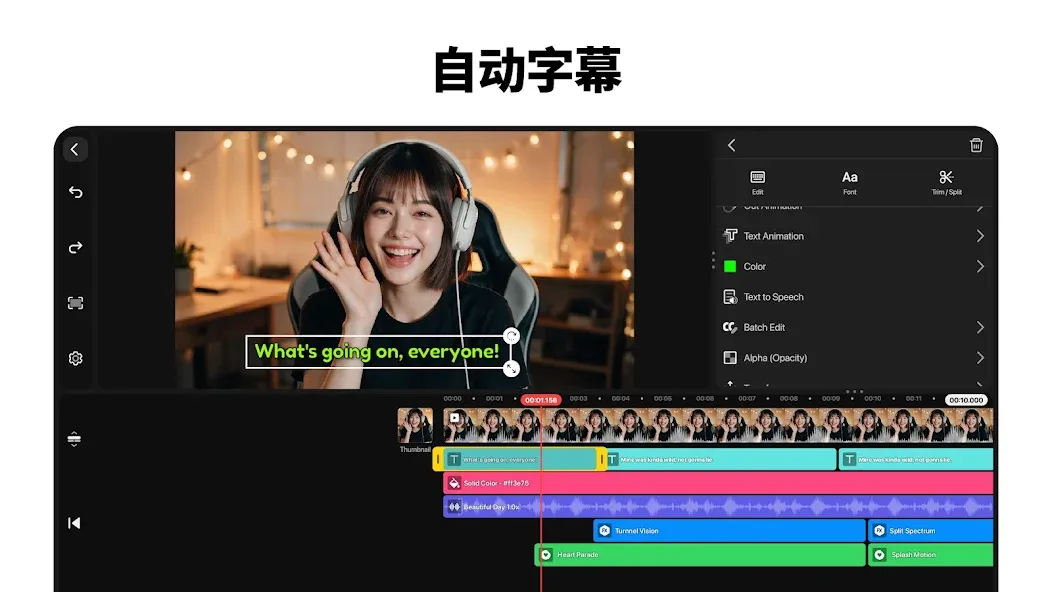
AI tools that handle the hard parts: Auto-generate captions, convert text to speech, try fresh AI voices, get quick music matches, clean up noise, and even split songs into vocals and instrumentals.
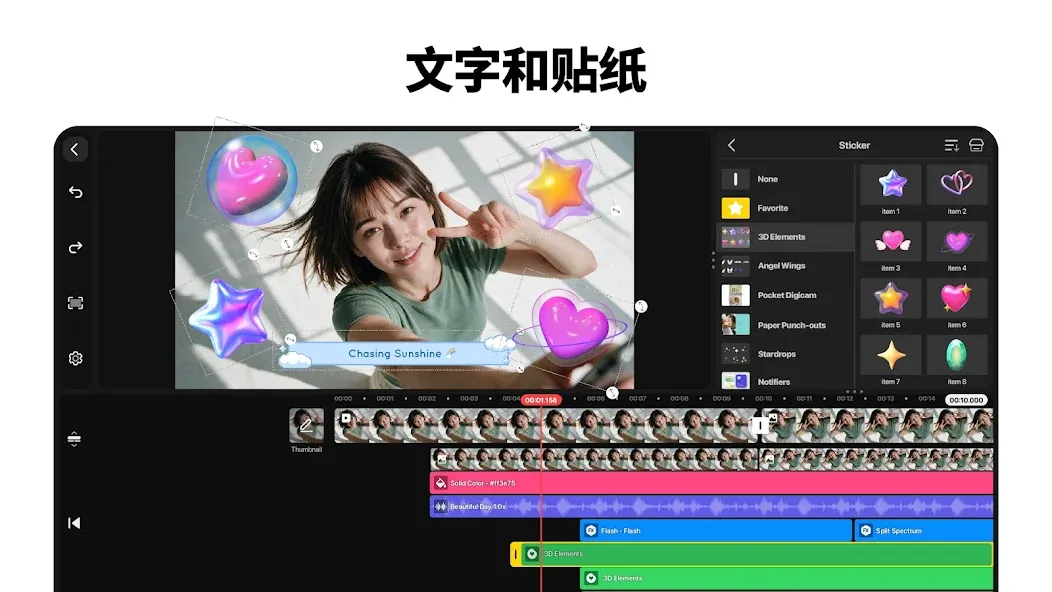
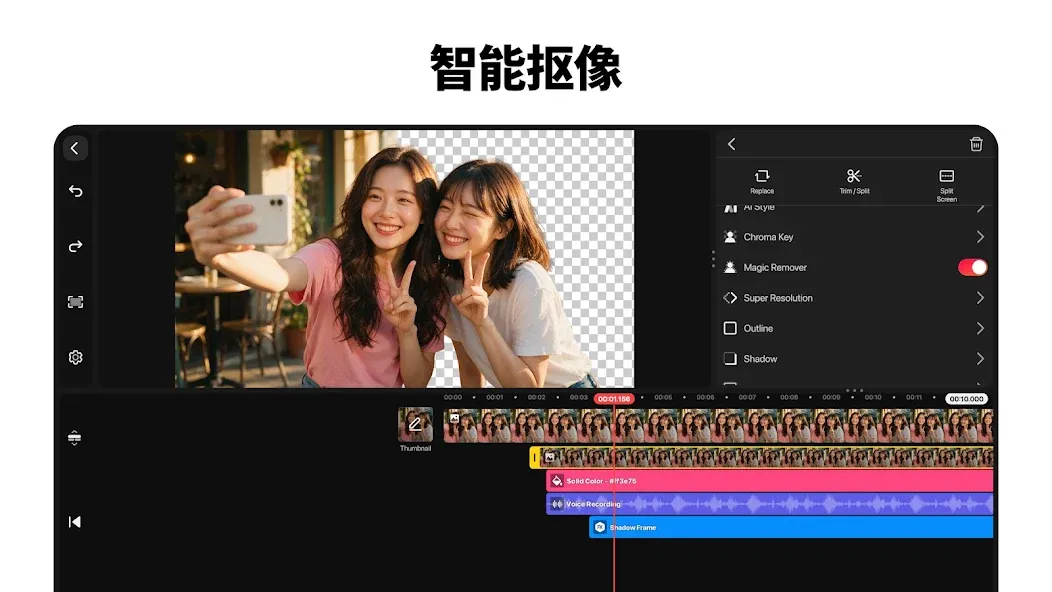
Backgrounds, tracking, and style: Remove backgrounds around people in a tap, lock text or stickers to moving subjects with tracking, and add artistic AI styles for instant personality.
Keyframes and precision controls: Animate any layer’s position, size, and rotation, and fine-tune speed for slow-mo, reverse, or time-lapse looks that feel just right.
Green screen like a pro: Use chroma key to replace backgrounds and blend scenes convincingly without complicated setups.
Templates that jump-start ideas: Pick from thousands of ready-made projects, swap in your media, and let AI suggest templates that fit your next video.
Function
Mix for shareable templates: Turn your project into a reusable template to keep a series consistent—or share it with other KineMaster creators.
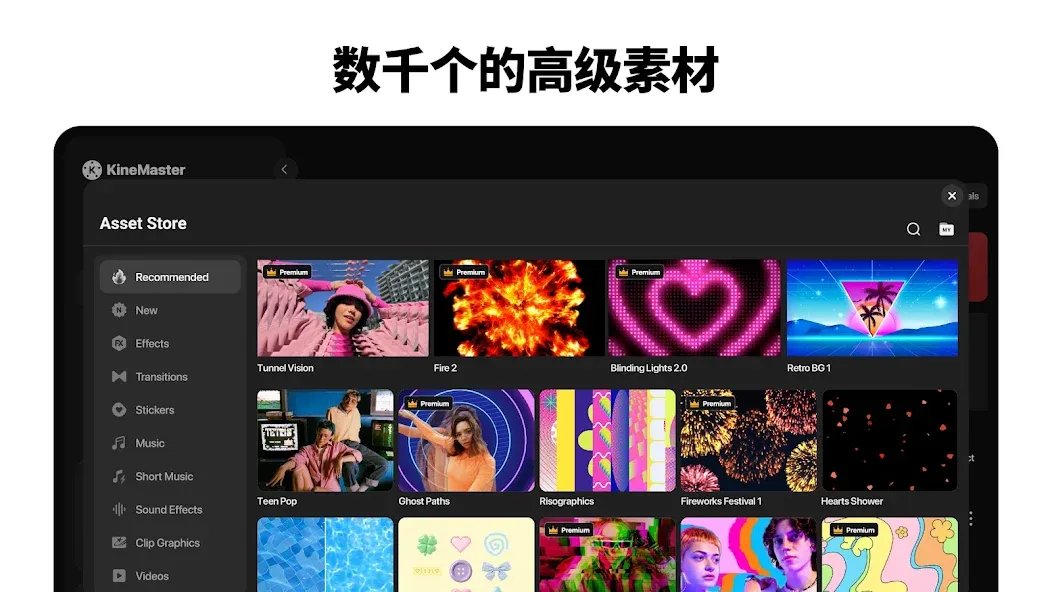
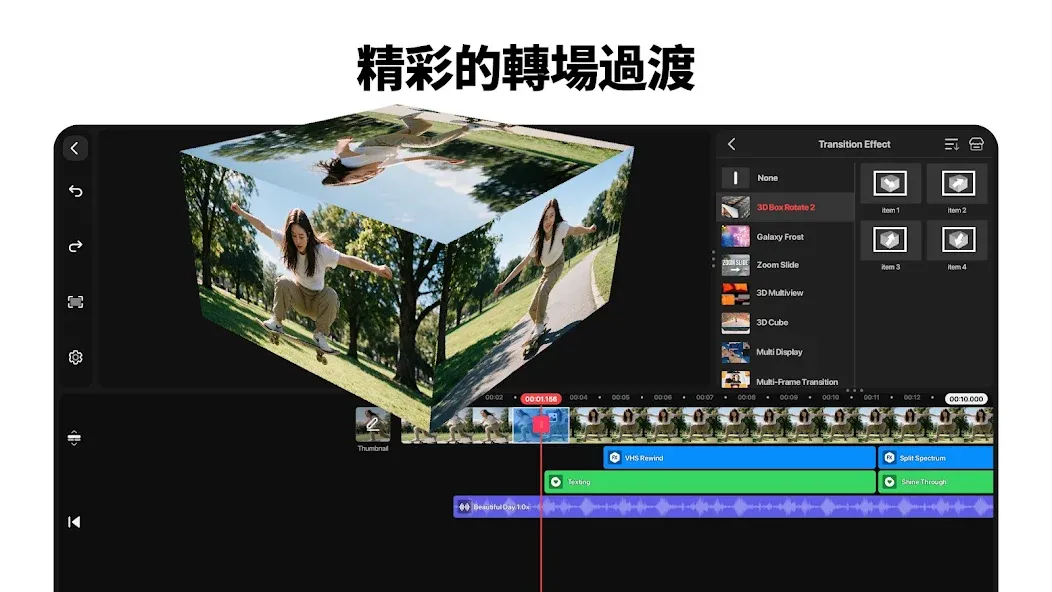
Massive asset library: Browse effects, transitions, stickers, clip graphics, fonts, color filters, and a big collection of stock footage and images to finish fast.
Crisp exports your way: Go up to 4K at 60 FPS, choose lighter sizes tuned for social platforms, or export with transparent backgrounds for clean compositing.
Rescue low-res footage: Boost clarity with AI upscaling so older clips look sharper alongside new shots.
Built for smooth editing: Stack multiple video, photo, and GIF layers; edit in portrait or landscape; snap precisely with magnetic guides; and preview full screen before saving.
Work across screens: Back up with KineCloud to pick up later, take advantage of tablet and Chromebook support, and speed up workflows with multi-selection to align, duplicate, or move layers together.
How to Use
Open the app and create a new project, then choose the screen format that fits the video you are making.
Add video clips or images to the timeline, arrange them in order, and trim each section so the main content appears when needed.
Add text, audio, stickers, effects, or extra video layers where they support the message of the video.
Use the preview to check timing, captions, sound levels, speed changes, and transitions, then make corrections with undo or direct timeline edits.
When the project is ready, select an export setting that suits your destination and save the finished video. KineMaster supports exports up to 4K at 60 FPS and can create videos with transparent backgrounds.
User comments
This is the most versatile, comprehensive, and professional tool for editing and layering videos and images. I’ve tried about ten other apps, and none compare to this one. Other apps at a similar level either fail to export directly to MP4 format or impose restrictive limits on video length and resolution. Do note, however, that you’ll need a high-performance phone; otherwise, the app might crash or force a restart—though it might still work if you're lucky. Thanks to the developers—keep up the great work! Highly recommended.
Extremely useful and easy to use. I use this app for all my video editing. There aren't too many ads, it works offline, and it includes a great selection of music. Highly recommended!
It’s a fantastic tool, though there are still some techniques I haven't quite mastered yet. I hope to learn how to use those features so I can tackle more advanced editing techniques.
Summarize
When it comes to video editing, KineMaster stands out from the competition due to its range of features that allow for professionals edits on smartphones. If you’ve been looking for an app to enhance your creativity, this is a great choice.