
LightWorks is a powerful editing tool organized into four distinct sections, the functions of which users should familiarize themselves with. These sections encompass collections, tags, asset matching, and a single-panel interface. Users begin by importing media to work within a multi-track timeline, which also supports multi-camera editing. The software includes a suite of integrated visual effects—such as color grading tools—that can be applied to imported footage, allowing for flexible, creative editing. It supports exports in 720p resolution and PNG format, facilitates input and output via professional hardware, and provides an API for further integration.
Features
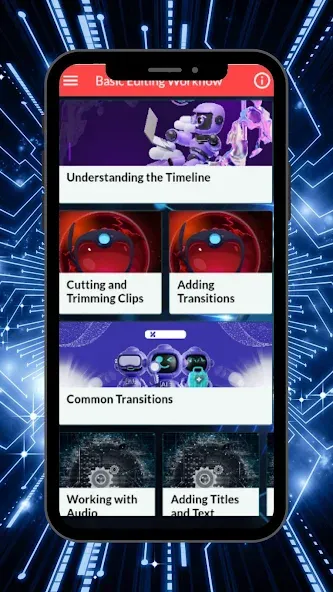
Media & Project Tools: Features a 4-section Content Manager for collections and tags, single-panel conform and relink tools, and comprehensive project archiving/backup.
Timeline & Trimming: Includes a rebuilt multi-track timeline with master track controls and independent heights, alongside an upgraded trimming model, multicam editing, and custom snap/sync tools.
Audio & Effects: Offers a unified audio mixer with hardware controller support, real-time visual/color effects (LUTs, masks, 3D transforms), and NewBlue TotalFX integration on the Pro tier.
Export & Integration: The Free tier supports 720p H.264/MPEG-4 exports, while Create and Pro tiers scale up to 4K/8K, stereoscopic 3D, professional hardware I/O (Blackmagic Design, AJA), and a REST API.
Advantages and disadvantages
Pros
Wide variety of tools and functions
Supports SD, HD, and 4K video
Supports multiple file formats
Provides professional and flexible editing capabilities
Cons
May be too complicated for amateur users
Free version is limited in features and time-locked for seven days
How to Use
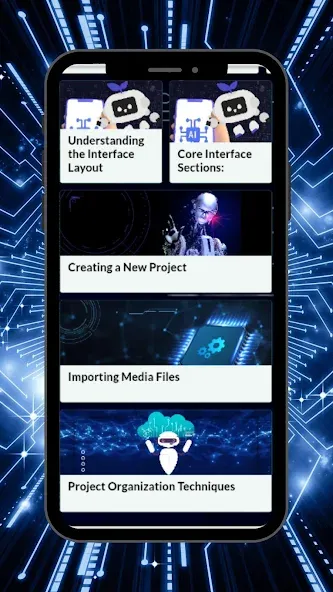
Previewing Footage: Double-click a clip in the Viewer window to play and preview it, then mark the In and Out points.
Adding to the Timeline: Drag or insert (Insert/Replace) your selected clips into the sequence on the Timeline below.
Basic editing: Use the "Trim" tool to shorten the duration of footage clips.

Summarize
Lightworks has spent over thirty years carving out a reputation as a powerhouse in the multimedia video editing world. Whether you are a total beginner making your first cut or a seasoned professional, this software provides a unique journey that evolves alongside your growing skills.