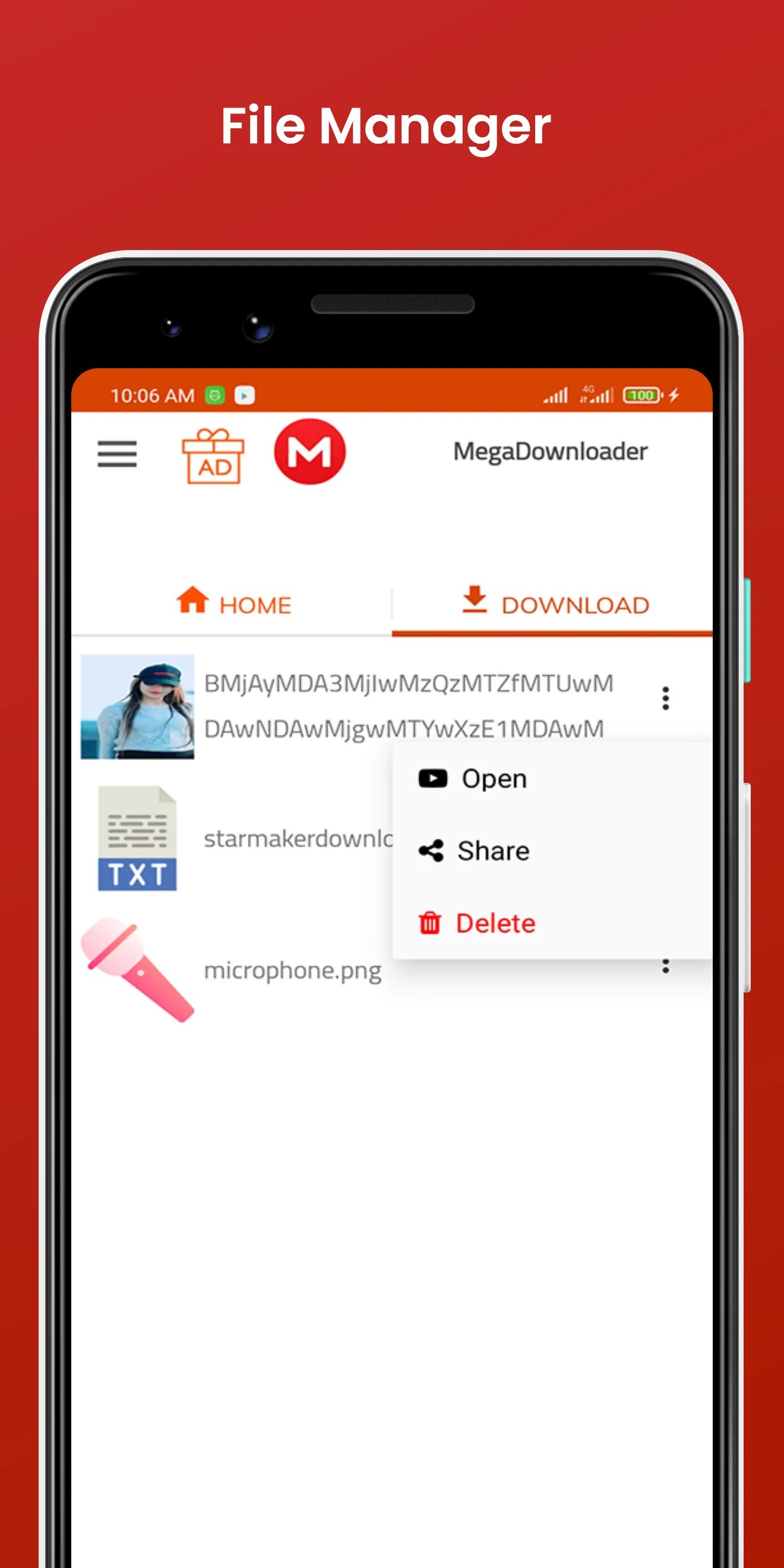
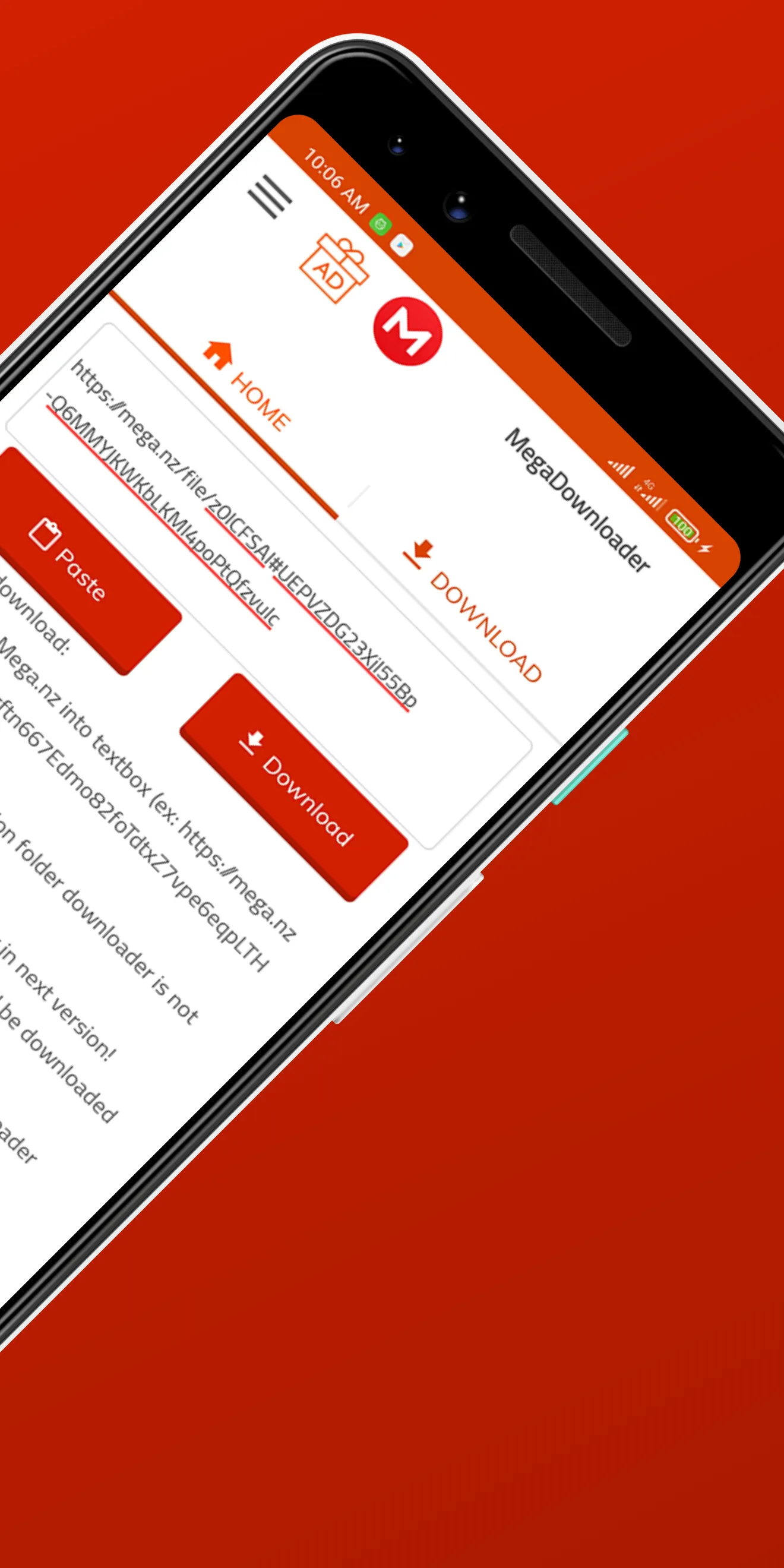
MegaDownloader is a powerful video downloading application. Users first need to obtain MEGA links from various media platforms; the software automatically detects these links in the user's clipboard and adds them to the download queue. It supports multi-threaded downloading, with options for users to pause, resume, or stop downloads at any time. The application can also automatically extract compressed files and supports remote control for certain external servers. There are no file size limits for downloads, and downloaded files can be stored in the cloud or shared with others.
Function
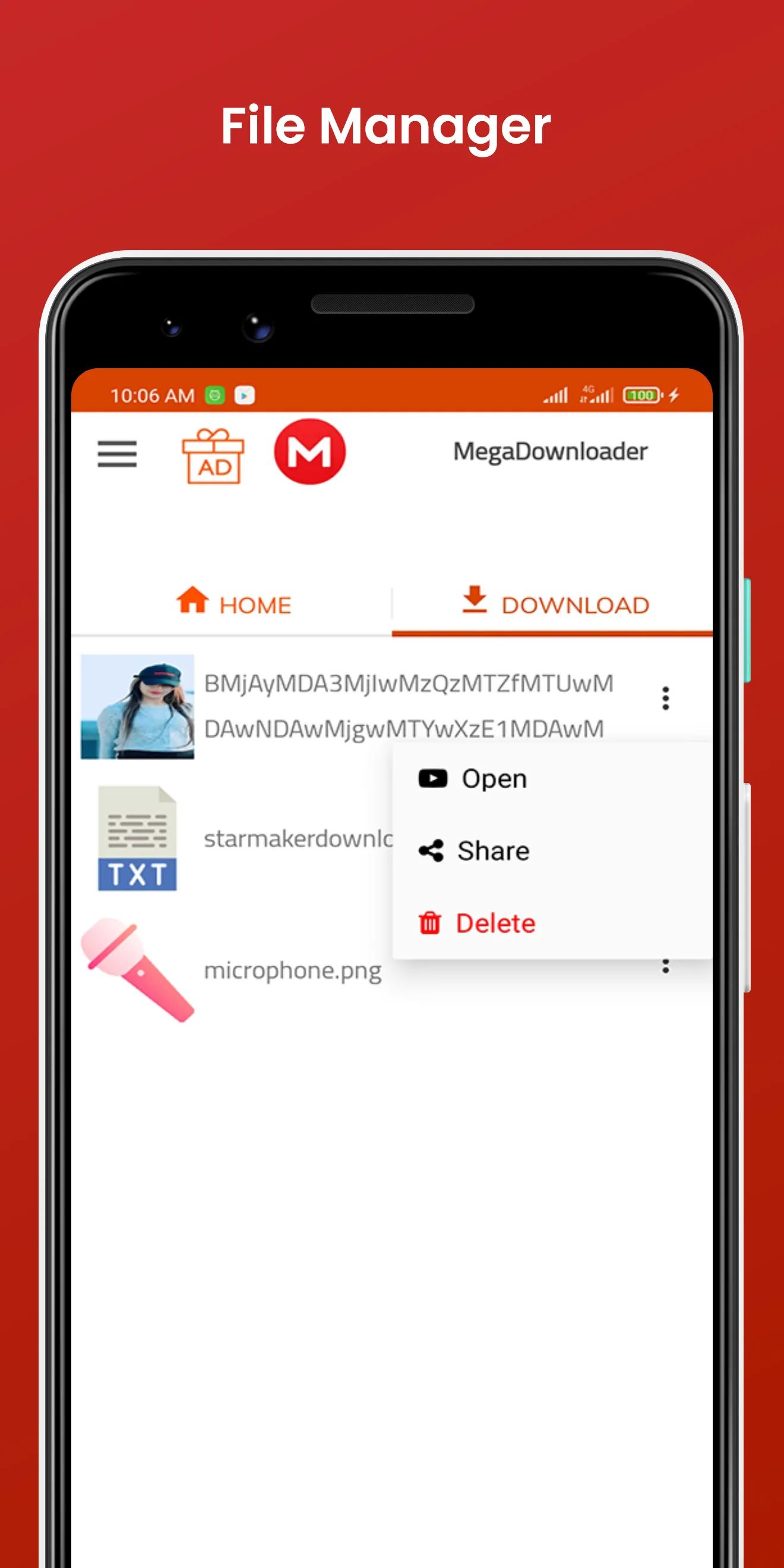
Automatic Clipboard Monitoring: Automatically detects MEGA links when copied and adds them to the download queue.
Multi-file Synchronization and Segmented Downloading: Supports simultaneous downloads of multiple files, as well as resume-from-checkpoint functionality (pause, resume, and stop).
Bandwidth and Speed Management: Allows for custom speed limits to prevent downloads from consuming your entire network bandwidth.
Automatic Decompression: Automatically extracts downloaded files in formats such as RAR, ZIP, and 7z.
Remote Control: Includes a built-in, lightweight web server that enables remote control.
Bypassing Web-based Restrictions: Helps circumvent or mitigate the hourly data transfer and download limits imposed by the MEGA web interface.
Features
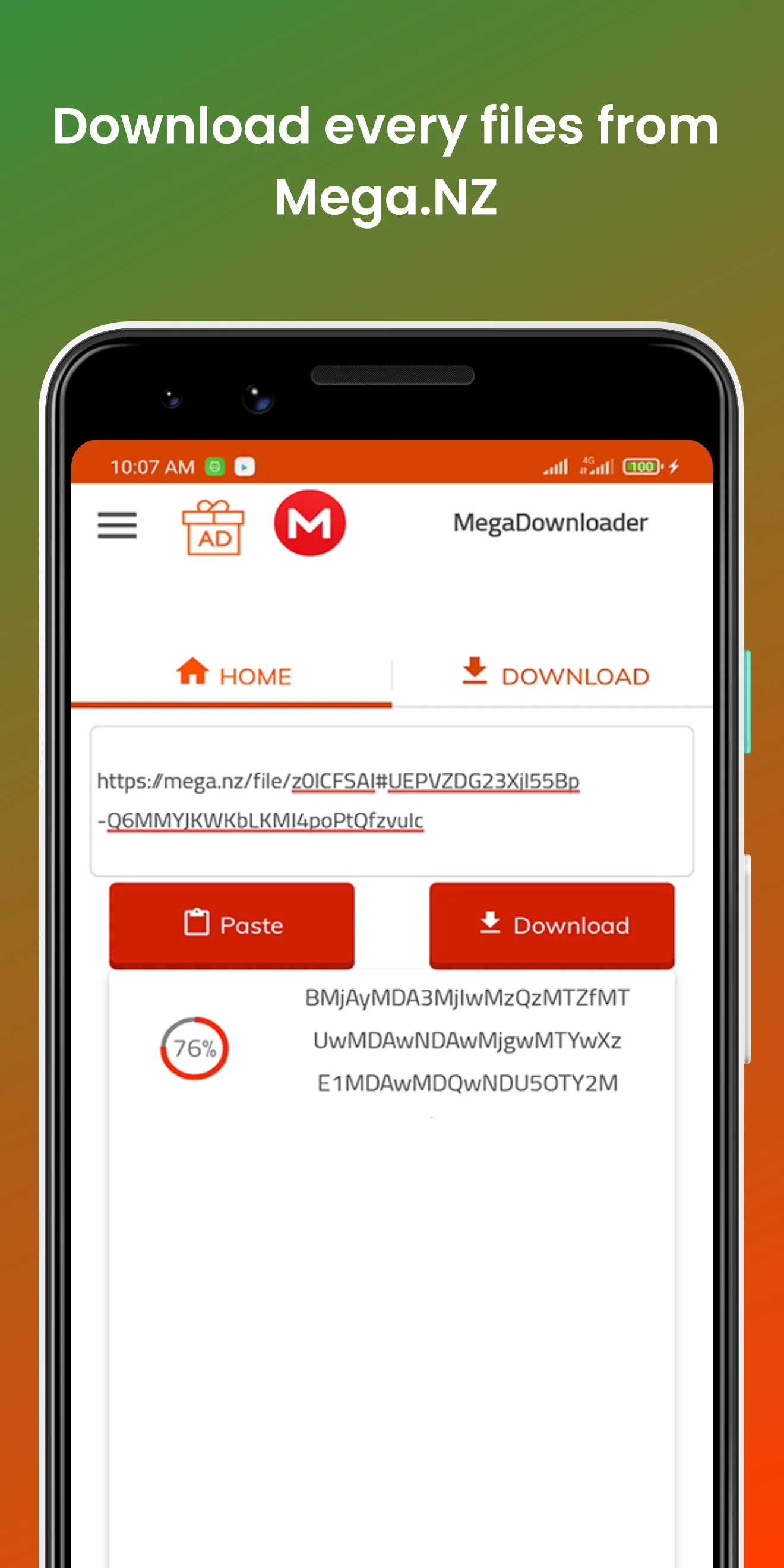
Fast download speeds that keep pace with your Internet connection
Automated download of files of all sizes, ranging from kilobytes to several gigabytes
File versioning capabilities for easy reversion to older copies
Support for parallel downloads for organizing numerous files
Optional segmented downloads allowing you to selectively boost download speeds even faster
Advantages and disadvantages
Pros
High-speed downloads with support for parallel and segmented downloading—ideal for handling large volumes of files.
End-to-end encryption for files, messages, and calls, with a focus on key-based data protection.
Integrated cloud storage, file sharing, version control, and communication tools, streamlining team collaboration.
Free to use with over 50GB of storage, plus referral rewards and options to upgrade to a PRO plan.
Cons
Requires account registration before use, which may be inconvenient for those who just want a quick trial.
Language settings cannot be changed directly within the application; they must be adjusted via the computer's system settings.
Summarize
MegaDownloader is a powerful video-downloading application tailored for Android users, offering an efficient way to download videos from a variety of sources. This free utility provides ultra-fast download capabilities, ensuring that users can quickly obtain their favorite content without long wait times. The app’s advanced technology optimizes download speeds, making it an ideal choice for users who prioritize efficiency when consuming media.