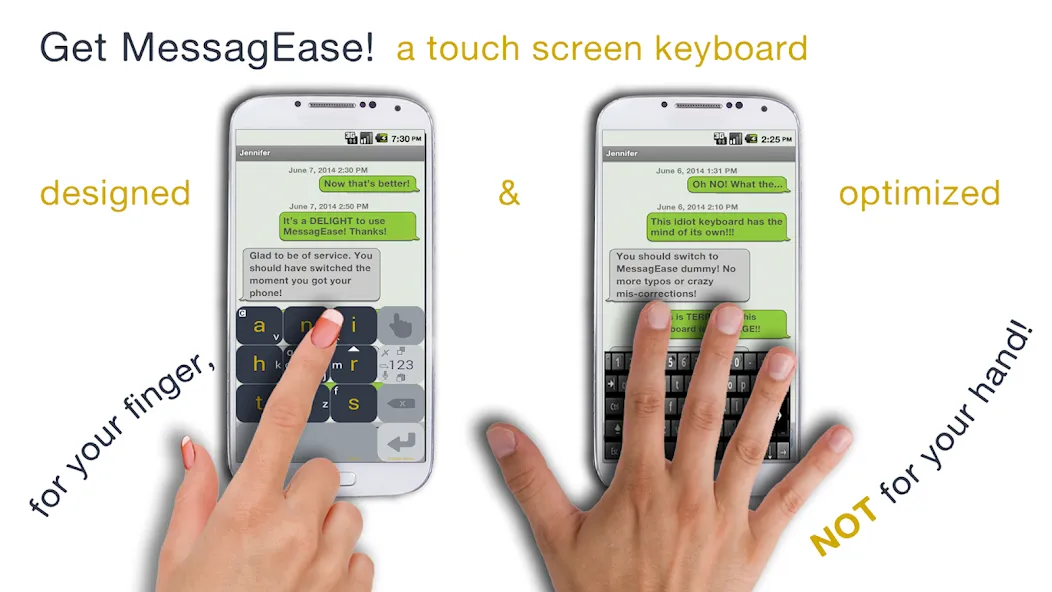
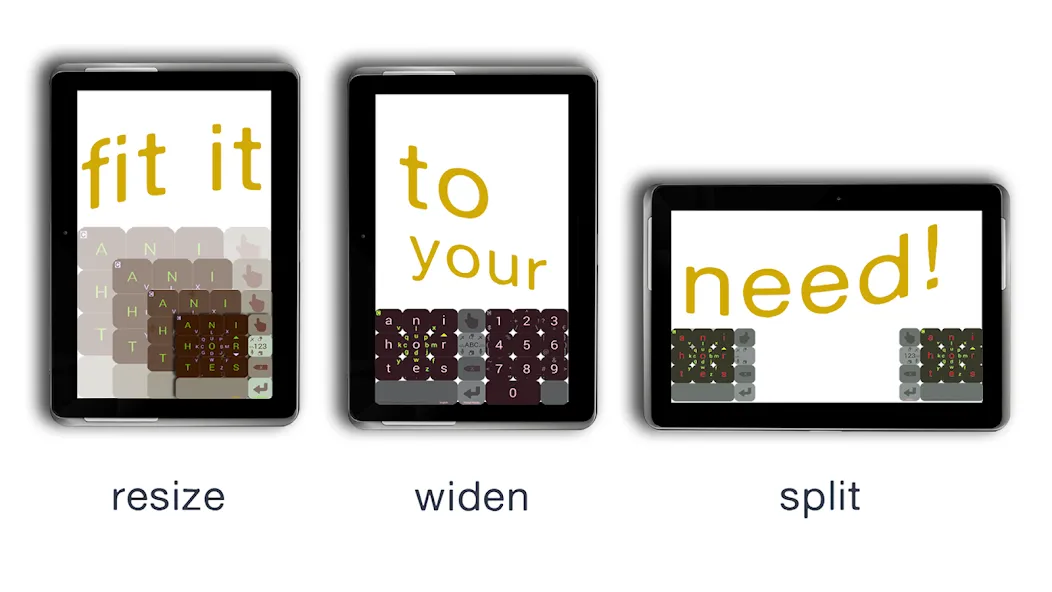
MessagEase Keyboard is a keyboard tool designed for Android devices. It utilizes data on the frequency of individual letters and two-letter combinations to optimize the typing experience. Users can customize the size of the keys and choose between single-finger or two-finger input methods. To get started, users can configure shortcuts: by tapping a high-frequency character and swiping in different directions, they can input other letters, symbols, and more. The app also allows for the download and import of specialized dictionaries. Furthermore, it supports multiple languages, enabling users to switch between different languages with ease.
Features
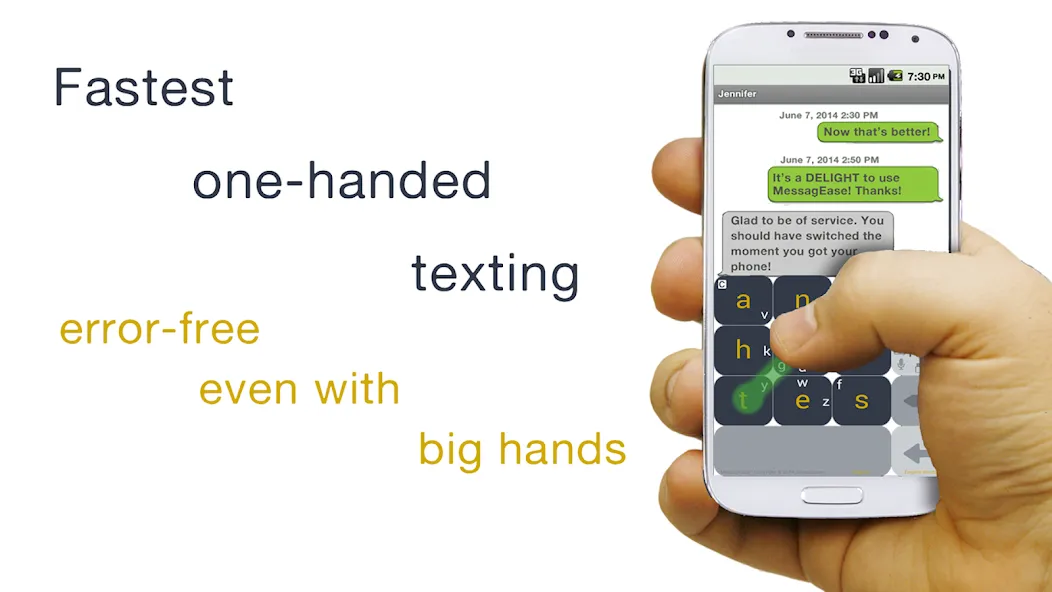
Large frequency-based keys: Places common letters on large keys (up to 3.5x standard key size) based on letter frequency and di-gram data for one- or two-finger typing.
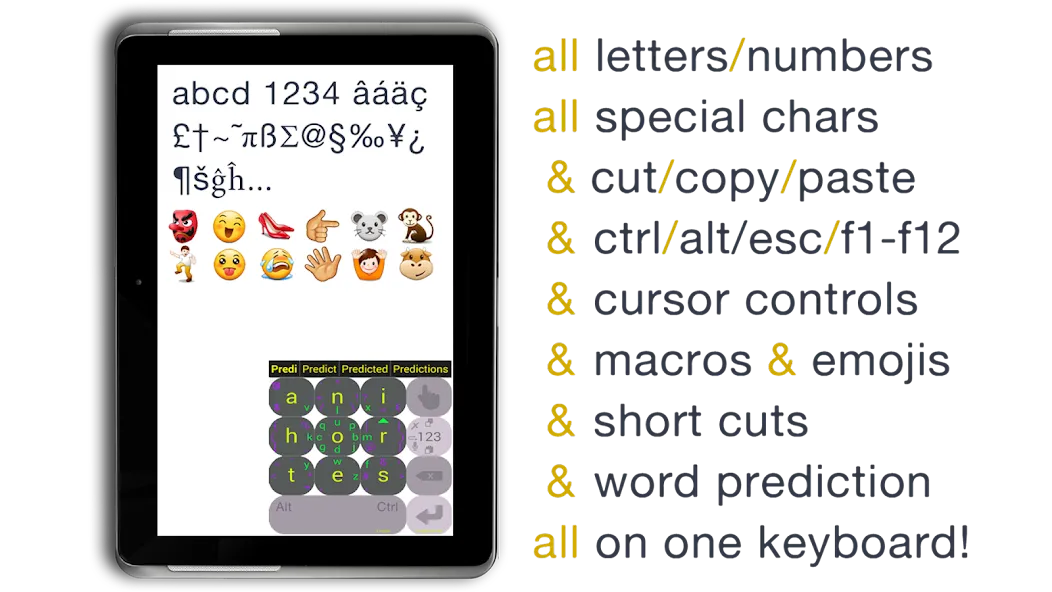
Tap and swipe gestures: Tap for high-frequency characters; slide or drag in directions for secondary letters, accents, numbers, and symbols.
Editing shortcuts: Supports gesture-based editing actions such as cut, copy, paste, and cursor/caret movement.
Device support: Works across smartphones, tablets, and smartwatches/wearables
Tips
High-frequency tapping + swipe-based input: Tap large keys directly for frequently used letters; access other letters, numbers, punctuation, and diacritics by swiping in different directions.
Editing gestures: Utilize swipe gestures to perform cut, copy, and paste operations, as well as to move the cursor.
Downloadable word packs: Long-press the "Hand" button and navigate to Settings > Languages & Keyboards > Word Prediction. Download specific word packs as needed to enable word prediction, reducing reliance on auto-correction.
FAQS
What is MessagEase Keyboard?
MessagEase Keyboard is a unique touch keyboard designed for smartphones and tablets that allows for fast and efficient text input by utilizing a simplified layout.
How does MessagEase Keyboard differ from standard keyboards?
Unlike standard QWERTY keyboards, MessagEase uses a grid layout that minimizes finger movement and enables users to type with fewer strokes, making it more efficient for messaging and texting.
Can I customize the MessagEase Keyboard?
Yes, MessagEase Keyboard allows for various customizations including key sizes, colors, and layouts to suit individual preferences.
Does MessagEase Keyboard support multiple languages?
Yes, MessagEase Keyboard supports multiple languages and allows users to switch between them easily.
Summarize
Discover MessagEase Keyboard, an innovative alternative to the conventional QWERTY layout that promises to transform your typing on touch screen devices. Designed for those who value efficiency, this keyboard brings a new approach to text entry that prioritizes speed, accuracy, and ease of use.