
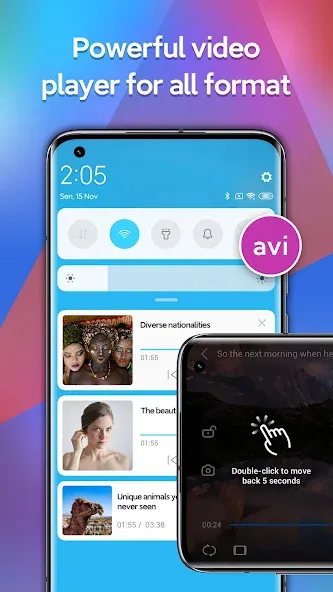
Mi Video is a powerful video playback tool that integrates decoders for a wide range of video formats, allowing it to handle virtually any video file available. Users can customize video and audio quality, and easily play their own media files by importing them into the app. The software supports offline playback and includes cloud service integration, making it simple for users to manage their video files. Furthermore, it offers personalized recommendations based on individual viewing habits. With built-in social media integration, sharing videos with friends and family is effortless. It supports 4K and ultra-high-definition (UHD) resolution and features a private folder for added security. It is well worth checking out.
Features
Multi-Format Support: Mi Video supports a wide range of video formats, ensuring that users can play virtually any file without the need for additional codecs.
High-Quality Streaming: The app provides high-definition streaming capabilities, allowing users to enjoy crisp visuals and clear audio.
User-Friendly Interface: With its intuitive design, users can easily navigate through their video library, playlists, and preferred settings.
Offline Playback: Mi Video allows users to download videos for offline viewing, making it perfect for times when an internet connection is unavailable.
Integration with Cloud Services: Users can access their video files stored in cloud services like Google Drive and Dropbox, making it simple to manage content.
Personalized Recommendations: The app analyzes viewing habits to suggest content tailored to individual preferences, enhancing the overall experience.
Social Sharing: Mi Video integrates with social media platforms, allowing users to share their favorite content with friends and family effortlessly.
Highlights
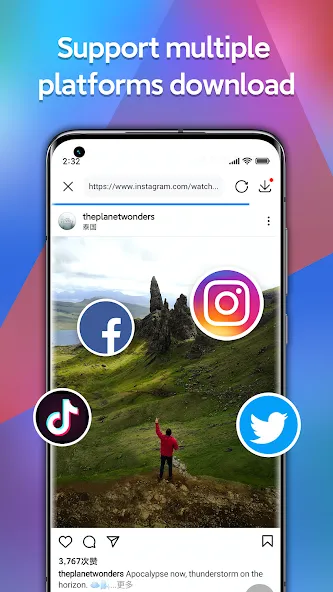
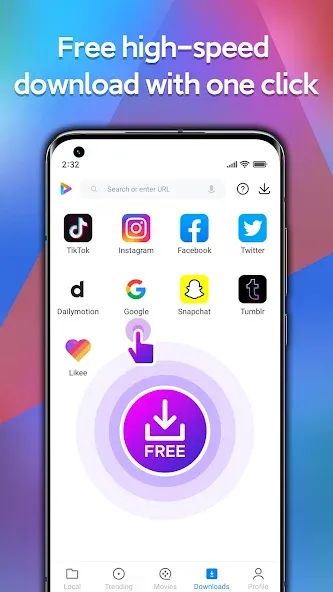
Want to save online videos on your device and watch them later? Mi Video can download videos from all major social media platforms.
Downloading videos seems too complicated? Our new interface makes video downloads simple and trouble-free.
Use the "Help" section of our app to learn how you can download videos.
Mi Video supports downloading multiple videos at the same time. You can also select your preferred resolution!
FAQS
Does Mi Video Download support 4K?
Yes, the player is fully optimized to support 4K and Ultra HD resolutions, provided the hardware of your Android device is capable of processing such high-quality files smoothly.
How do I save clips from social media?
To use Mi Video Download for saving clips, simply copy the link from the social platform and paste it into the search bar within the tool to begin the process.
Is the private folder feature free?
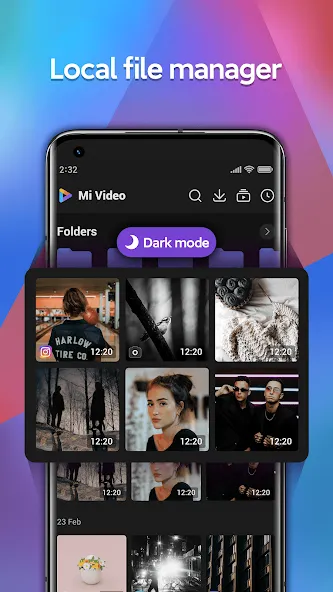
The private folder functionality is a built-in feature of the platform that allows any user to secure their personal media behind a pattern or PIN without additional costs.
Summarize
The Mi Video is more than just a video player; it is a comprehensive multimedia platform designed to meet the entertainment needs of today’s users. With its vast content library, user-friendly interface, and regular updates, it ranks among the best video applications available. For Android users in search of a reliable and feature-rich video streaming app, Mi Video is undoubtedly worth downloading.