
MultiApp Pro is a multi-instance tool designed for Android devices. It allows you to clone various social media apps, enabling you to log into different accounts on each instance so that they can run simultaneously without interfering with one another. The app includes optimizations to help manage battery life, and users can easily switch between light and dark modes to reduce eye strain. You can also customize app icons to create a personalized look on your phone. The process for creating additional instances is intuitive—simply tap to duplicate an app—and the lightweight design ensures it won’t take up excessive storage space on your device.
Features
One-tap cloning for WhatsApp, Messenger, eFootball, Netflix, YouTube
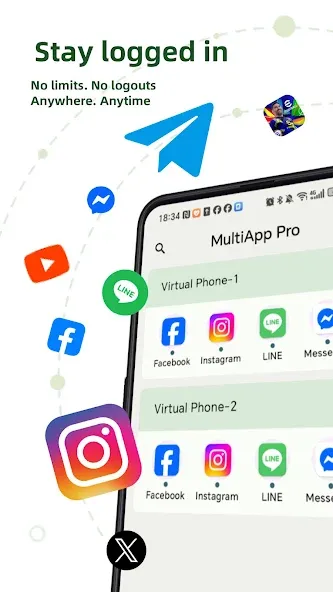
Run multiple accounts simultaneously without conflicts or cross-notifications
Sandboxed storage and isolated alerts protect privacy across clones
Optimized for battery; supports Android 8–15 and 32/64-bit apps
Function
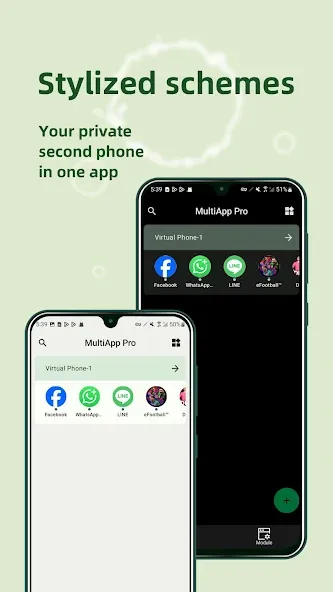
Theme and mode switching
Switch between Light, Dark, or System mode—designed for your eyes and your focus.
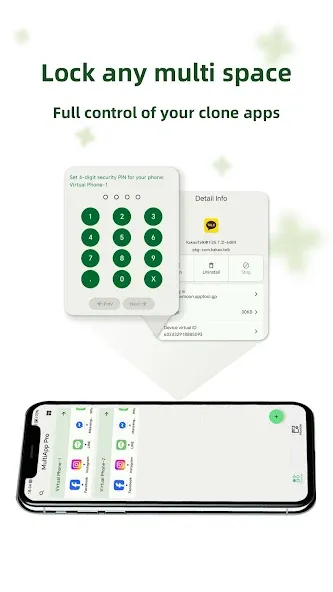
Privacy-guarded clone space
Lock any multi space with your own password.
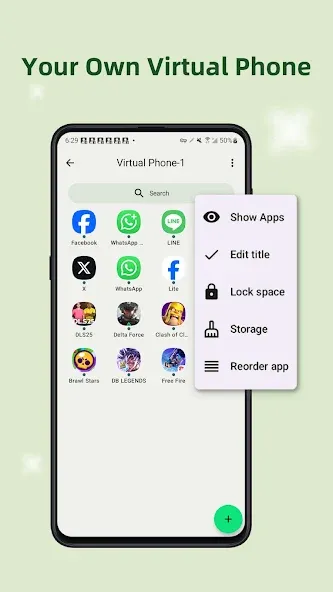
Custom icon sets & label editing
Make each space look and feel just right—personalized to your workflow or mood.
Floating windows & quick switchers
Move effortlessly between cloned apps for peak productivity.
Highlights
Intuitive Cloning Process: This application will help you have multiple accounts on one application by copying many similar applications for users to log in with new accounts.
Effortless App Navigation: This application also provides a series of features to help users switch back and forth between the cloned applications created by this application.
Simplified Account Management: It can be said that now you only need to own this application to be able to manage all other platforms as well as the accounts you have and that makes users feel simpler.
Pros and Cons
Pros
True multi-account privacy with isolated data and alerts
Lightweight, battery-friendly, stable on most devices
Works across Android 8–15 and 32/64-bit apps
Quick switcher, floating windows, themes, icon labeling
Cons
Ads and Pro features behind a paywall
Occasional bugs and purchase declines reported
Summarize
Transform the way you use your apps with MultiApp Pro—your personal space for multitasking, gaming, and managing multiple accounts. Take control, stay organized, and make the most of every app on your phone.