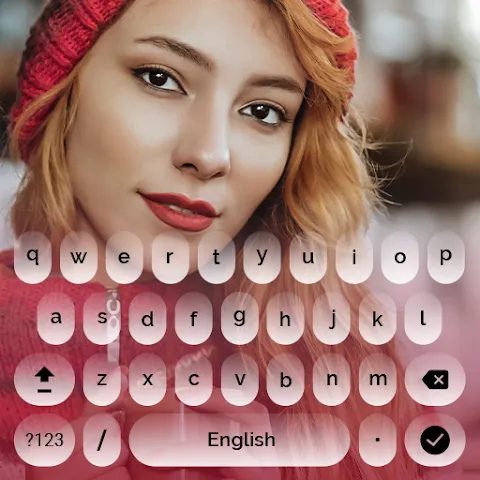
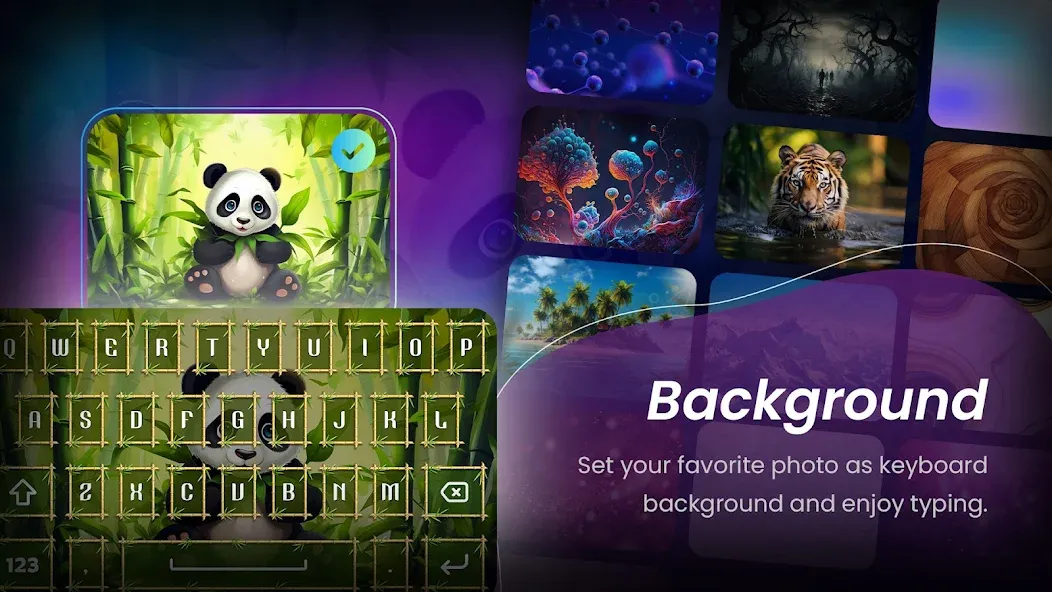
My Photo Keyboard is a keyboard application designed for Android devices. To get started, users can select a photo from their gallery or take a new one, then import it into the app; the software will automatically adjust the resolution and crop the image to fit the keyboard. The app also offers a vast collection of emojis, and allows for flexible customization of text size and style. It supports multiple languages, enabling users to switch between them with ease. Featuring a minimalist design and compatibility with various input methods, this application helps users refine their typing habits while delivering a smarter, higher-quality experience.
Features
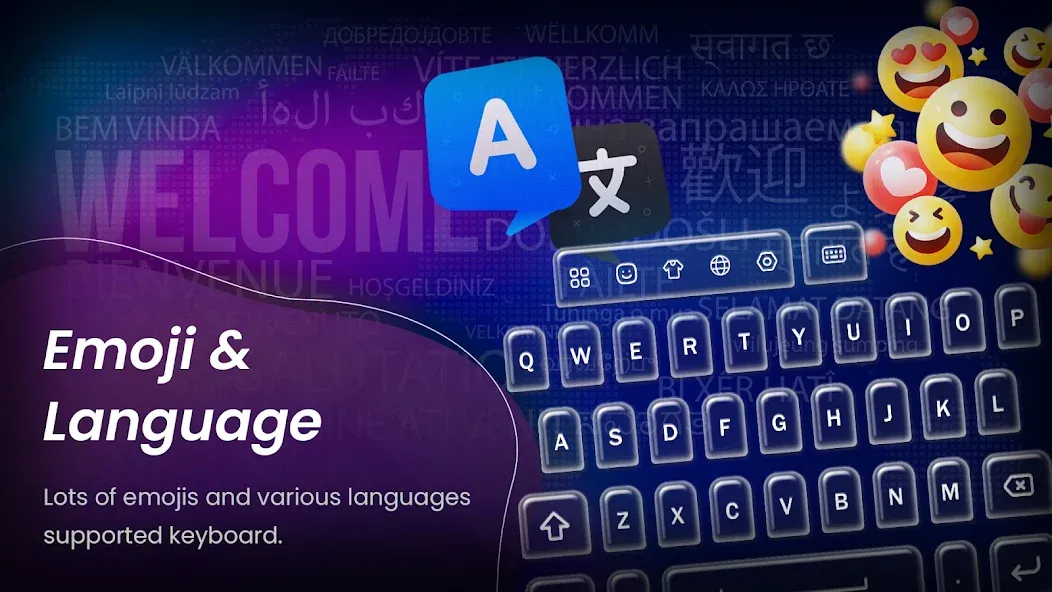
Send cute messages with emojis or chat with your friends on all social networks using your new keyboard app;
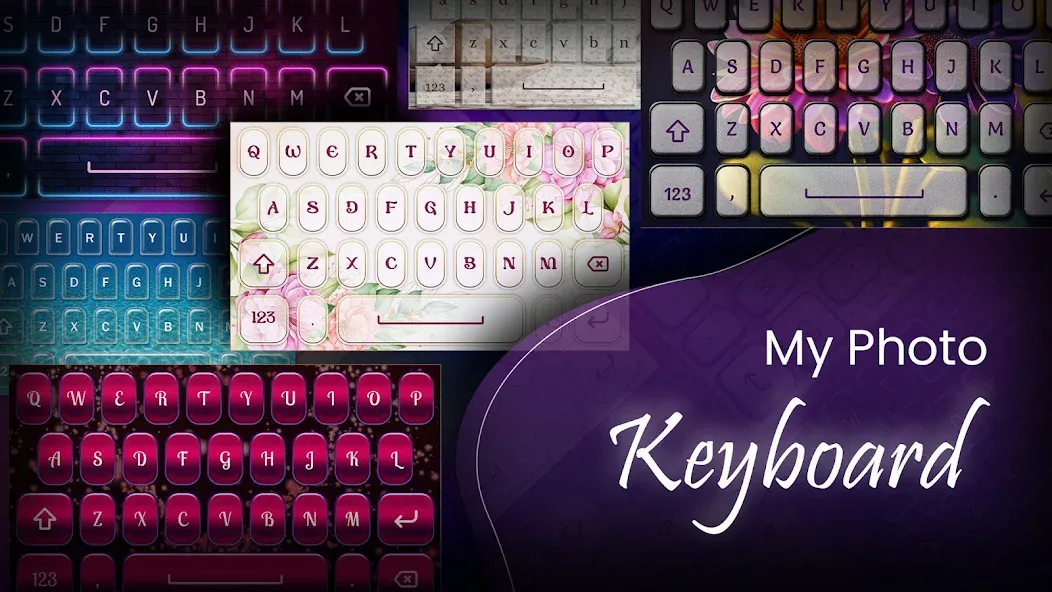
Select your images for the keypad background, find your favorite pic from the gallery or take a new one;
A great number of emoticons&emoji for your messages;
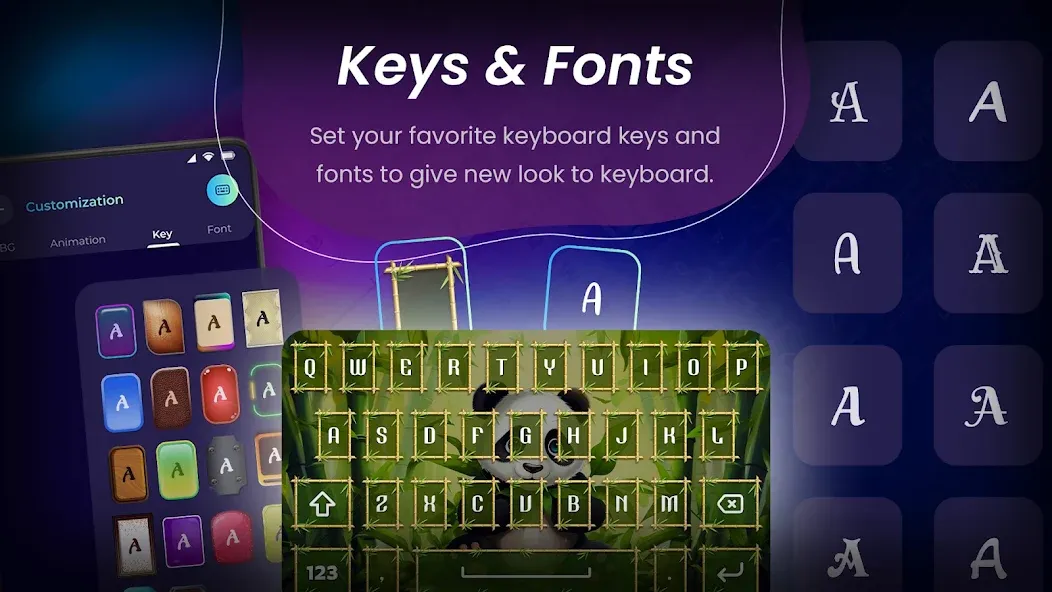
Try on many text fonts and styles, and adjust size of your letters;
Choose the default language: English, Spanish, Malay, Vietnamese, Turkish, Italian, French, German, Portuguese, Polish, or Romanian;
Select words for numbers and create shortcuts with our cool keyboard app;
There are options to turn on and off keyboard sounds and vibration;
How to Use
Click on ‘My Photo Keyboard’;
Check the box-field next to the My Photo Keyboard Themes and then click on the OK button;
Return to the application, select ‘Set the Keyboard to Default’ button;
Select My Photo Keyboard Themes;
You can now customize your theme (choose background images, languages and shortcuts)
Choose the best selfie picture from your camera roll;
6 button styles to choose from;
Choose the desired font color;
Select language and shortcuts;
Options to turn on and off sounds and vibration;
Enjoy your new photo keyboard background!
Advantages and disadvantages
Advantages
Features a minimalist design and a highly customizable virtual keyboard.
Offers multiple input methods and supports multiple languages.
My Photo Keyboard learns user input to deliver a better, smarter user experience.
The virtual keyboard helps improve typing speed and minimizes typing errors.
Disadvantages
My Photo Keyboard can sometimes crash or experience various random glitches.
If all features are enabled, My Photo Keyboard may cause a significant increase in battery consumption.
Summarize
My Photo Keyboard revolutionizes your keyboard setup by making customization enjoyable and accessible. Its user-friendly design ensures that even the most advanced features are intuitive to use. Create a visually appealing, personalized keyboard that not only enhances functionality but also reflects your individual style. Embrace this opportunity to upgrade your typing experience by surprising friends with a captivating and personalized keyboard design.