Open Note Scanner is a system utility for Android devices designed to help users quickly identify and digitize documents. To use the app, you simply grant camera access and point your device at the material you wish to capture; the software then performs automatic recognition. For certain notebooks or books, you can scan an embedded QR code to trigger an automated scanning process, allowing for the rapid storage of the content. The app can also access your device’s local photo gallery to save captured images. It includes a perspective correction feature, ensuring that the resulting document images are presented from a clear, intuitive viewing angle. It is a powerful tool that proves highly useful for everyday note-taking.
Features
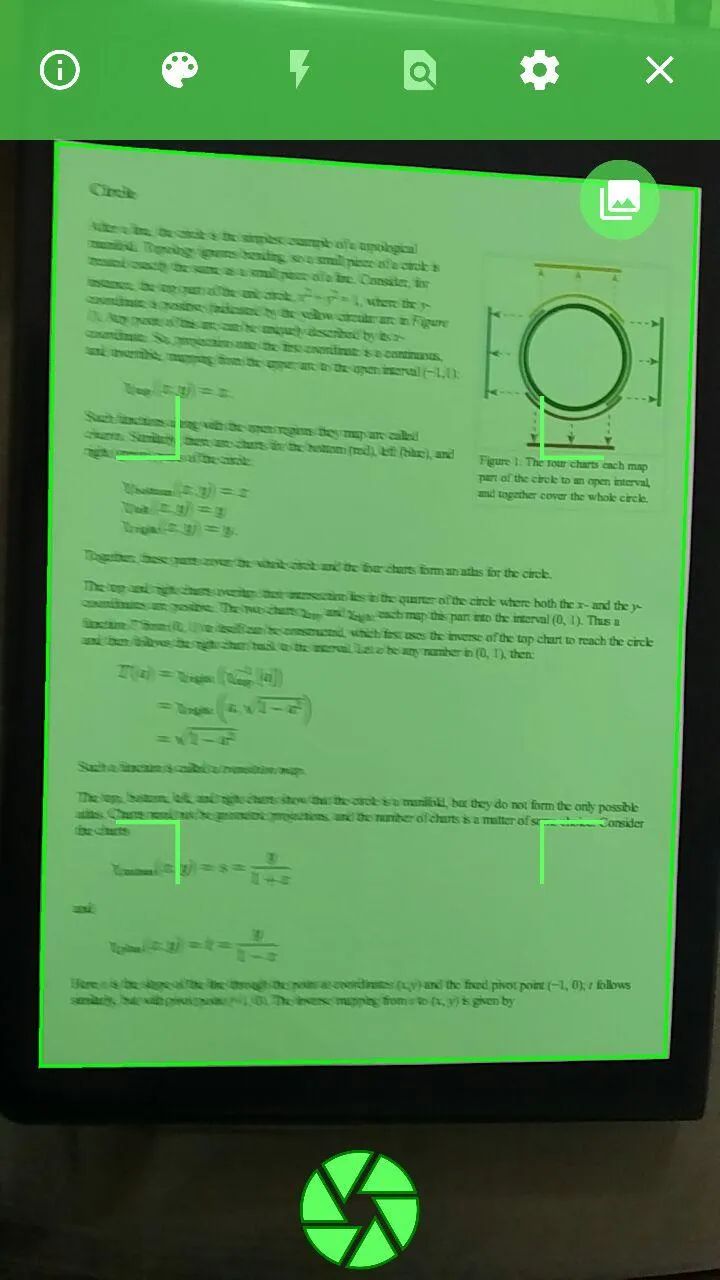
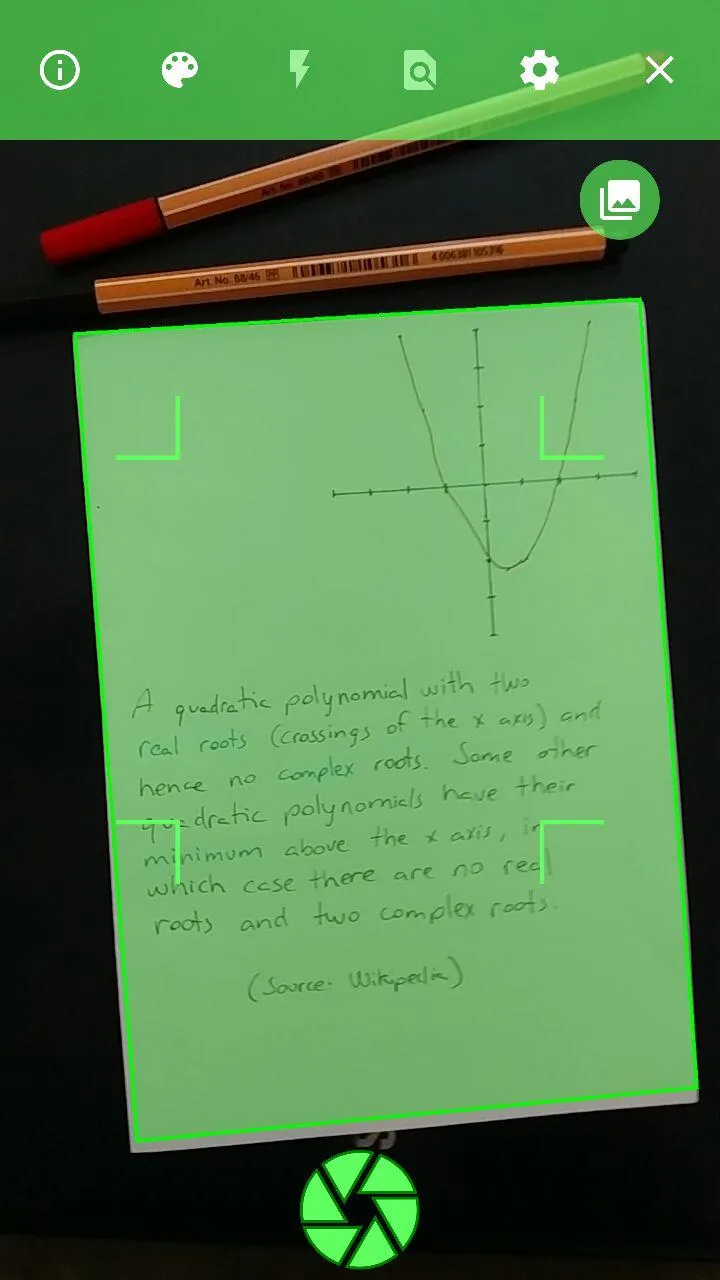
Automatic Edge & Corner Detection: Automatically identifies the borders of a document against a contrasting surface (such as a black background) and extracts it from the background.
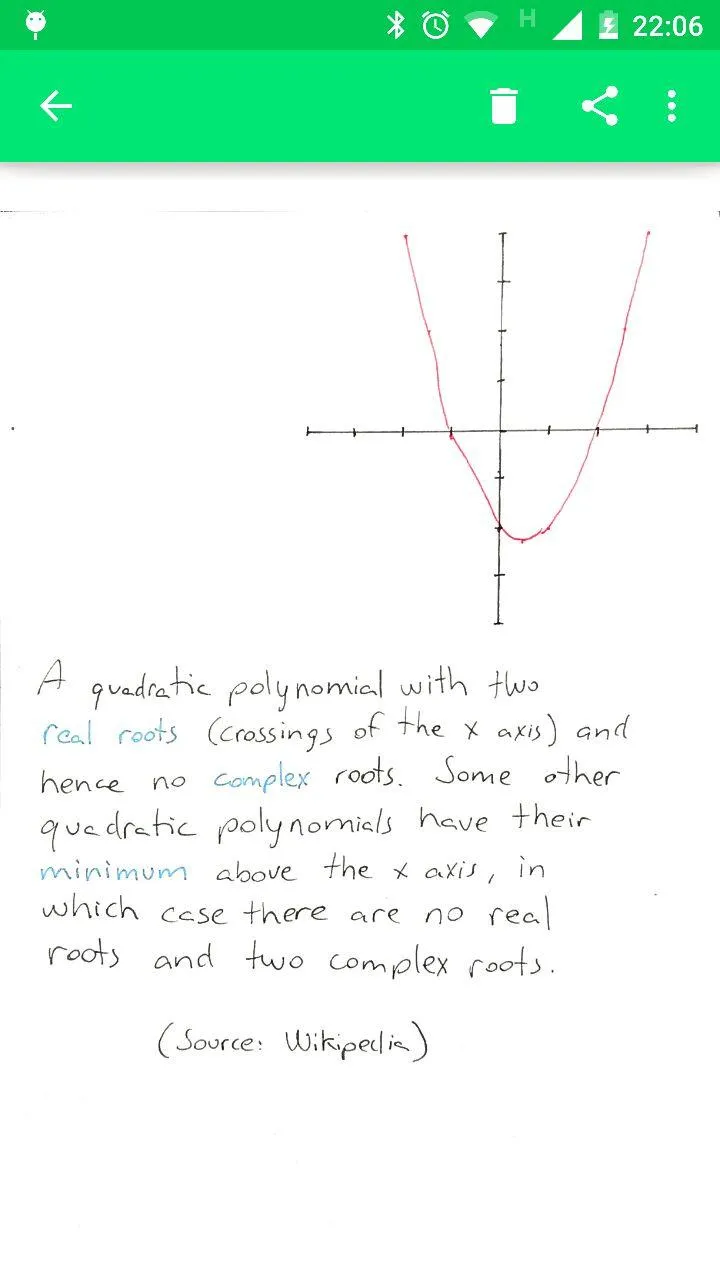
Perspective & 90-Degree Correction: Automatically transforms and flattens angled photos into a clean, 90-degree top-down view.
QR Code Auto-Scan: Recognizes special QR codes (such as those on preformatted pages or RocketBook notebooks) to trigger instant, hands-free scanning.
Image & Shadow Adjustment: Removes unwanted shadows and automatically adjusts contrast and aspect ratios.
Third-Party App Integration: Can launch or respond when other Android apps request a picture capture.
Local Gallery & Organization: Includes a built-in gallery to browse, view, and organize digitized notes locally.
Pros and Cons
Pros
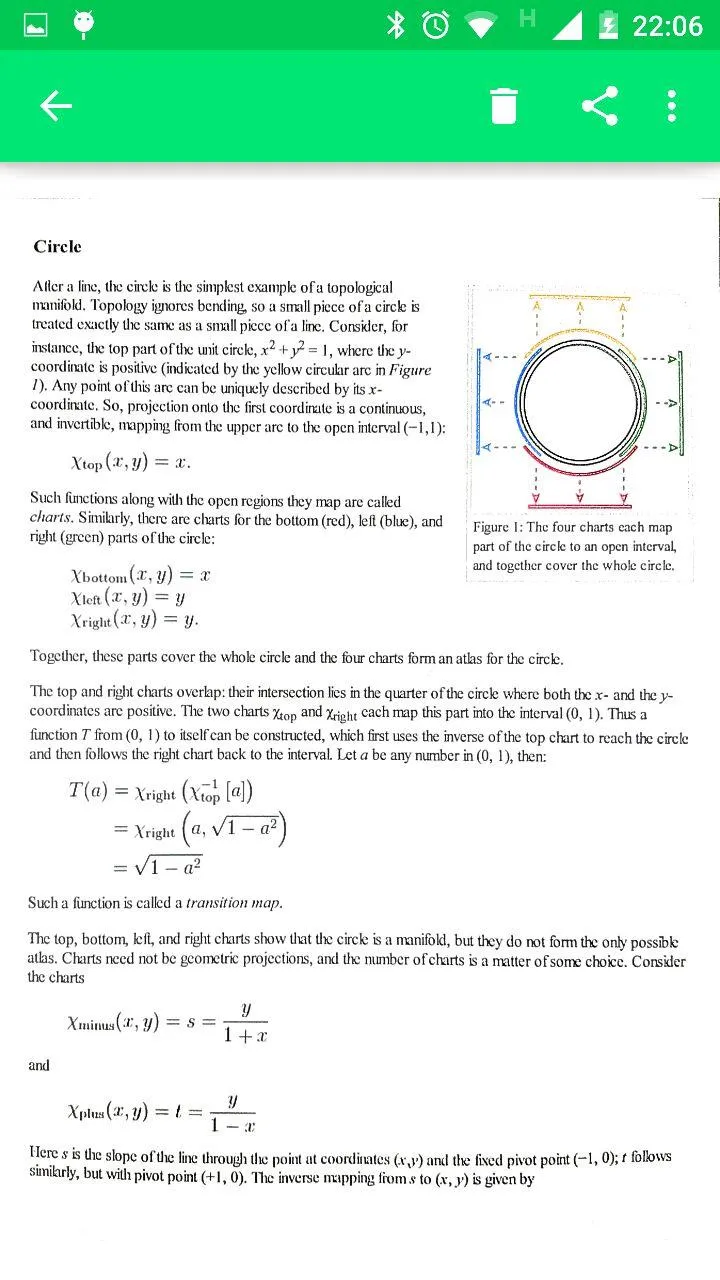
Corrects perspective to create a top-down document view
Automatically recognizes RocketBook Wave QR codes
Saves scans to a folder on the device
Ad-free, with publicly available source code
Cons
Page detection can fail and capture the full camera view
Image processing may make text harder to read
Highlights
Automatic Edge Detection and Cropping: Automatically detects document edges against contrasting surfaces, extracts the document from the background, and corrects its shape into a rectangle.
90-Degree Perspective Correction: Automatically adjusts the capture angle to a 90-degree, head-on view of the document, enhancing clarity.
Support for Special Pages and QR Codes: Recognizes pre-formatted pages or specific notebooks (such as those featuring QR codes at the bottom) to enable rapid, automated scanning and trigger specific actions.
Summarize
Open Note Scanner has a worthwhile core idea, particularly for RocketBook owners and anyone seeking a lean, local scanning tool. Its perspective correction and app-to-app camera support are genuinely useful, but uneven detection and processing keep it from being the safest choice for important documents. It is worth considering for casual note capture, provided users check every result before discarding the original page.