Parallel Space - 32-bit Support is an add-on component for Android devices designed to facilitate the use of multiple instances of apps and games. It enables the cloning of applications and games within both 32-bit and 64-bit environments. Users can leverage this component to log into two separate accounts on a single device—for instance, by keeping work and personal accounts distinct. It allows for the isolation of applications at the core level without requiring separate, standalone launches. Installing this component helps enhance overall stability on your device, ensuring a smooth and seamless experience when multitasking. Additionally, it supports one-tap updates for your cloned applications.
Features
Running 32-bit Apps on 64-bit Devices
The "Parallel Space - 32-bit Support" feature allows you to clone and run 32-bit apps and games within a 64-bit Parallel Space environment. This is particularly useful when certain software or tools still rely on 32-bit versions. Once enabled, you can launch these apps from within Parallel Space, allowing them to run alongside newer software on the same device.
Dual Accounts for 32-bit Apps
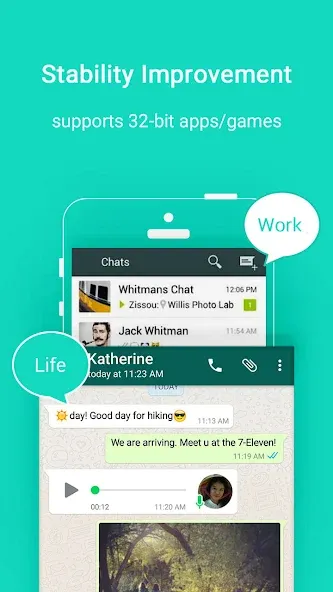
You can log into two separate accounts for the same 32-bit app on a single phone. This makes it easy to keep work and personal accounts separate, or to manage two different game profiles simultaneously. The experience is consistent with how Parallel Space handles other apps, enabling you to switch between accounts without disrupting your usual workflow.
Please note: This is an extension, not a standalone application.
"Parallel Space - 32-bit Support" is designed exclusively for use with the Parallel Space app. Please install the main app first, then add this support package to enable 32-bit functionality. If a cloned app fails to launch, please ensure that this extension is installed and activated, then try restarting the app from within Parallel Space.
Pros and Cons
Pros
Run 32-bit applications and games via Parallel Space
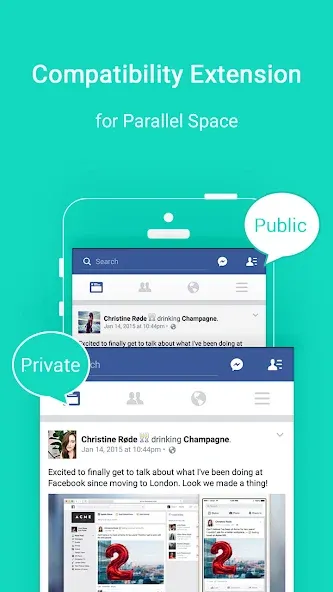
Supports separate accounts for work, personal use, or gaming
May resolve compatibility and stability issues
Cons
Cannot function without the main Parallel Space application
System updates may disrupt access to cloned accounts
Tips
Must be used with the main app: This is not a standalone application. You must first install the main app (such as Parallel Space, Parallel Space Lite, or Parallel Space Pro), followed by this corresponding 32-bit support package.
No need to launch separately: Once installed, it functions as a compatibility layer running in the background. Simply add or launch 32-bit apps and older games directly from within the main app.
Resolves crashes and compatibility issues: If certain 32-bit games or tools crash, display a black screen, or fail to open when running in a cloned environment, installing this package can help improve stability.
Summarize
Implementing Parallel Space - 32bit Support enhances the overall user experience by providing effective management and operation of multiple account scenarios across various apps and games. This extension maintains the integrity and performance of 32-bit applications, ensuring a hassle-free and smooth operation for multi-tasking needs.