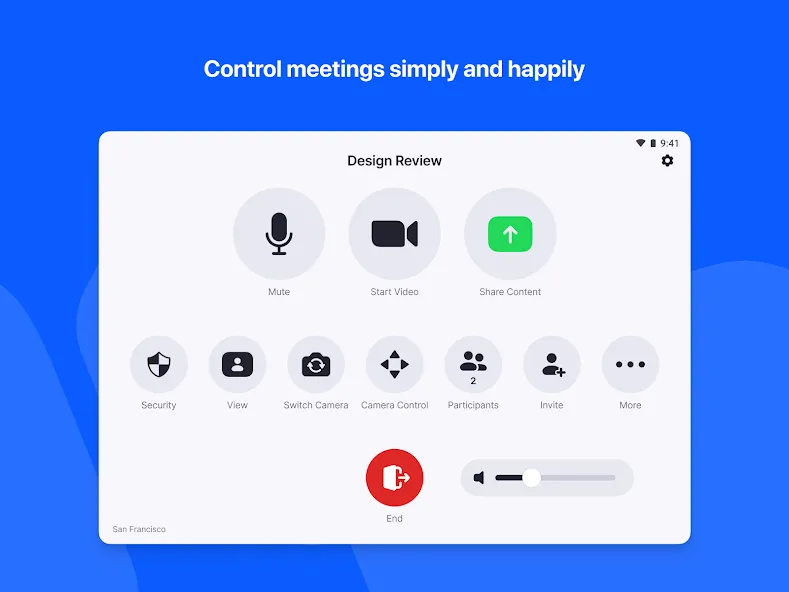
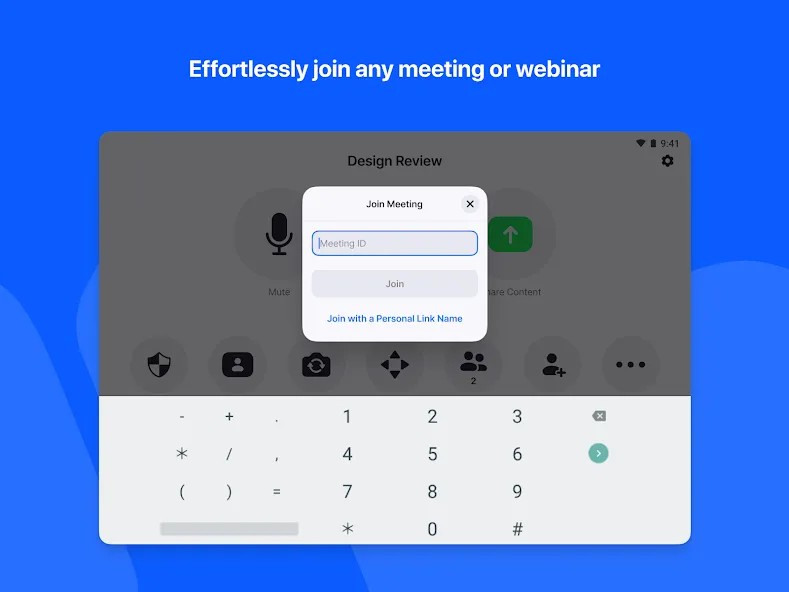
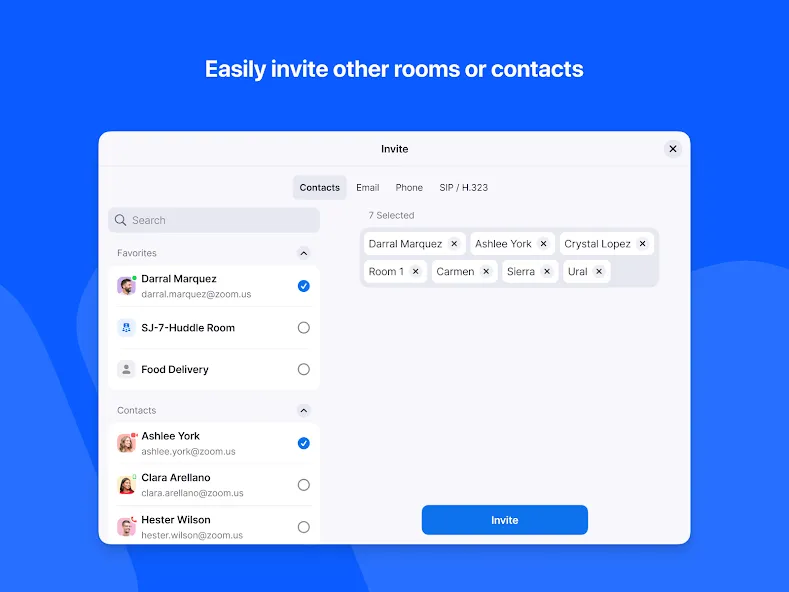
Room Controller is a convenient mobile application designed for screen sharing and conferencing. Users can join specific "rooms" by entering a code or inviting colleagues and other participants through various methods to conduct meetings or video calls. Notably, the app can display up to 49 video feeds simultaneously and supports audio recording and note-taking, making it easier to manage meetings and summarize key discussion points. It is also well-suited for students attending online classes, helping them review and consolidate what they have learned.
Highlights
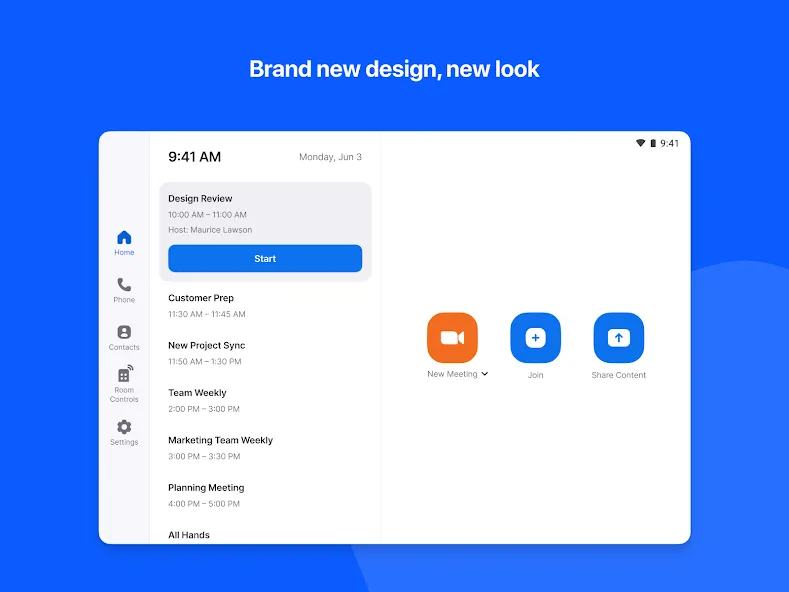
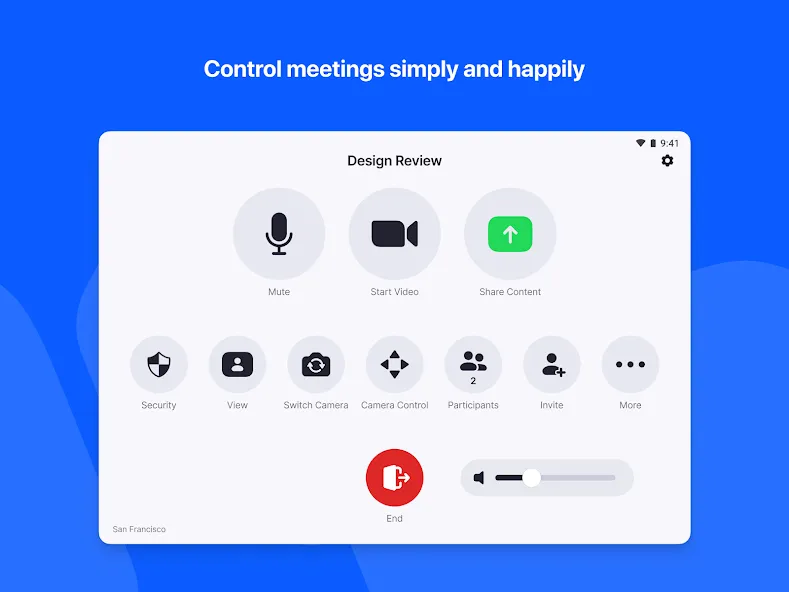
Once logged in via a code and paired with a meeting room, the app allows users to start or join meetings, manage audio and video, invite saved contacts, control participants, and share their screens. A smartphone can serve as a personal remote control, while a tablet can remain in the meeting room as a dedicated console.
This setup is most practical for offices, training facilities, and organizations with permanent Zoom Rooms installations; it is less relevant for users who only occasionally join meetings from their personal devices. The primary advantage is physical: meeting controls are kept within easy reach, while the Mac, PC, or dedicated Zoom Rooms hardware in the room handles the actual call.
The platform also supports various viewing modes—including Speaker View, Content View, and Gallery View—with the capacity to display up to 49 video feeds simultaneously. Meetings can be recorded, and Zoom Rooms can connect with participants using standard desktop and mobile platforms, as well as SIP/H.323-based room systems and telephones. These options offer administrators significant flexibility when a meeting room must accommodate both remote and on-site participants.
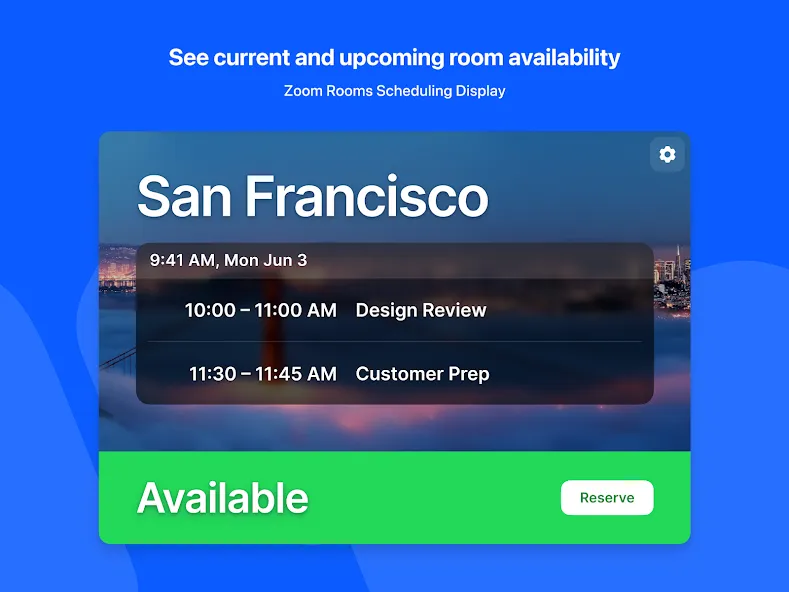
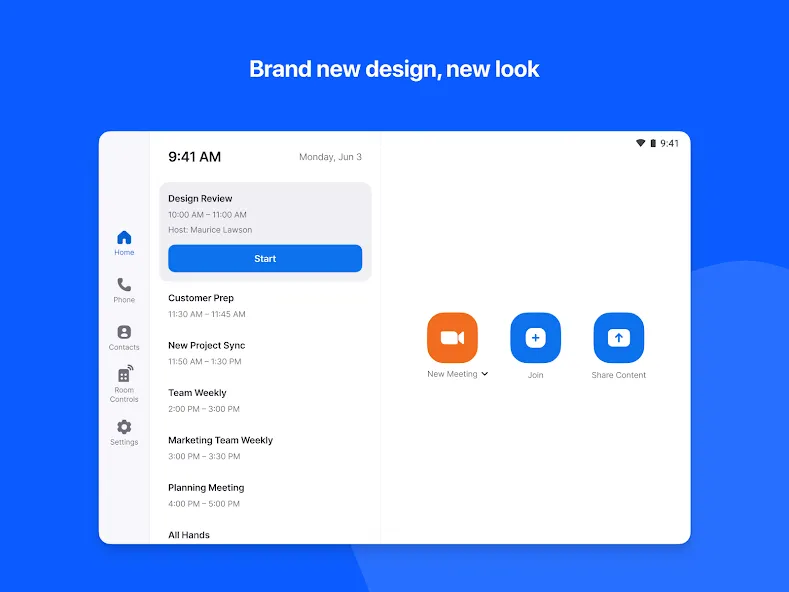
On a tablet, the Zoom Rooms Controller can switch to a "scheduling display" mode. When placed outside a meeting room, it shows the room's availability and upcoming meetings, allowing users to book the space for a Zoom meeting on the spot. Integration with Google Calendar, Office 365, and Microsoft Exchange ensures that this mode aligns seamlessly with existing office schedules.
The room management capabilities go even further. Zoom states that the system supports wireless content sharing, digital signage across multiple displays, and local control of equipment such as projectors and lighting. It can also drive up to three high-definition screens within a meeting room. For organizations already utilizing Zoom Rooms, this integrated approach reduces the need for separate, dedicated panels for tasks like room booking, signage, and call management.
Function
Clearer previews make it easier for you to select camera modes.
View photos of workspaces when booking meeting rooms via the scheduling display.
Find meeting participants more quickly with directory suggestions when scheduling meetings on Android devices.
Start and manage meeting recordings independently of live captions.
Use "My Notes" to capture conversations, create notes, and generate meeting summaries.
Usage
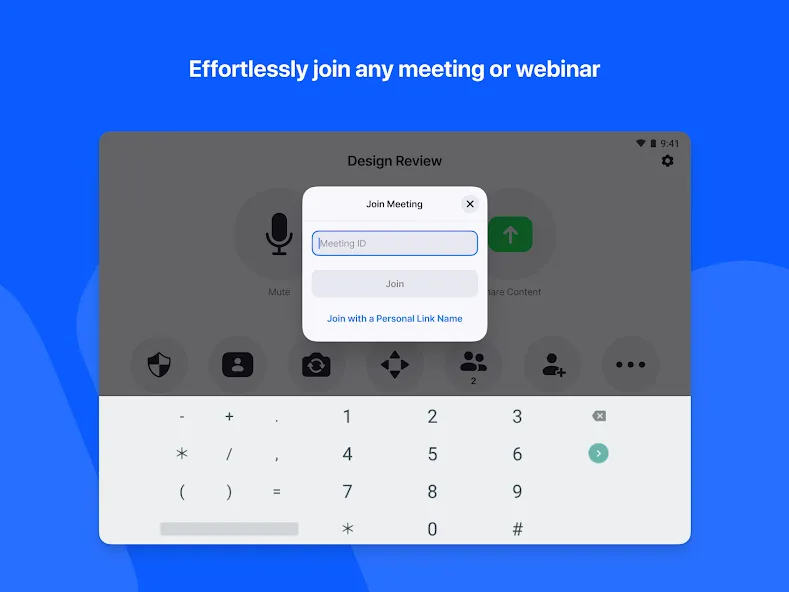
First, you need to sign in with your Zoom account to use the room controller. Once this is done, you can pair your device with an available meeting room. To ensure the process is as secure as possible, you will be required to enter a code to connect to each video call.
The room controller allows you to manage various aspects of your meetings. For instance, you can invite saved contacts—a task that can be completed quickly and easily via your Android device. Furthermore, the interface enables the use of digital markers during presentations, allowing you to highlight specific points or messages while sharing your screen.
Conclusion
Bring new energy to your meetings, classrooms, and conference rooms. This powerful tool allows you to connect to any type of space—from anywhere—via Wi-Fi, giving you control over all the equipment within the room. As a mobile-friendly solution, it is compatible with a wide range of audio devices. It enables you to share your screen, audio, and video with others—an invaluable feature for meetings or lessons—and also allows you to record your sessions and classes.