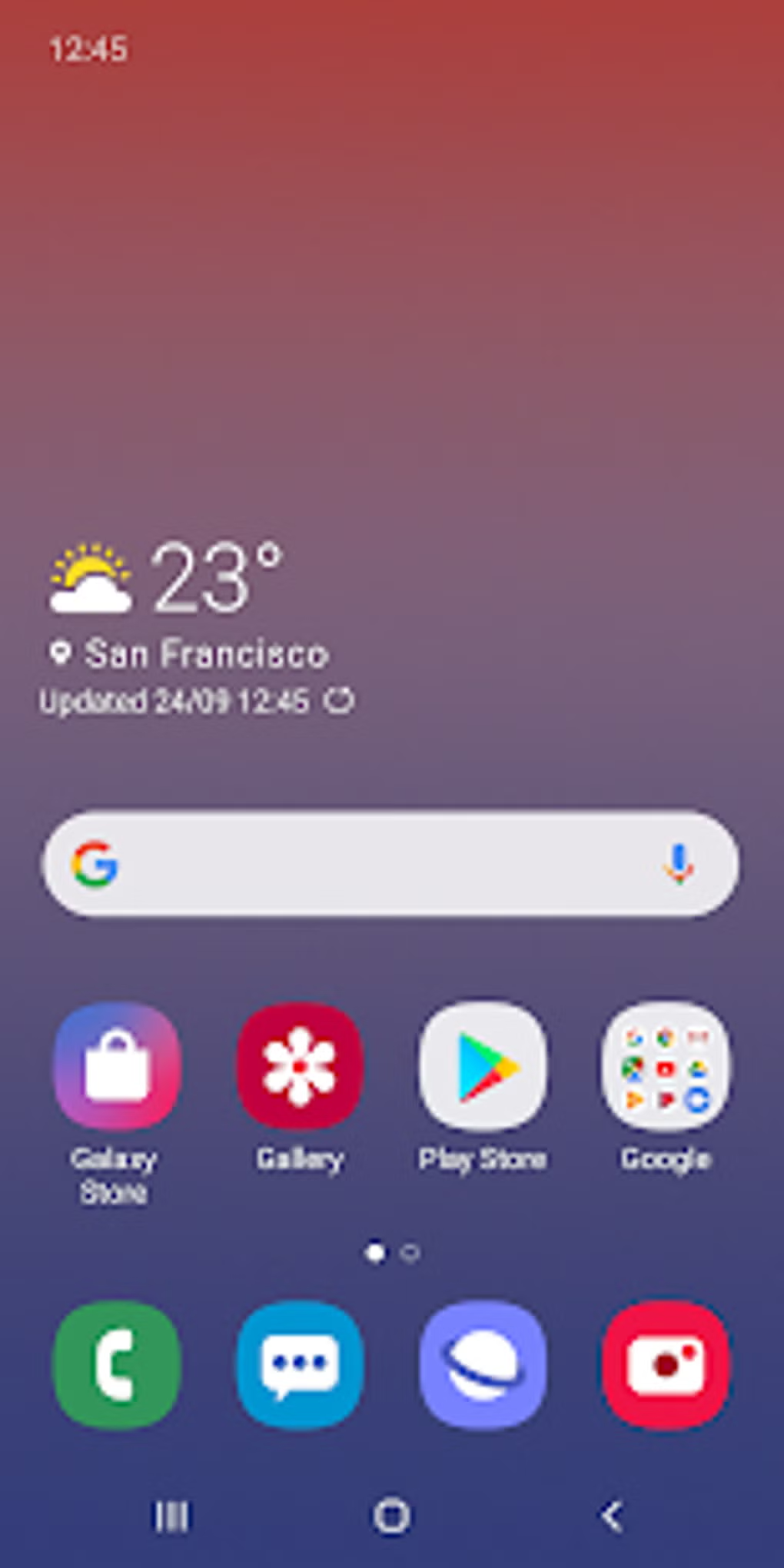
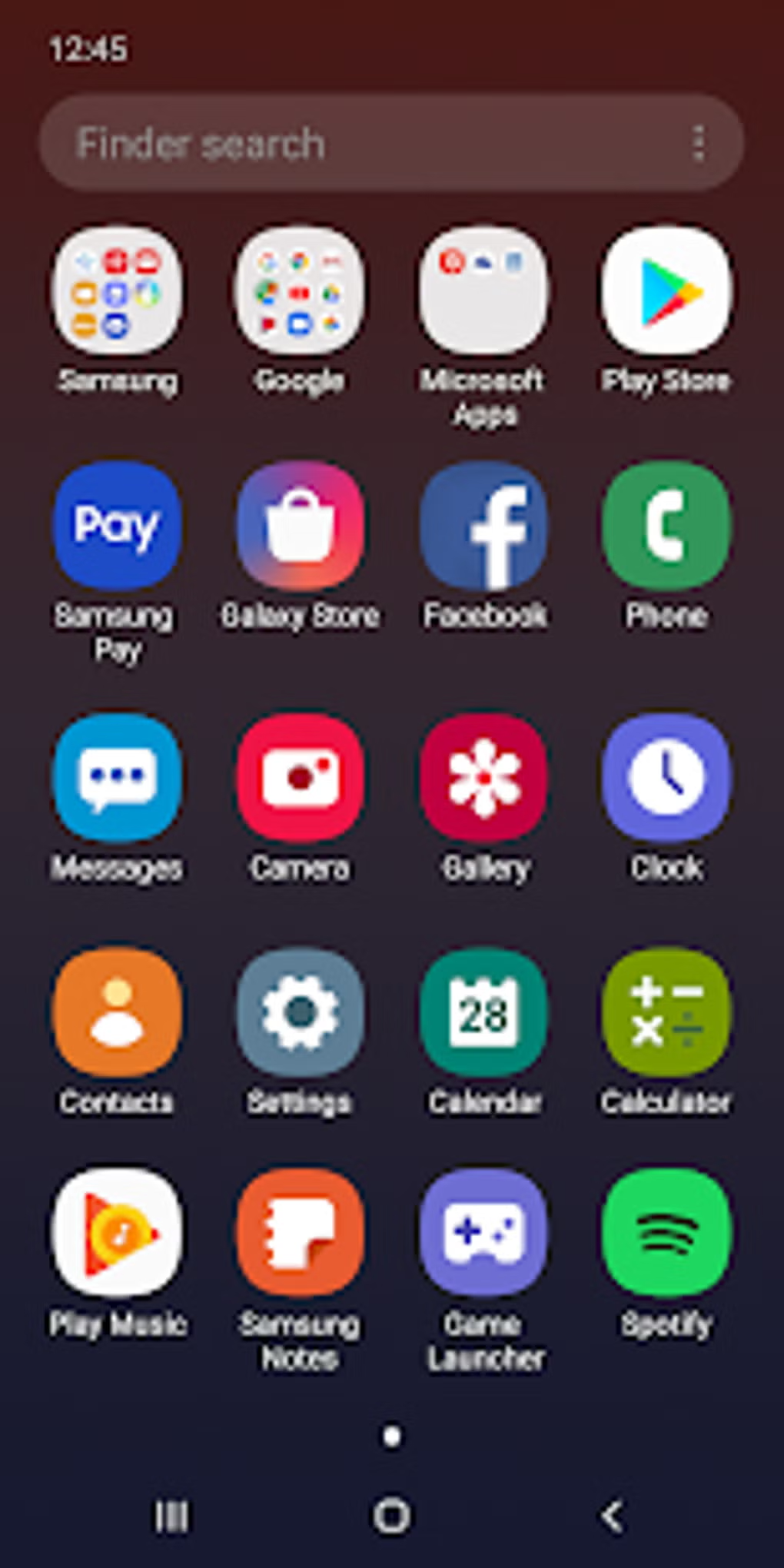
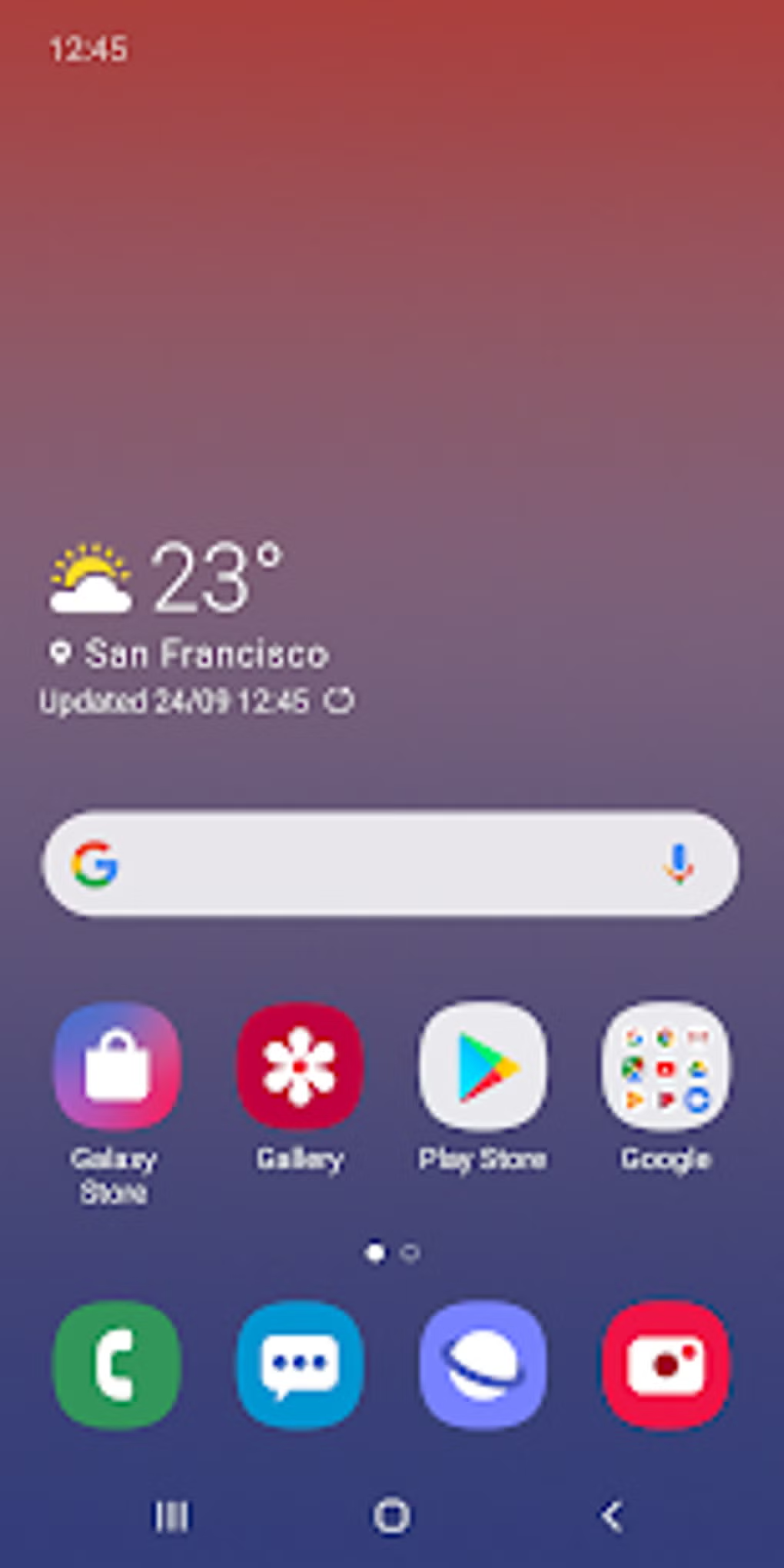
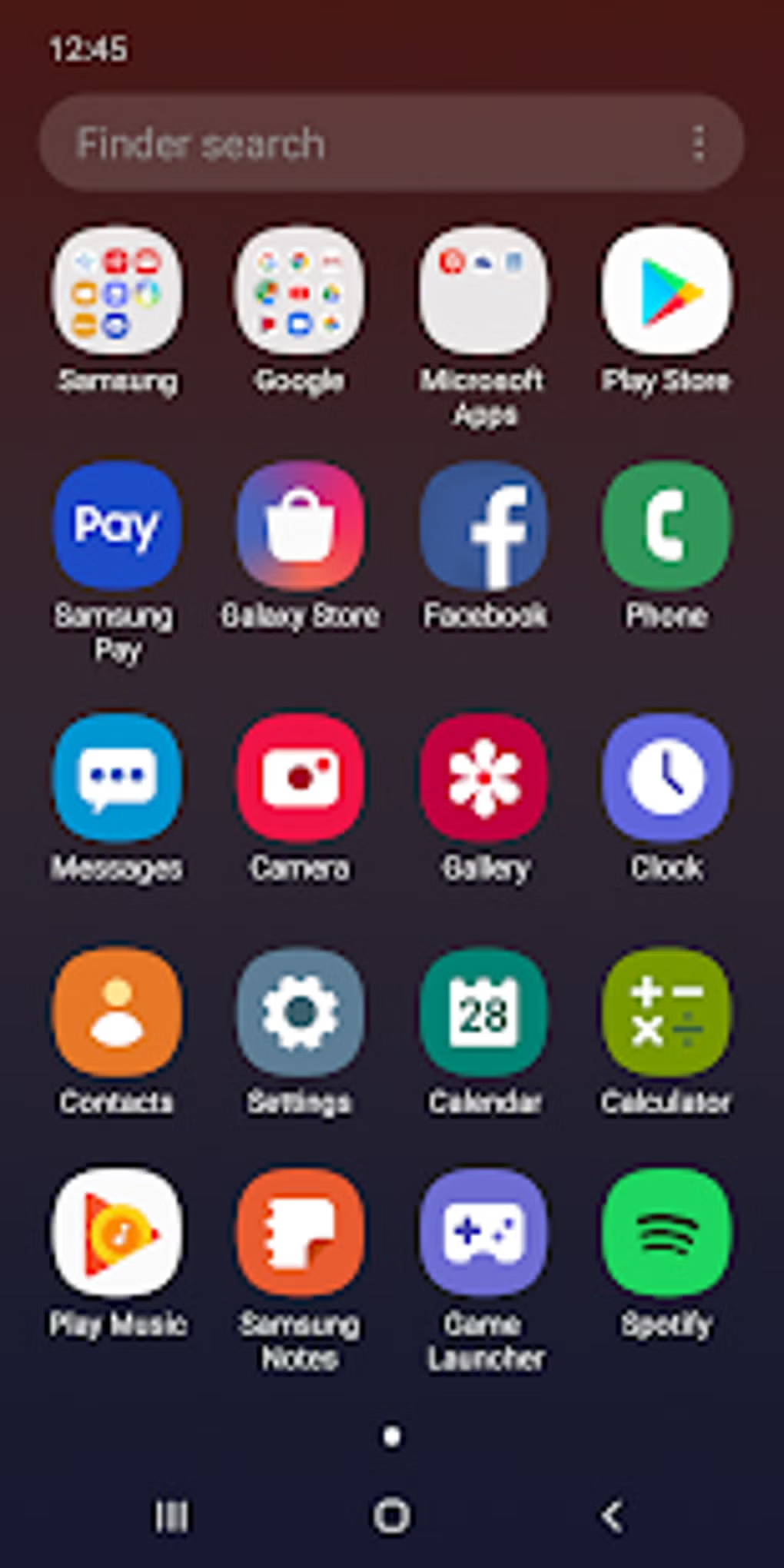
Samsung UI 8 is a launcher designed for a wide range of smartphones. It functions both online and offline, allowing you to select your preferred language and replace existing app icons—such as those for your messaging apps or other software—with custom icons featuring specific UI elements. Notably, the app’s home screen includes various categorized tags, enabling you to quickly find the styles you like and saving you time in the process.
Features
Samsung UI 8-Style Wallpaper Collection
The Samsung UI 8 Launcher offers a carefully curated selection of wallpapers that perfectly align with the Samsung UI 8 design language. The visuals feature soft blur effects, cohesive UI elements, and refined icons, ensuring your home and lock screens stay in sync with this fresh, modern aesthetic. You can explore specific categories via dedicated tabs, with smooth, fluid swiping gestures that make browsing effortless.
Set, Save, and Share with a Single Tap
Apply a wallpaper to your home screen, lock screen, or both with just one tap. You can also save images to your device or share your favorites directly with friends from within the app—making it quick and easy to update your look or send a great wallpaper to someone else without any extra steps.
Offline-First Loading to Save Data
The Samsung UI 8 Launcher loads images without requiring an internet connection, so you can browse without consuming mobile data. This is especially useful when traveling or in areas with limited connectivity, as your browsing experience remains uninterrupted. Once you’re back online, the app refreshes its recommendations, ensuring you see new content the next time you open it.
Tabbed Browsing with Smooth Swiping
Content is organized into tabs, allowing for faster, more efficient browsing. Swipe left or right to switch between wallpapers—no extra clicks required—and view clear, high-quality previews to see how each image looks on your device. The clean, minimalist interface keeps the focus entirely on the wallpaper you choose.
Minimal Permissions and Regular Updates
The Samsung UI 8 Launcher is free to use and only requests storage access when you choose to save a wallpaper to your device. No other permissions are required. The collection is regularly updated with handpicked wallpapers and trending themes from the Samsung UI 8 series, ensuring you always have fresh options to choose from.
Function
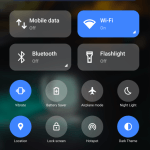
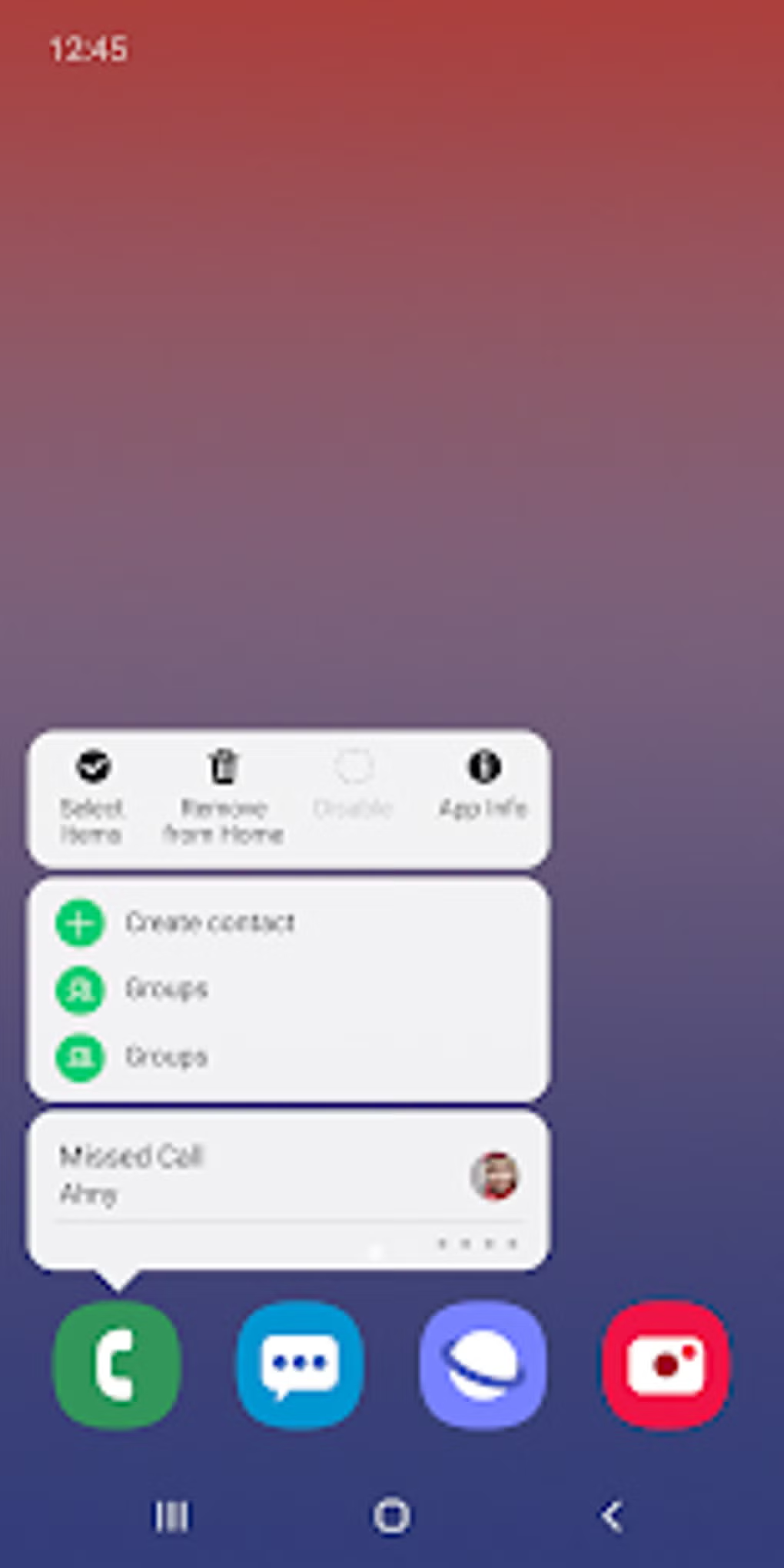
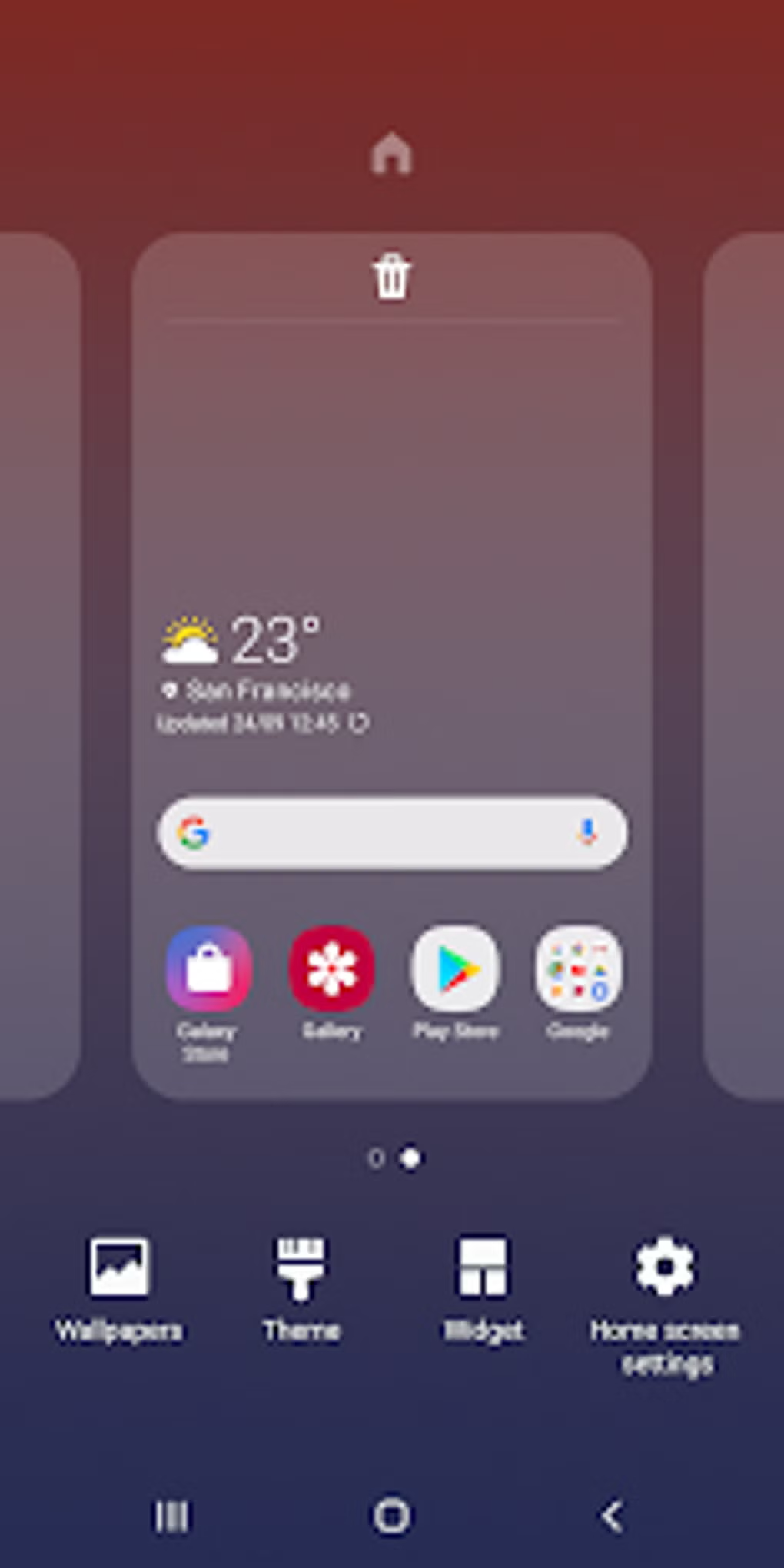
It offers a dark mode, which helps protect your eyes and conserve device battery. It also integrates tools for editing screenshots and features an enhanced Always-On Display. Designed to facilitate one-handed use, it introduces new gesture-based controls, providing an innovative way to navigate your Galaxy device.
Essentially, the foreground app occupies the majority of the screen, while the interface of the background app appears as a narrow bar along the top or bottom edge. You can tap this bar to expand the background app to a near-full-screen view, just like a foreground app.
To do this, drag the divider all the way to the bottom—to the point just before the window would become fully full-screen. In this state, both apps remain visible in a split-screen layout, with one app always partially displayed; a single tap is all it takes to bring it back into focus.
This comprehensive suite has been upgraded with an optimized volume control interface that now offers greater personalization. You can independently adjust the volume for various functions, such as media playback and notifications. The notification interface has also been refined, featuring a light-gray background complemented by smooth, subtle fade-in animations. Additionally, widget interactions have been optimized to make them more convenient and user-friendly.
Pros and Cons
Pros
Free and lightweight; compatible with most Android phones.
Offline image loading helps save mobile data.
Set home screen and lock screen wallpapers with a single tap.
Frequently updated wallpapers and trending themes.
Easy sharing directly from your gallery.
Cons
Not a true launcher—it is limited to wallpapers only.
The collection relies on the developer's source material.
The list of supported launchers includes
ADW Launcher
Next Launcher
Action Launcher
Nova Launcher
Holo Launcher
GO Launcher
KK Launcher
Aviate Launcher
Apex Launcher
TSF Shell Launcher
Line Launcher
Lucid Launcher
Mini Launcher
Zero Launcher
Conclusion
In addition to an extensive library of wallpapers, the Samsung UI 8 launcher is compatible with a variety of popular third-party launchers, such as Nova Launcher, Go Launcher, and Action Launcher. This compatibility allows users to seamlessly apply Samsung UI 8 themes across different platforms. Supporting all versions of Android, the app is suitable for a wide range of devices, making it an ideal choice for users who value personalization.