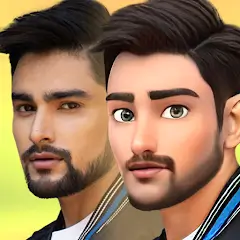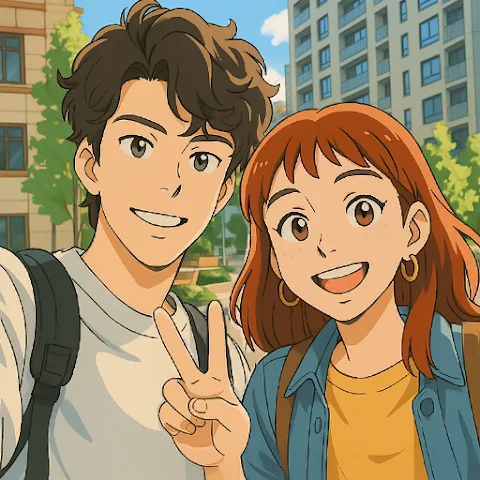
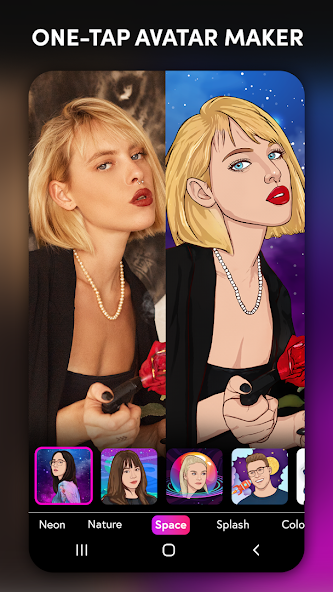
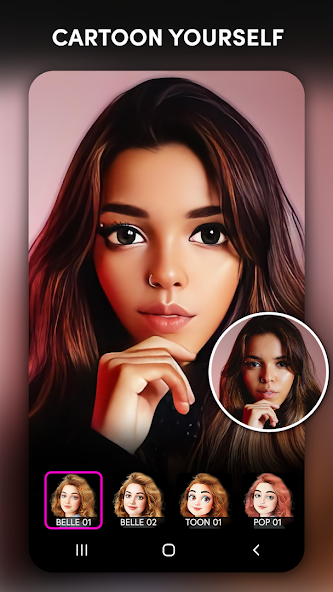
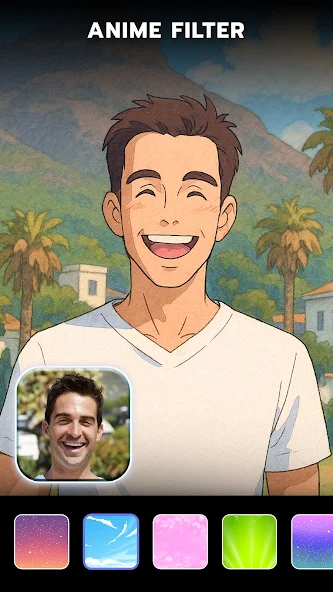
ToonApp is a powerful cartoon-style photo editing tool. Users can import their portraits into the app and use its one-tap transformation feature to convert them into various anime-style characters. The app offers a wide range of comic-style filters and creative effects, which users can select from its extensive library. It also includes 3D cartoon editing tools, allowing users to transform photos of their pets or friends into 3D-style cartoon versions. Additionally, the app enables one-tap background replacement and the creation of personalized avatars, helping users produce a variety of imaginative, cartoon-inspired images.
Features
Action Figure Avatars: Switch up your look with one tap—transform any selfie into a heroic action figure or anime character, complete with blister pack and toy box backgrounds for that collectible vibe.
Ghibli Style Filters: Reimagine photos through dreamy, studio-inspired filters. Love the look of classic Ghibli animation? Snap a pic and watch the magic.
Manga & Anime Photo Effects: Play with various manga filters and creative effects to turn your photo into a fun Japanese-style cartoon or comic cover.
3D Cartoon Editing: Give your images a fresh perspective—create lively caricatures and 3D cartoon versions of yourself, pets, or friends for profile pictures and more.
Instant Backgrounds: Automatically remove and replace backgrounds with just a tap. Try whimsical scenes or stick with something simple—it’s all up to you.
Big Head Trend: Tap once to exaggerate proportions and join the big head filter craze. It’s weirdly satisfying and makes for hilarious results.
Pet Cartoon Maker: Ever seen a cartoon version of your dog or cat? Cartoonify your furry pals for cute and quirky pet avatars.
Easy Sharing: Finished your transformation? Quickly share your creations to Instagram, TikTok, Facebook, or wherever you like—your new look is always ready to go.
Highlights
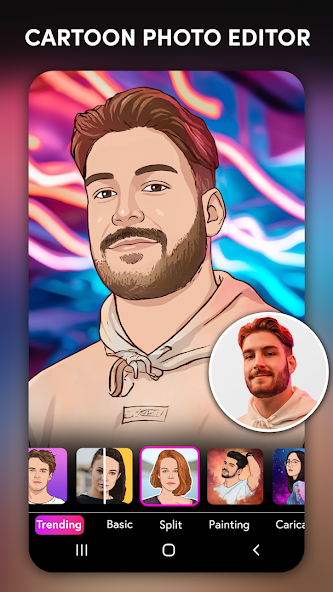
Many interesting filters: Artistic brush strokes can be easily added to images.
Possessing an impressive avatar: Users should try changing themselves into a more beautiful version, like turning themselves into a cartoon character.
Many styles for you: Portrait becomes unique when many different filters are applied to suit the preferences of many people.
Advantages and disadvantages
Pros
Dozens of comic, anime, sketch, and caricature filters
Uses gallery photos or the Android camera
Background replacement and color controls
Direct saving and social sharing
Cons
Limited tools for correcting failed facial details or crops
Some features require payment
FAQS
What is ToonApp?
ToonApp is a cartoon photo editor that allows users to create artistic cartoon-style images from their photos.
Who developed ToonApp?
ToonApp was developed by Lyrebird Studio.
What features does ToonApp offer?
ToonApp offers features such as cartoon effects, sketch filters, art blending tools, and various image editing options.
Can users share their cartoon creations directly from ToonApp?
Yes, users can share their cartoon creations directly to social media platforms from within the ToonApp interface.
Summarize
ToonApp is a cartoon photo editor designed to transform your selfies and images into cartoon-like representations. This application is available for the Android platform, allowing users to download ToonApp and easily utilize its features for creative photo editing. Often referred to as a caricature maker, ToonApp provides various tools and filters to create unique cartoon avatars and animated pictures.