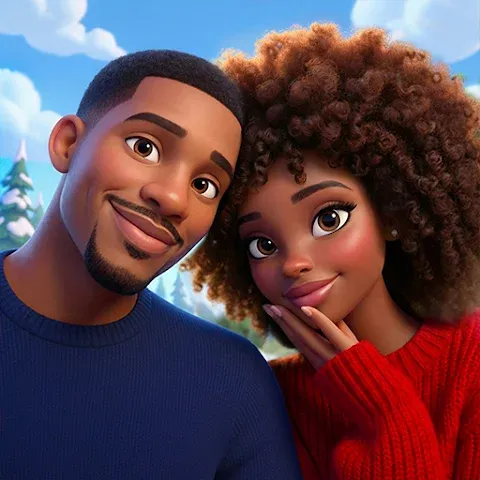
ToonApp AI is an image-editing tool designed for Android devices. Users begin by importing a portrait photo into the app, then provide prompts to the AI to transform the image into a stylized version. The app primarily focuses on converting portraits into cartoons and can even generate fun, cartoon-style emojis based on the subjects. It also offers manual editing tools for fine-tuning specific details. You can create your own unique cartoon persona, with the app supporting both photos from your gallery and new images captured directly via your Android device’s camera. For the best results, choose high-quality photos with even lighting.
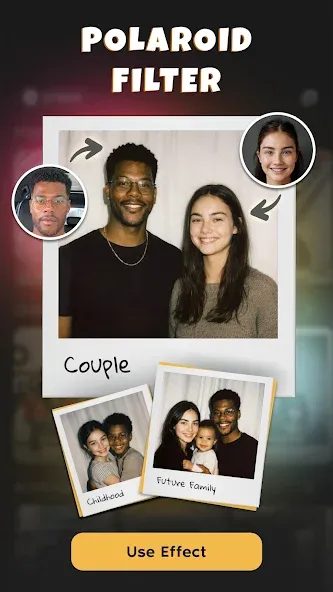
Features
AI-driven cartooning for portraits and full-body images
Automated background removal with high-precision target identification
Extensive library of categorized visual effects and artistic filters
Real-time cartoon filters with dynamic built-in camera interaction
Automated sticker creation using cartoon avatars and funny emojis
Manual editing suite for fine-tuning specific image details
Customizable and fluid user interface for efficient navigation
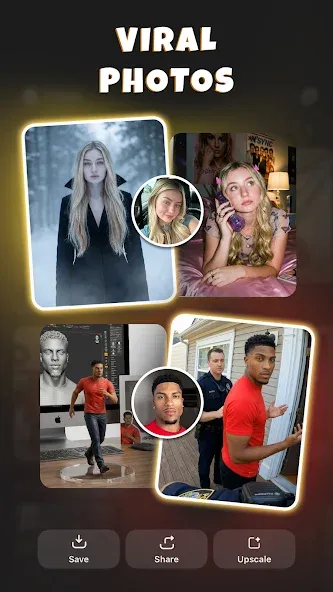
Highlights
Many interesting filters: Artistic brush strokes can be easily added to images.
Possessing an impressive avatar: Users should try changing themselves into a more beautiful version, like turning themselves into a cartoon character.
Many styles for you: Portrait becomes unique when many different filters are applied to suit the preferences of many people.
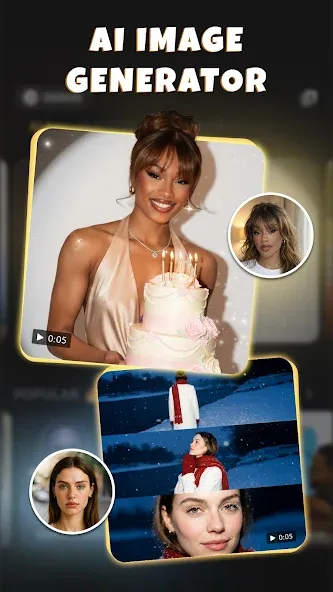
Pros and Cons
Pros
Dozens of comic, anime, sketch, and caricature filters
Uses gallery photos or the Android camera
Background replacement and color controls
Direct saving and social sharing
Cons
Limited tools for correcting failed facial details or crops
Some features require payment

Tips
Choose high-quality photos with even lighting: Clear facial features, detailed hair, and soft natural or indoor lighting help the AI more accurately preserve your unique characteristics.
Opt for simple backgrounds: Cluttered backgrounds can interfere with the AI’s recognition process or lead to the generation of unwanted elements; photos featuring a single person or a couple generally yield better results than those with complex settings.
Use manual tools for edge refinement and erasing: If the AI’s automatic cutout or selection is slightly off, you can use editing tools—or adjust the eraser size—to manually clean up any excess areas.
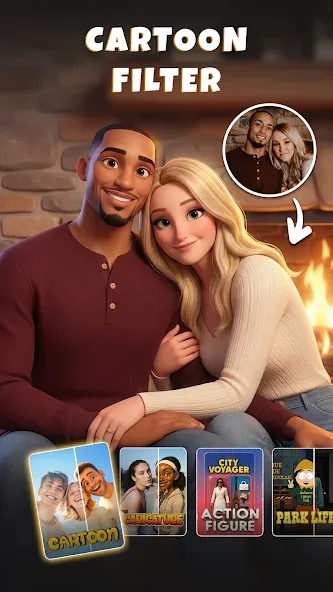
Summarize
ToonApp AI has dozens of different filters that you can apply to your selfies to give them a comic style. Best of all, the app is incredibly intuitive to use, so you can get your results in a matter of seconds. Lastly, the app gives you the option to directly share the content on your social networks or simply store each edited image to your device's gallery.