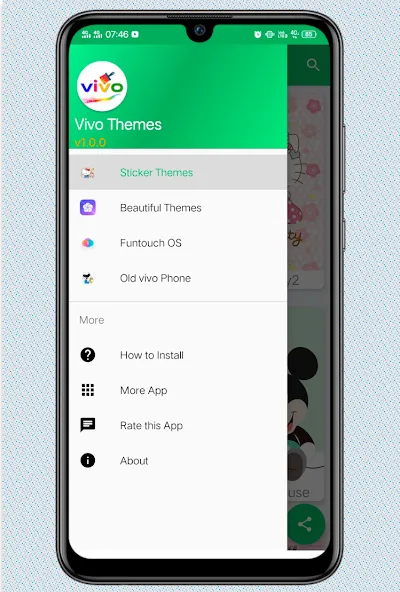
Vivo Themes is a theme customization tool designed for Android devices. It features a "mix-and-match" function, allowing users to combine elements from various themes—for instance, by blending two different wallpapers. With a variety of lock screen styles available, users can create a highly diverse and personalized phone theme. The app also supports custom widgets, such as clocks and calendars, for the home screen. Furthermore, it periodically offers premium visual resource packs for free, helping to enhance the overall smartphone user experience. The software provides great flexibility for creative combinations and even allows for the creation of custom icons. Lightweight and featuring an intuitive interface, it is easy for users to get started right away.
Features
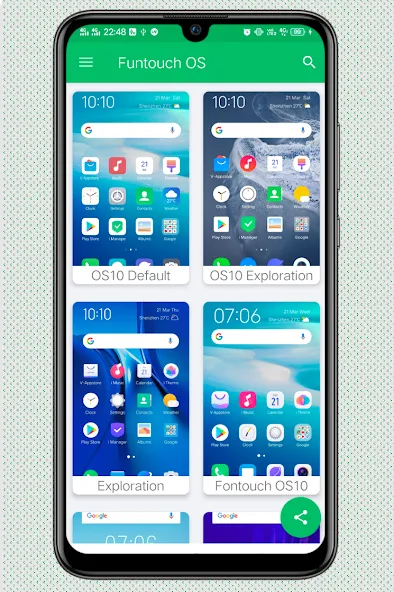
Mix & Match ("Mix" option): Combine individual elements—such as wallpapers, lock screens, icons, fonts, and system UI—from different themes rather than applying a single preset.
Lock Screen & Always-on Display (AOD): Customize lock screen clocks, widgets, photos/videos, fingerprint animations, and AOD styles.
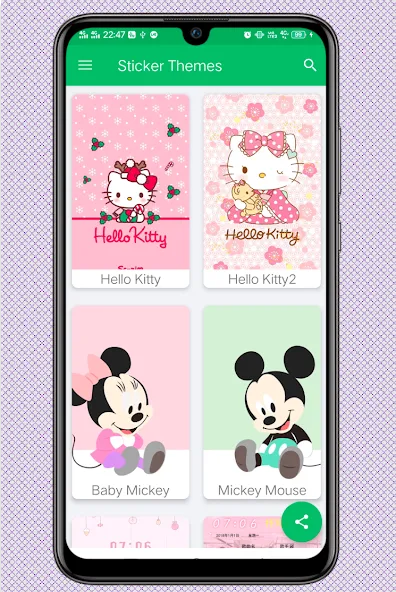
Fonts, Icons, & Wallpapers: Browse free and paid visual packs, apply custom icon styles, and use dynamic or high-resolution wallpapers.
Account Persistence: Paid themes, fonts, and AOD styles stay tied to your vivo account so you can re-download them after resets, firmware updates, or switching to a compatible vivo phone.
Highlights
Security is another key consideration for this app. Its theming features ensure that user data remains safe and secure while the app is in use. By prioritizing privacy, the developers provide peace of mind as users explore various personalization options.
Ease of use is also a significant factor. The app is designed to be inclusive, offering a range of features that make it accessible to users of all technical skill levels. Regardless of their technical proficiency, users can navigate and utilize the app efficiently.
With a focus on creativity and personalization. this app is a valuable tool for anyone looking to enhance their smartphone experience. By downloading themes, users can explore endless design possibilities, transforming their devices into unique spaces that reflect their personal style.
Pros and Cons
Pros
Combines wallpapers, icons, fonts, and lock screen styles
Supports custom combinations of supplied components
Includes category browsing and search
Cons
Some icons may not apply on the first attempt
Many themes and fonts require separate purchases
Summarize
Overall, Vivo Themes is a great choice for users looking to refresh the monotonous or dated look of their device with a design that reflects their personal style. It offers an extensive collection of themes and fonts, allowing you to mix and match icons and wallpapers to personalize your device in various ways. Do note, however, that some icons may not be applicable via a one-click process.