
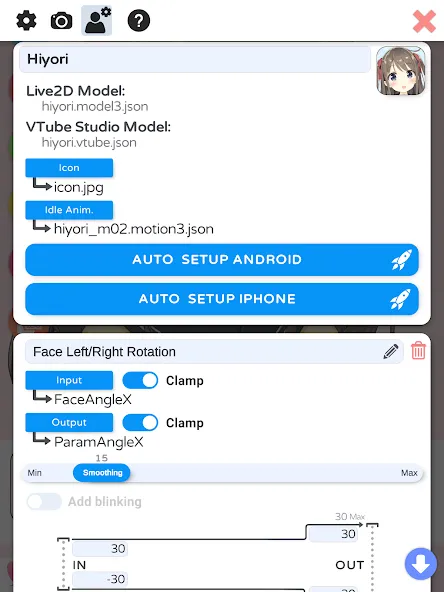
VTube Studio is a powerful creative tool for Android that allows users to build their own virtual avatars. You can choose from the software’s built-in models or import your own custom designs. Using facial recognition technology, the app captures your expressions and movements, syncing them in real-time to your virtual avatar. You can fine-tune details such as the avatar’s clothing and accessories, and even replace the default background templates with your own personal photos. The software enables you to interact, converse, and communicate through your virtual persona, with support for manual adjustments to specific expressions. Best of all, the application is completely free.
Features
Virtual Avatar Generation
Users can create their own virtual avatars via the VTube Studio app by selecting or importing their preferred models and applying custom settings.
Motion Capture
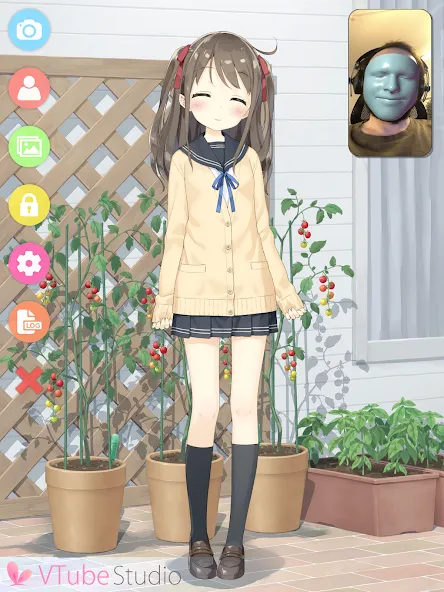
Leveraging advanced facial recognition technology, the app captures the user’s facial expressions and movements in real time, syncing them to the virtual avatar for a highly realistic interactive experience.
Avatar Customization
A wide range of customization options allows users to fine-tune details—such as clothing, hairstyles, and accessories—to craft a truly unique virtual avatar.
Background Customization
Users can personalize their backgrounds by choosing from the app’s built-in templates or by importing their own images from their photo gallery.
Interactive Features
Users can engage with their virtual avatars—such as by taking photos together or having interactive conversations—making the experience more fun and engaging.
Pros and Cons
Pros
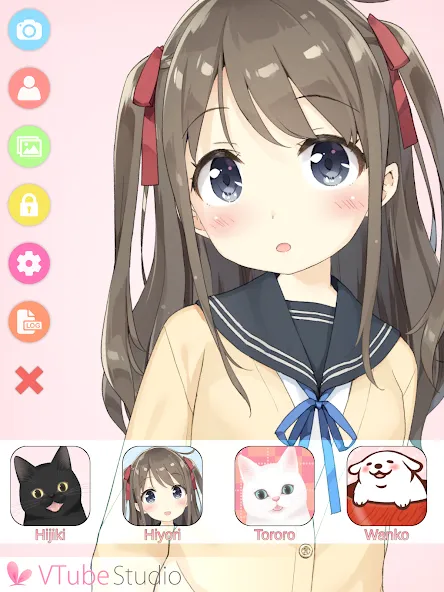
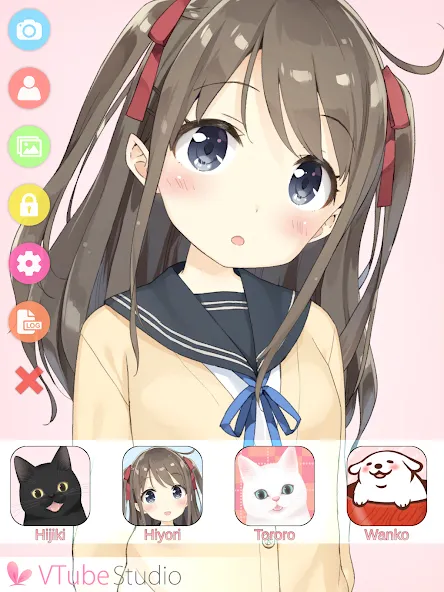
Loads custom Live2D models and includes existing characters
Sends face-tracking data to Windows and macOS versions
Provides manual expression adjustments and custom backgrounds
Officially licensed to use the Live2D Cubism SDK
Cons
Requires an Android device with ARCore face tracking
Tracking is less accurate than on iPhone and iPad
FAQS
What features are available in VTube Studio online for free?
The main feature is simplicity and the various configurations you can set up for the character, including appearance, clothes, background, etc.
How do I use the app?
The main thing is the web camera. You have to permit the app to track your face. The software will do the rest. You can stream online or record videos to share them later.
How long it takes to create an avatar?
It depends on your requests and how many details you wish to set up for your character.
Summarize
As a standalone Android creation tool, VTube Studio is still constrained by the hardware variations across different mobile devices, and its tracking performance falls short of the iOS version. Nevertheless, as a mobile-based motion-capture tool designed for use with existing Live2D avatars, VTube Studio serves a clear purpose and offers a sufficient range of adjustment options, making it well worth a try.