
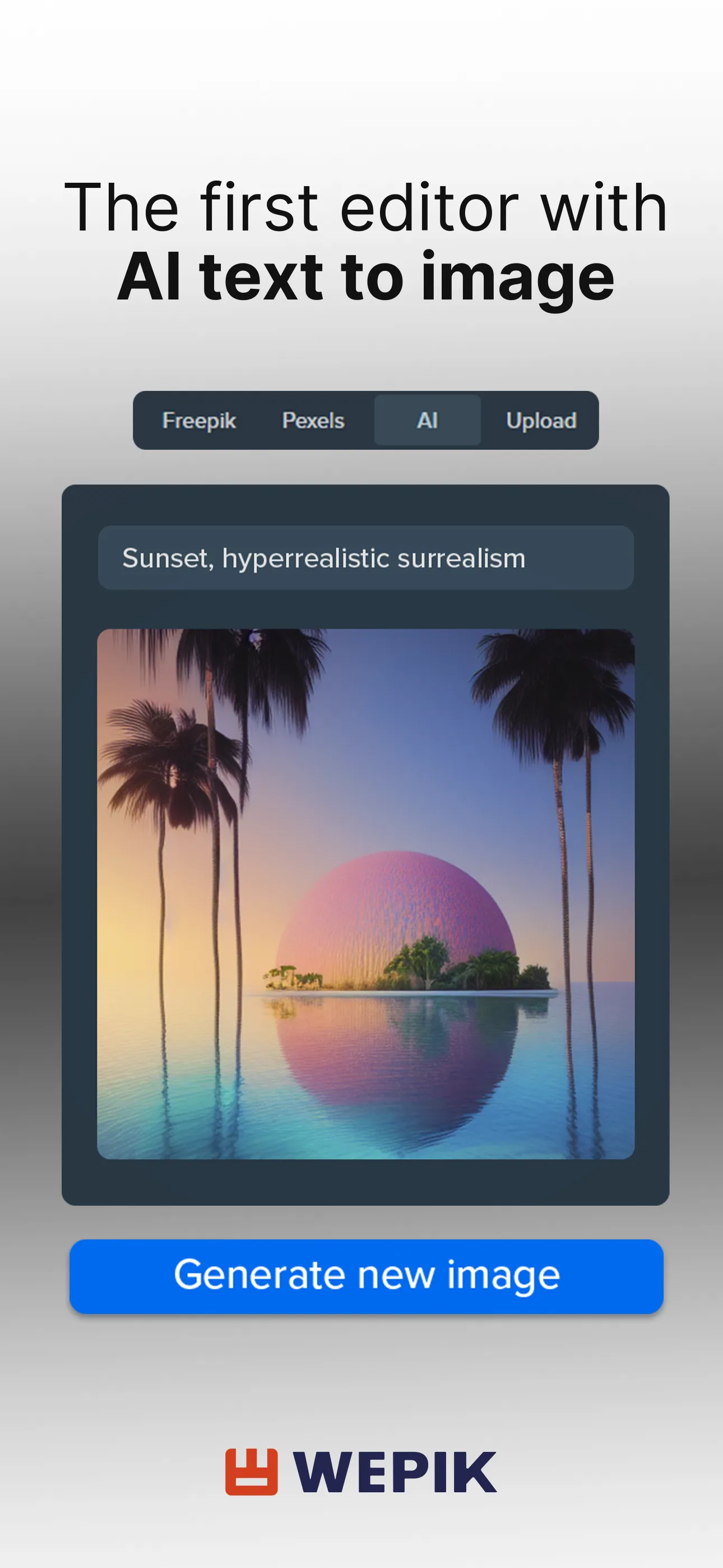
Wepik is a logo and design editing tool for Android devices. The app offers an extensive library of templates, covering a wide range of formats such as posters, flyers, invitations, and postcards, all of which can be quickly customized. Its versatile editor allows users to simply select a template and easily manipulate text, images, and other design elements—enabling even those without professional design experience to create polished, professional-grade layouts. The platform includes built-in brand assets, supports the integration of custom brand materials, and allows for seamless importing and exporting. Furthermore, the editor supports real-time, multi-user collaboration, making it easy for teams to work on and manage projects together. With its user-friendly interface, getting started is quick and intuitive.
Features
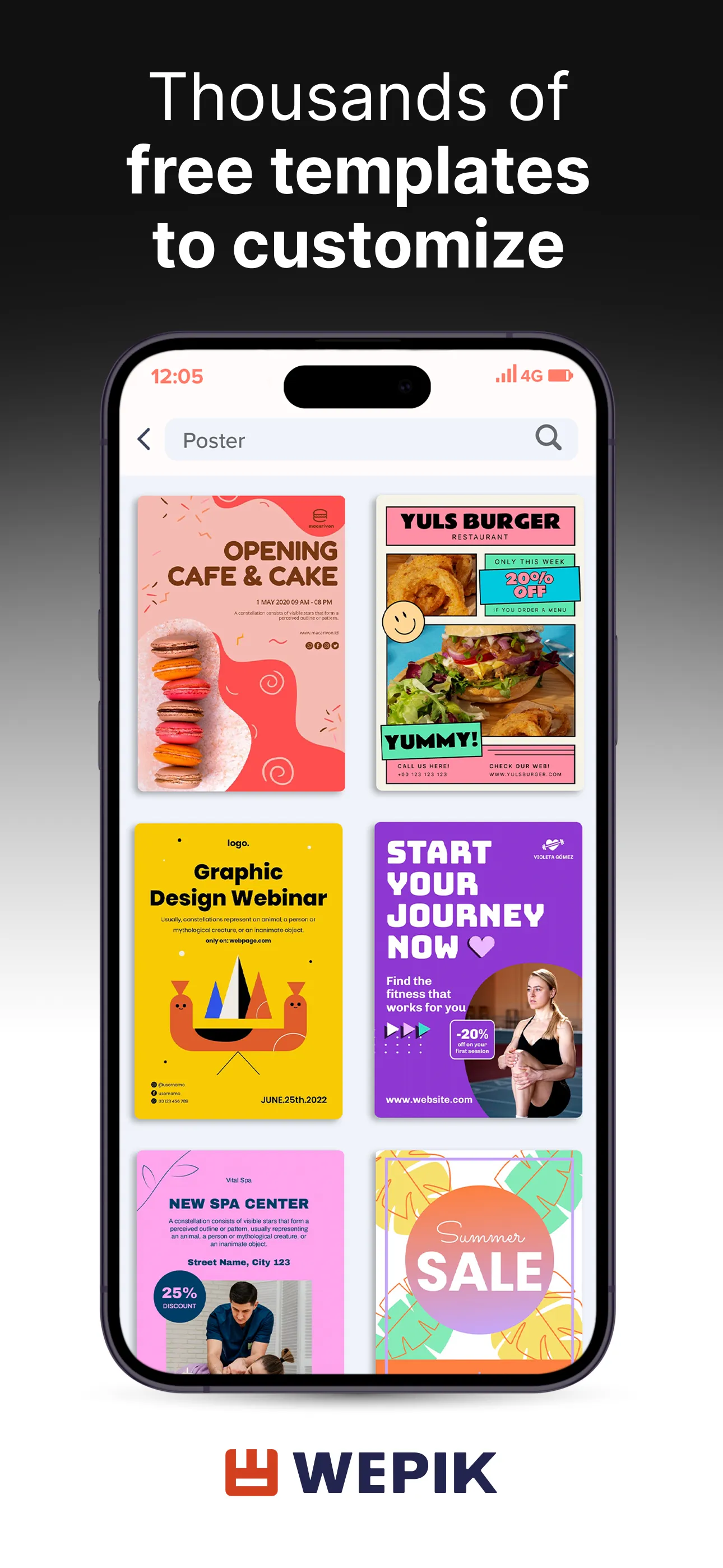
Extensive Library of Editable Templates: Includes posters, flyers, cards, invitations, postcards, business cards, social media posts, and more—all ready for quick customization online.
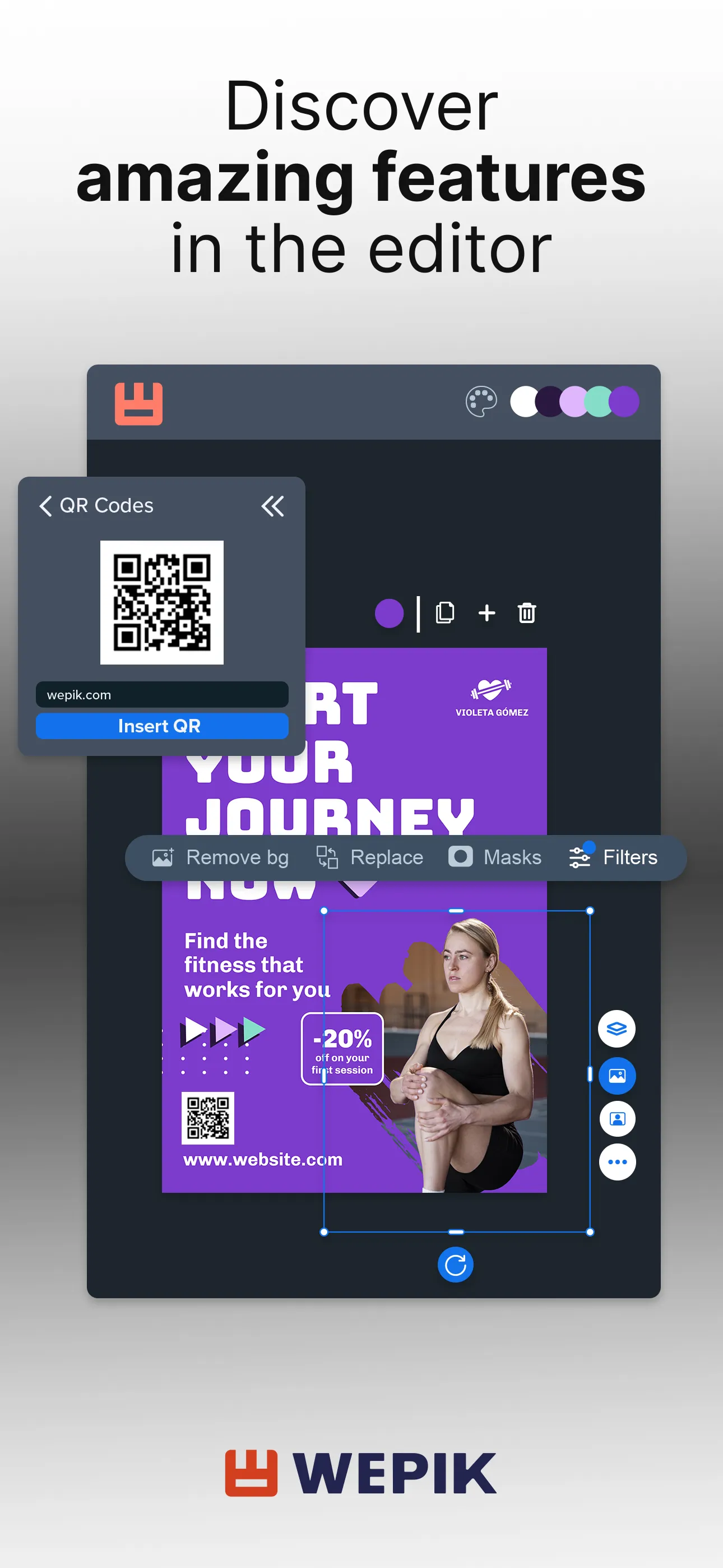
Drag-and-Drop Editor: Easily replace text, images, and graphic elements using a simple drag-and-drop interface, making professional layout design accessible to everyone.
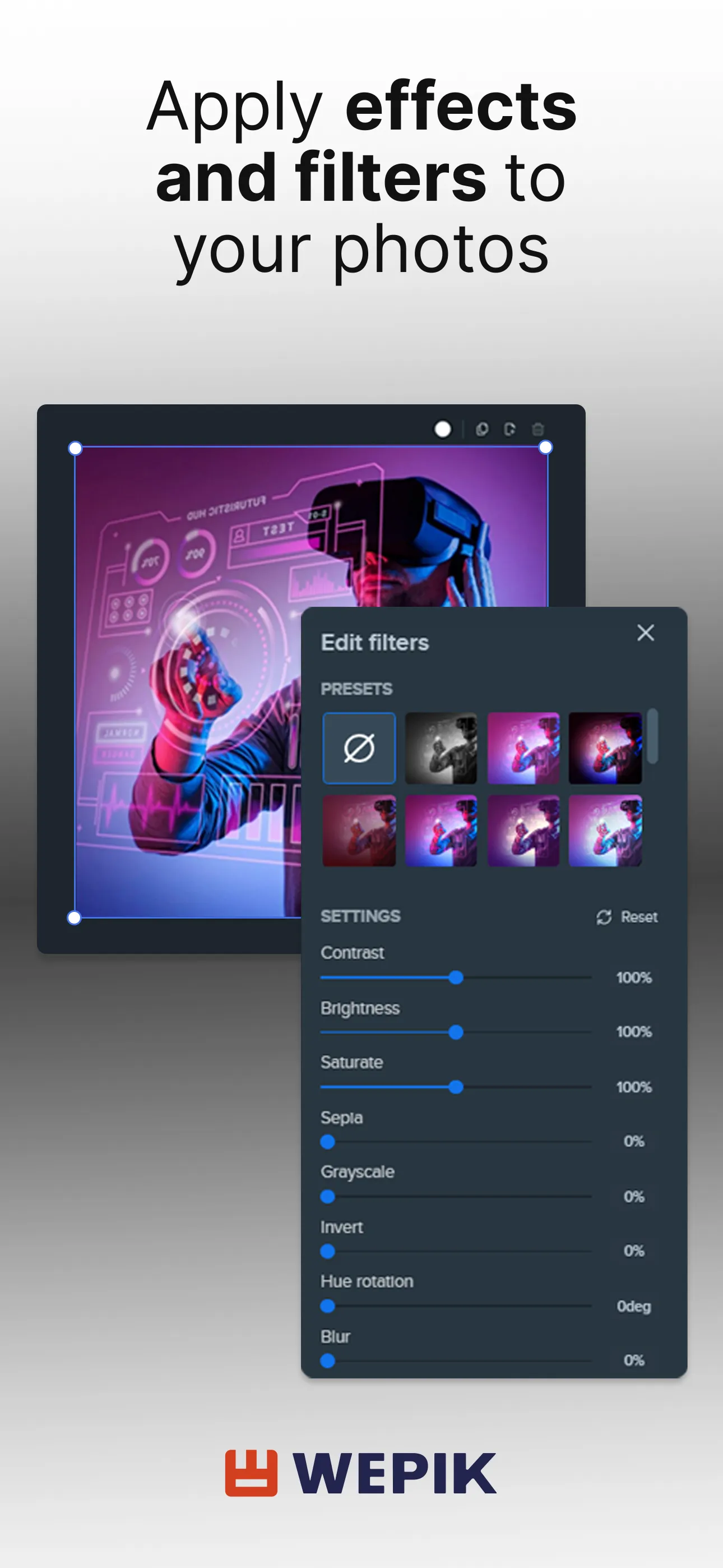
Asset Library & Brand Elements: Features a built-in collection of photos, graphics, and fonts, with support for integrating brand assets and importing/exporting content.
Real-Time Collaboration: Enables multiple users to collaborate on designs and manage projects online simultaneously.
Tips
Start with ready-made templates: Choose a template that suits your needs, then use drag-and-drop to adjust text, images, and layout—it’s much faster than starting from a blank canvas.
Swap images quickly: Select an existing image and use the "Replace" option in the top toolbar to swap it out; this preserves the original layout, proportions, and positioning.
Maintain brand consistency: Organize your brand color palette, fonts, and logo, and apply them consistently throughout your editing process to ensure a unified style across all pages and assets.
Pros and Cons
Pros
User-friendly interface that is easy for beginners to navigate.
Offers a wide variety of customizable templates for different purposes.
Allows collaboration with team members in real time.
Provides access to a large library of free images, icons, and other design resources.
Cons
Limited advanced features compared to more established design software.
Some templates may feel generic or overused by other users.
Summarize
Downloading the APK of Wepik for Android will allow you to have a wide range of editable templates to create hundreds of designs from your smartphone. All this means that you do not have to resort to other more complex photo editing and graphic design programs.