
WeShare is a powerful file-transfer assistant. Every day, thousands of files are transferred through the platform, which supports a wide variety of formats. Users can upload photos, videos, music, books, applications, and more—sharing their own creations with people all around the world. The platform enables high-speed transfers of large files, provided there is an internet connection. It also features private messaging for communicating with friends, cross-device access and backups, and real-time synchronization. Additionally, it offers tools for managing potential clients, and allows users to search for public resources by categorizing them according to people, locations, or events. You can get started quickly, with no complex setup required.
Features
Content Discover
Many people share millions of files on WeShare every day. WeShare is a file library. You can discover what you are interested in : full movies, hit music, HD video, TV show, HD pictures, wallpaper, popular apps .
Share & Contribute
Upload photos, videos, pics, music, books, apps and help other people find the best trending things. People will follow you on Weshare and you can make new friends around the world.
File Download
With only one click you can free download any medias you found on WeShare. WeShare is also a simple file manager that you can easily manage download files store in your mobile.
Transfer Unlimited Files
WeShare lets you send large files(more than GB) with high speed. With internet connection, you can send big videos (movies, game videos), HD photo albums, music playlists, documents with only few steps.
All formats are supported: image, video , pdf, docx, audio,apk,zip, txt, etc .
Messaging
You can chat privately with friends and followers in anywhere at anytime. In addition, it's easy to share files to your contacts in third party apps.
Function
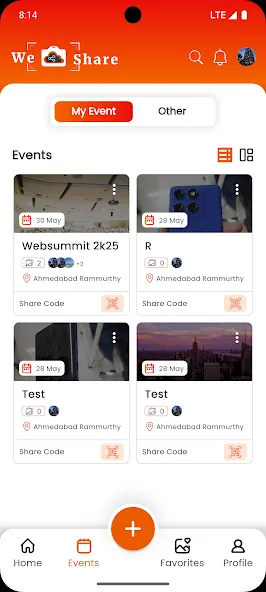
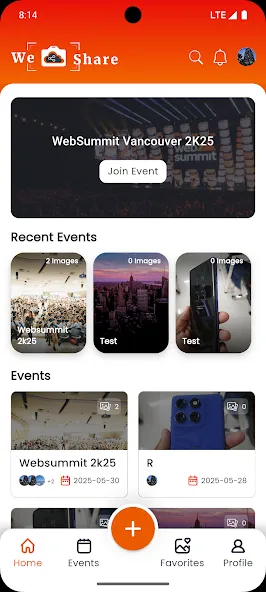
Photo and video sharing apps: Examples include The WeShare and WeShare, which offer cross-device access, cloud backup, shared event albums, and real-time synchronization. Some of these apps support lossless image quality, QR-code-based event entry, and search functionality by person, location, or event.
Cross-device file transfer apps: Tools such as those found on Google Play facilitate the transfer of photos, videos, documents, audio files, and applications, featuring folder browsing and QR-code-based pairing.
Appointment and scheduling tools: Platforms like Weshare—designed for sales professionals, marketers, and creators—support calendar synchronization, online booking pages, meeting integration, automated reminders, and lead management.
Tips
Quick Search and Organization: Use search functions—filtered by person, location, event, or tag—to locate photos or files instantly, without needing to scroll through a timeline.
Group Collaboration and Original Quality Preservation: For group trips or events, create shared albums or groups for centralized uploads. Opt to preserve original image quality or use batch export features to minimize the need for repetitive coordination.
Be Mindful of Link Expiry and Permissions: When sharing files via links or QR codes, pay attention to expiration dates and download permissions. Always verify the source and reviews of any third-party file-sharing applications before installing them.
Summarize
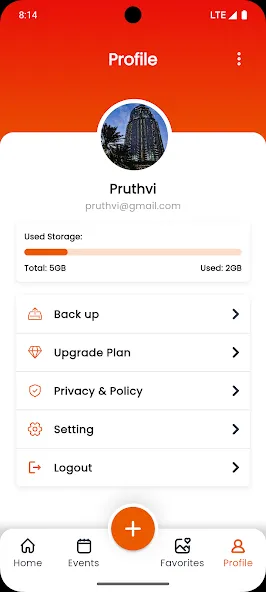
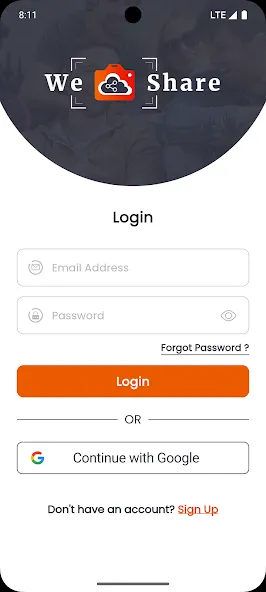
WeShare is an Android utility designed for quick and secure file transfers. This free app allows users to share a variety of file types, including apps, documents, videos, photos, and audio, without size restrictions. The interface is user-friendly, enabling easy selection and transfer of files with just a few taps. A standout feature is the ability to connect with recipients via QR code, streamlining the sharing process without the need for complicated setups. Additionally, users can browse their internal storage by folder, making it simple to locate and share files.