
Whatscropping is an image-editing tool designed specifically for WhatsApp, allowing users to quickly generate profile pictures in various resolutions without the need for manual cropping. Users can upload a desired photo—or capture one using their device’s built-in camera—and place it within a circular area, where the app handles the cropping automatically. It is worth noting that certain image elements may need to be positioned carefully to avoid being cut off. Images processed through this tool retain their high-definition quality; users should ensure there is sufficient space for editing by appropriately scaling down the photo within the square canvas. This tool helps users make the most of their WhatsApp experience.
Features
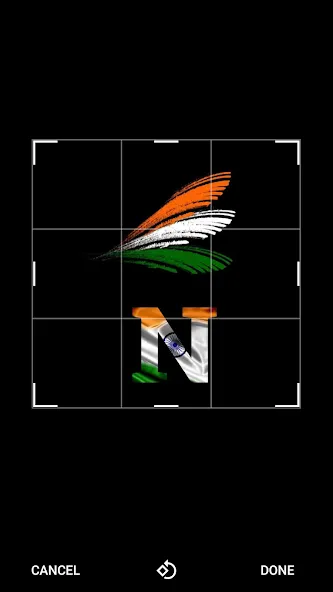
Change profile picture without cropping.
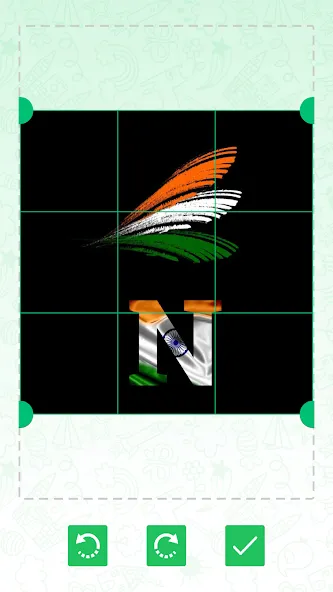
Adjust your picture size.
Rotate your picture and adjust it.
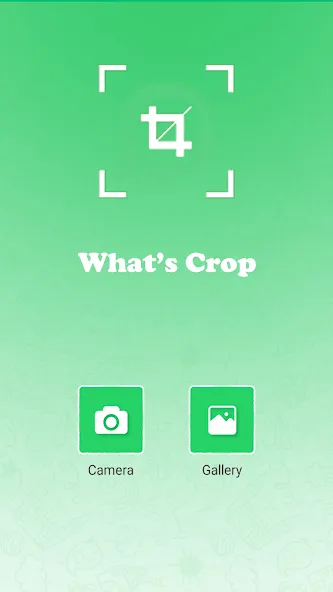
Select a picture from the phone Gallery.
Take a picture from Device Camera.
Choose and put any picture in your profile picture circle.
Take a picture and directly send it to the profile picture.
Tips
Consider the effect of the circular mask. Whatscropping displays square profile images within a circular area, meaning the four corners will be automatically masked out. Before saving, ensure that faces, text, and other key details are positioned toward the center of the circular preview area.
Leave sufficient space. Scale the photo down slightly within the square canvas to ensure that the edges of the subject do not touch the circular border.
Use high-resolution source images. Choose clear, high-quality images with dimensions of at least 640 × 640 pixels; this ensures the photo remains sharp even after being processed by Whatscropping.
FAQS
Is Whatscropping free to use?
Whatscropping offers both free and premium subscription plans, with the premium plan providing additional features and capabilities.
What types of social media platforms does Whatscropping support?
Whatscropping supports major platforms including Instagram, Facebook, Twitter, and LinkedIn.
Can I use Whatscropping on my mobile device?
Yes, Whatscropping is accessible via mobile devices through its responsive web design.
Do I need an account to use Whatscropping?
Yes, creating an account is necessary for saving your projects and accessing premium features.
Summarize
Whatscropping is an Android application developed by Application Shop that allows users to set profile pictures without cropping any part of their selected pictures. With this app, users can adjust their picture size and rotate them to fit their profile picture circle without losing any part of the picture.