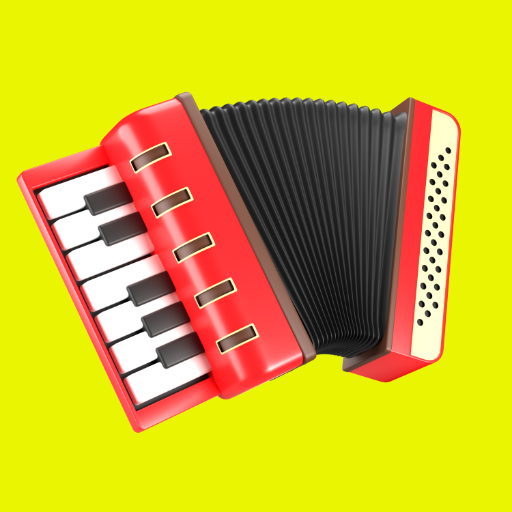
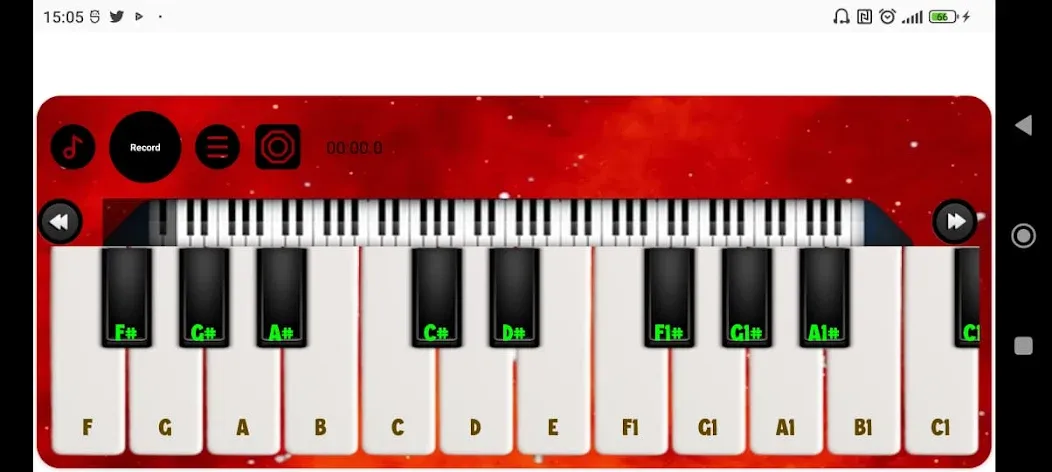
Accordion Piano Simulator is a music game centered around the accordion. Players can choose from various accordion styles, and the game features high-fidelity, realistic sound samples. You can explore different rhythmic styles and loops, adjusting the tempo—slowing it down for practice or speeding it up for a more dynamic performance. A built-in screen recorder allows you to save your performances as videos or MIDI files with a single tap. The game also serves as a tool for learning music; it utilizes professional-grade accordion samples recorded by audio engineers and allows you to break down musical pieces into smaller segments for focused, intensive practice.
Features
Loads of Accordions to Try Out
Pick from over a hundred unique accordions. Each one sounds different, and you can tweak the look to match your style. Feeling bold? Go colorful; feeling classic? Stick with the originals. It’s up to you.
True-to-Life Sounds
There are 50 types of authentic-sounding samples, including musette, violin, concertina, bassoon, and even bandoneon. You might end up picking a new favorite every session.
Play Along with Rhythms
Experiment with rhythms and loops from a range of genres—think Norteño, Vallenato, Cumbia, Forró, and even Carnatic or Bhangra. The built-in metronome’s there if you want to slow things down or bring up the tempo.
Easy Recording and Sharing
Hit record and save your tunes as videos or MIDI files. Want to post that new riff? Go for it—it’s super straightforward to share what you’ve created.
Custom Learning Tools
You can light up notes on each key, resize buttons, and take advantage of a “FREE BASS” system to zero in on bass skills. There’s room for both 41 keys and 120 basses.
Automatic Bass—Because Why Not?
With this feature, you can set the bass to play on its own and focus on melodies—or watch and learn how rhythms come together.
Fun Across Ages
There are 180 different loops and grooves, so whether it’s the kids goofing around or you working out a complex rhythm, everyone can join in and learn.
Flexible Practice Options
Try things solo, learn at your own speed, or just jam for fun. It’s a total playground for accordion enthusiasts—or anyone who just wants to make some music.
Pros and Cons
Pros
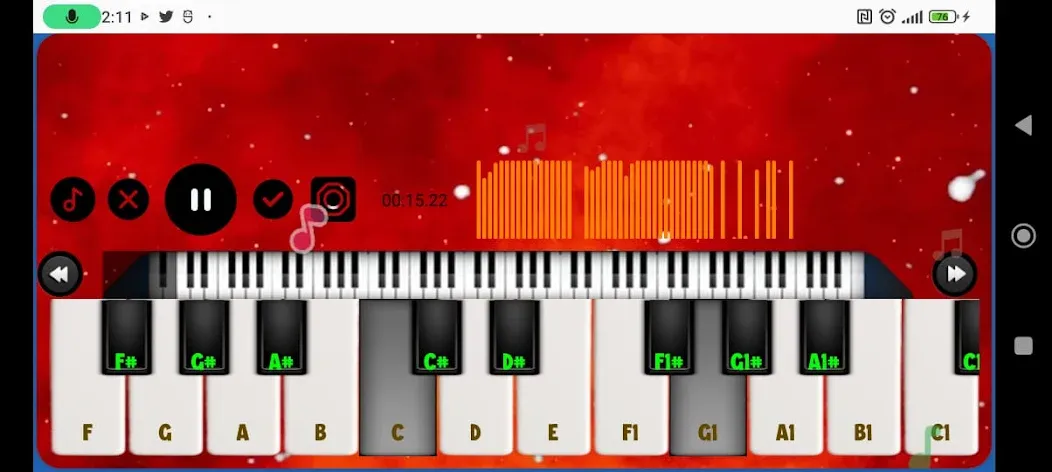
Automatic Rhythms plays programmed chord and bass patterns
Seven registers with studio-recorded accordion samples
Detailed sizing and placement controls for keys and basses
Built-in recording and playback
Cons
Some settings can be difficult to locate
Occasional reports of keys sticking until the app is relaunched
Tips
Break songs into small pieces: Practice a single 2-to-4 bar phrase over and over until your fingers memorize the virtual button/key positions.
Use short, focused sessions: Practicing for 10 to 15 minutes a day with full concentration builds muscle memory much faster than staring at a screen for an hour.
Record and review: Use the app’s built-in recording feature to listen back to your timing and check where you might be rushing or dragging the beat.
Summarize
Accordion Piano Simulator is a full-featured app for tablets and phones that lets you play the accordion. Its interface is very flexible, so you can change it to fit your device’s screen. How about making your instrumentals and recording them to show off to your friends? With an accordion piano, this is possible and easy to do!