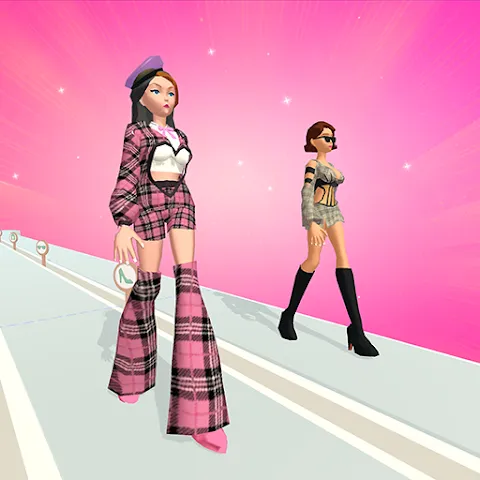
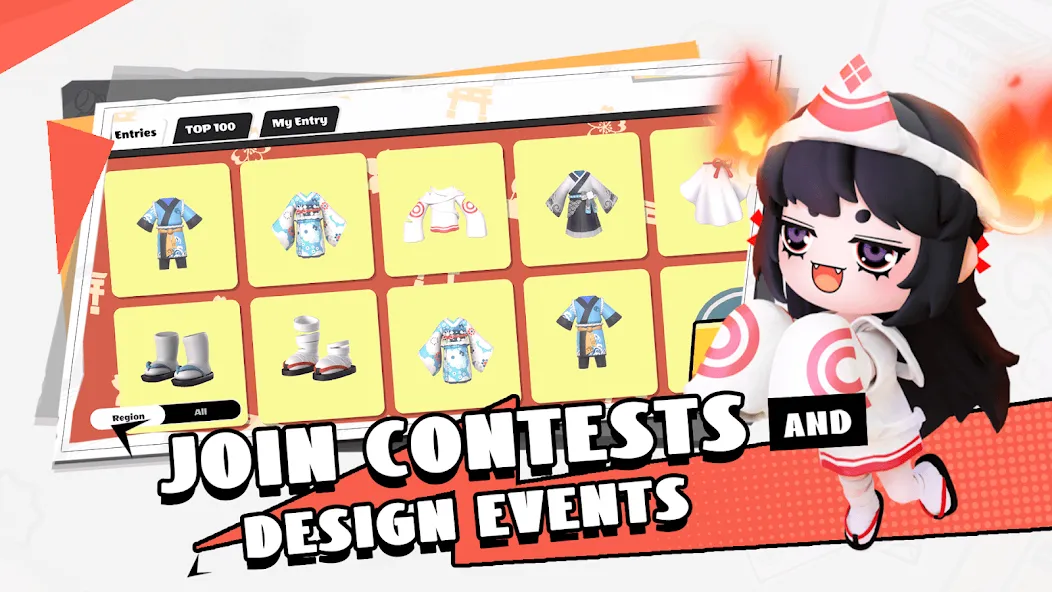
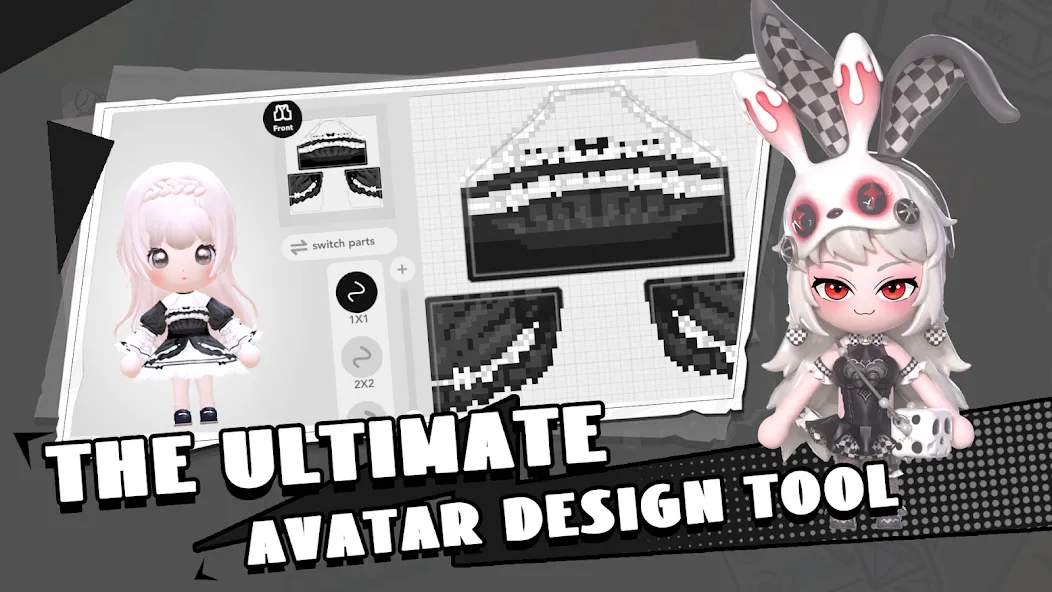
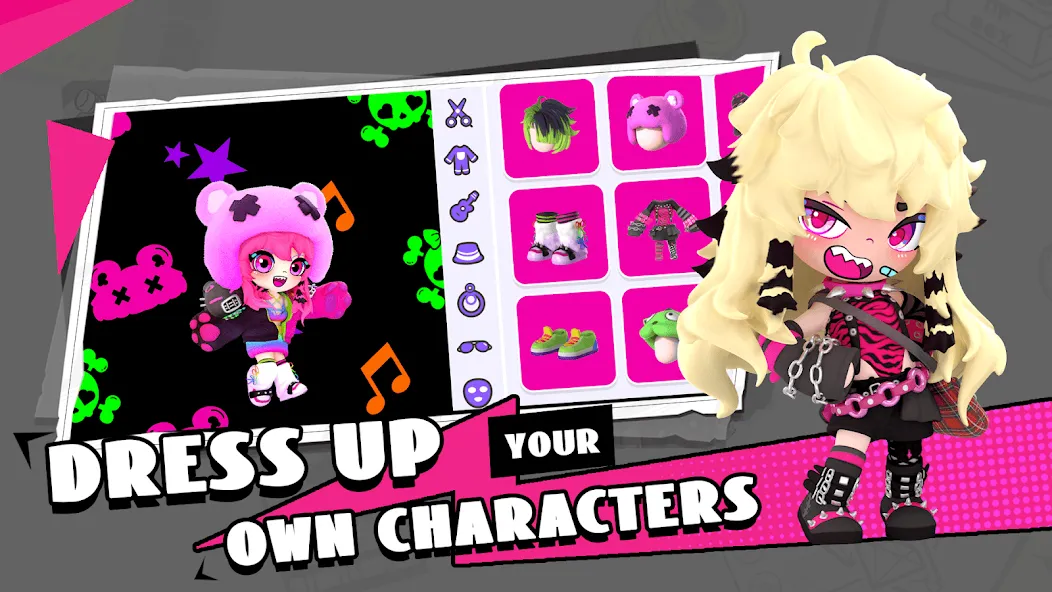
BUD: Create, Design and Play is a casual creative game for Android devices that offers a comprehensive toolkit for customization, allowing players to take on the role of a creator and design their own clothing. You can craft a wide variety of styles—from dresses to countless other looks—or explore the vast collection of creations available in the community marketplace. Build your own 3D world within a vibrant and diverse community. Use features like cutting and symmetry to refine details, such as adjusting cuffs or trimming away excess edges. Design your own virtual avatar, select the styles you love to curate your ideal wardrobe, and dive into the creative tools to bring your imagined worlds to life.
Features
Design Your Fashion: Dive into our comprehensive customization toolkit where you can design your own clothing. From stylish dresses to cool streetwear, your fashion sense knows no bounds.
Artistic Freedom: Embrace your inner artist by drawing and creating your own unique outfits. Whether it's casual wear, formal attire, or something fantastical, your creativity is the only limit.
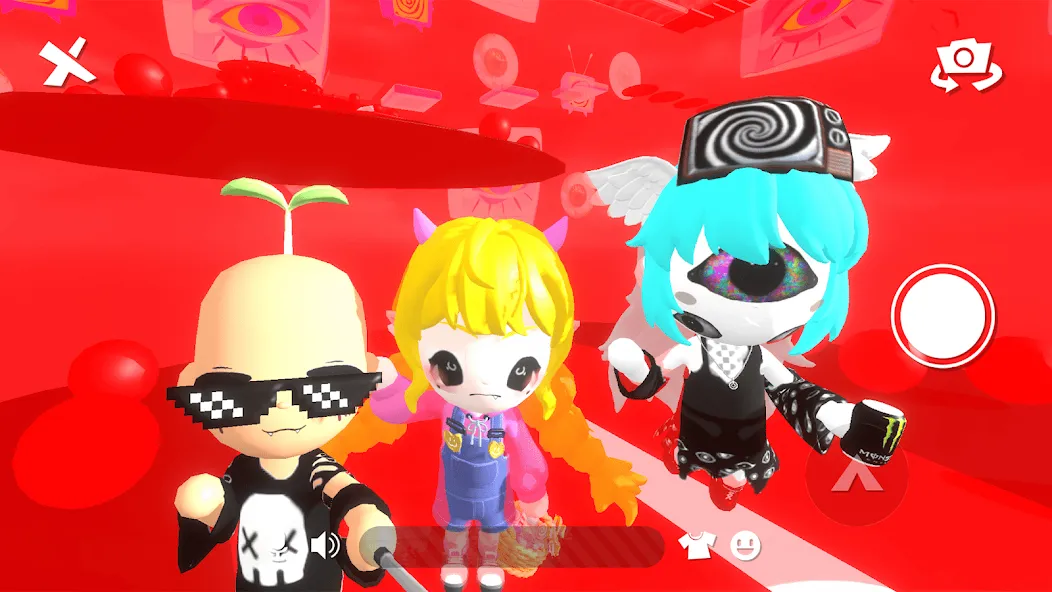
Community Marketplace: Explore millions of items in our bustling community marketplace. Mix, match, and experiment with a vast array of styles created by fellow BUD users from around the globe.
Pros and Cons
Pros
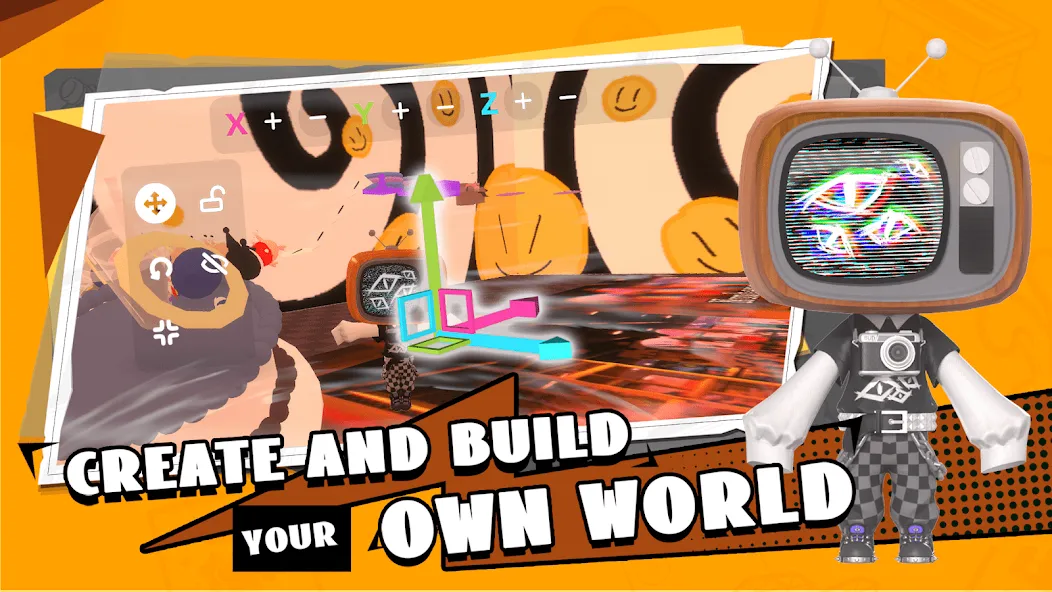
Varied community-created 3D worlds
Detailed avatar and clothing design
Supports sharing and collaborative creation
Cons
No clear tutorial for building tools
Reported keyboard and camera issues
Tips
Make the most of symmetry and cropping: Use the symmetry tool when drawing clothing or makeup to save significant time spent aligning both sides. Employ the scissors tool to trim necklines, sleeves, or excess edges—perfect for creating unique designs like slip dresses.
Combine fills and textures: Start by applying a base color with the paint bucket tool, then layer on brush details, text, or patterns to add depth and richness to your clothing designs and makeup looks.
Practice with themed challenges: Participate in styling contests or themed challenges to quickly spark inspiration and become familiar with coordinating various garments and accessories.
How to Play
Install the app on your Android phone, then launch it.
Next, set up your avatar by choosing a base style and adding clothing you like.
After that, browse community worlds and tap one to enter and start playing or hanging out.
Then open the creation tools, place objects, adjust interactions, and build a world at your own pace.
Finally, invite friends to join and create or play together in real time.
Summarize
BUD: Create, Design and Play is a free social and communication app. It is a cutting-edge virtual platform that offers users an immersive and interactive space to engage with 3D content. At its core, it is designed to provide a multifaceted experience that revolves around creation, play, and social interaction within a 3D environment.