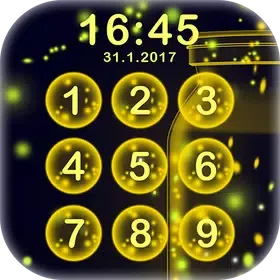
Firefly Locker is a classic lock screen application that features beautiful firefly-themed designs. It allows users to move beyond dull, uninspired lock screens by transforming their phone’s lock screen into a dynamic, firefly-filled display—all with just a single tap. The app also offers enhanced security, enabling you to set a 4-digit PIN to protect your device. You can further personalize your lock screen to suit your own style. For added privacy, you can enable a randomized numeric keypad, which helps prevent others from peeking at your PIN. Additionally, the app allows you to disable the default system lock screen, ensuring you don’t have to deal with the inconvenience of a "double" lock screen. Ultimately, Firefly Locker is designed to provide a stunning visual experience for your phone.
Features
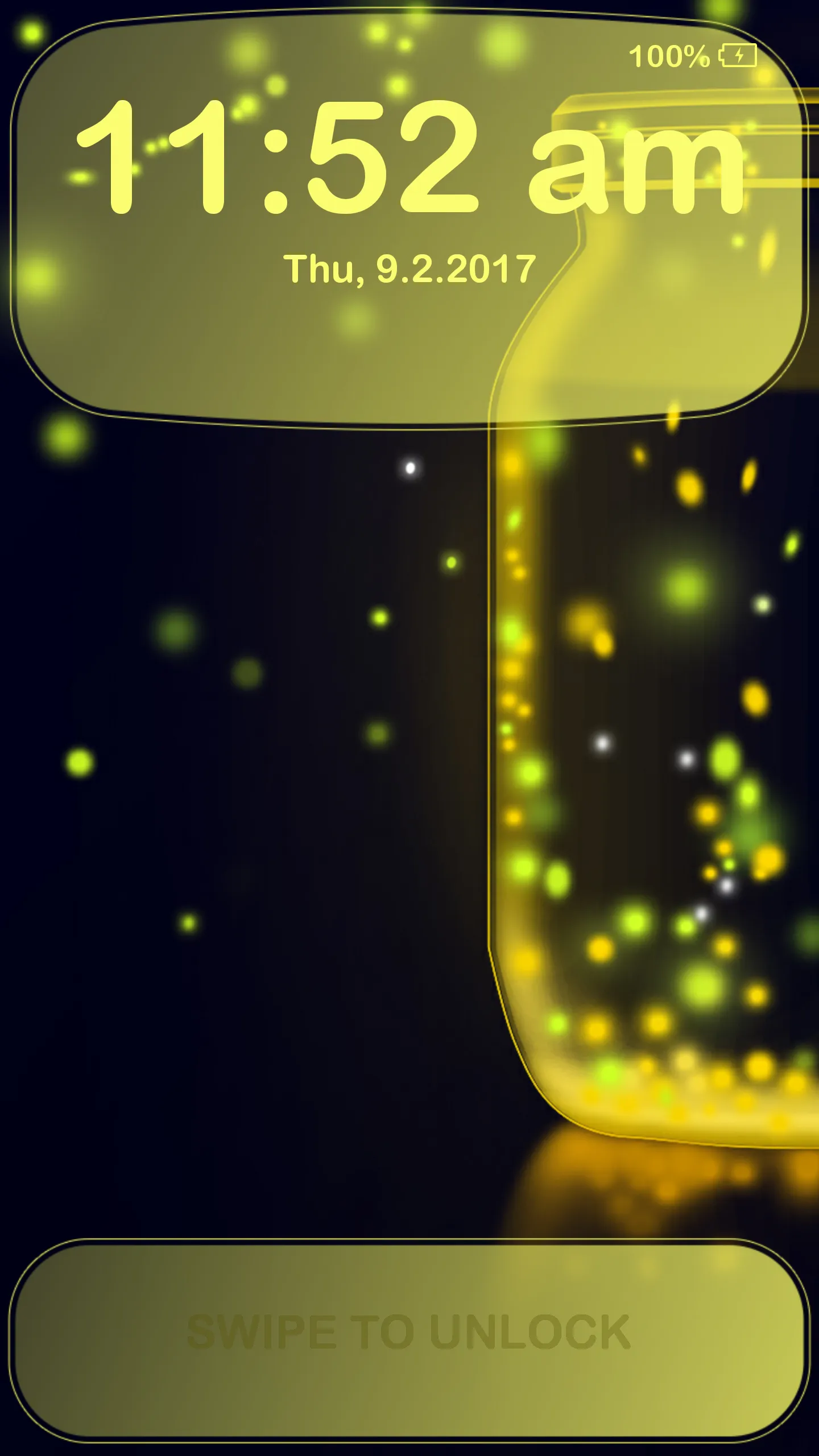
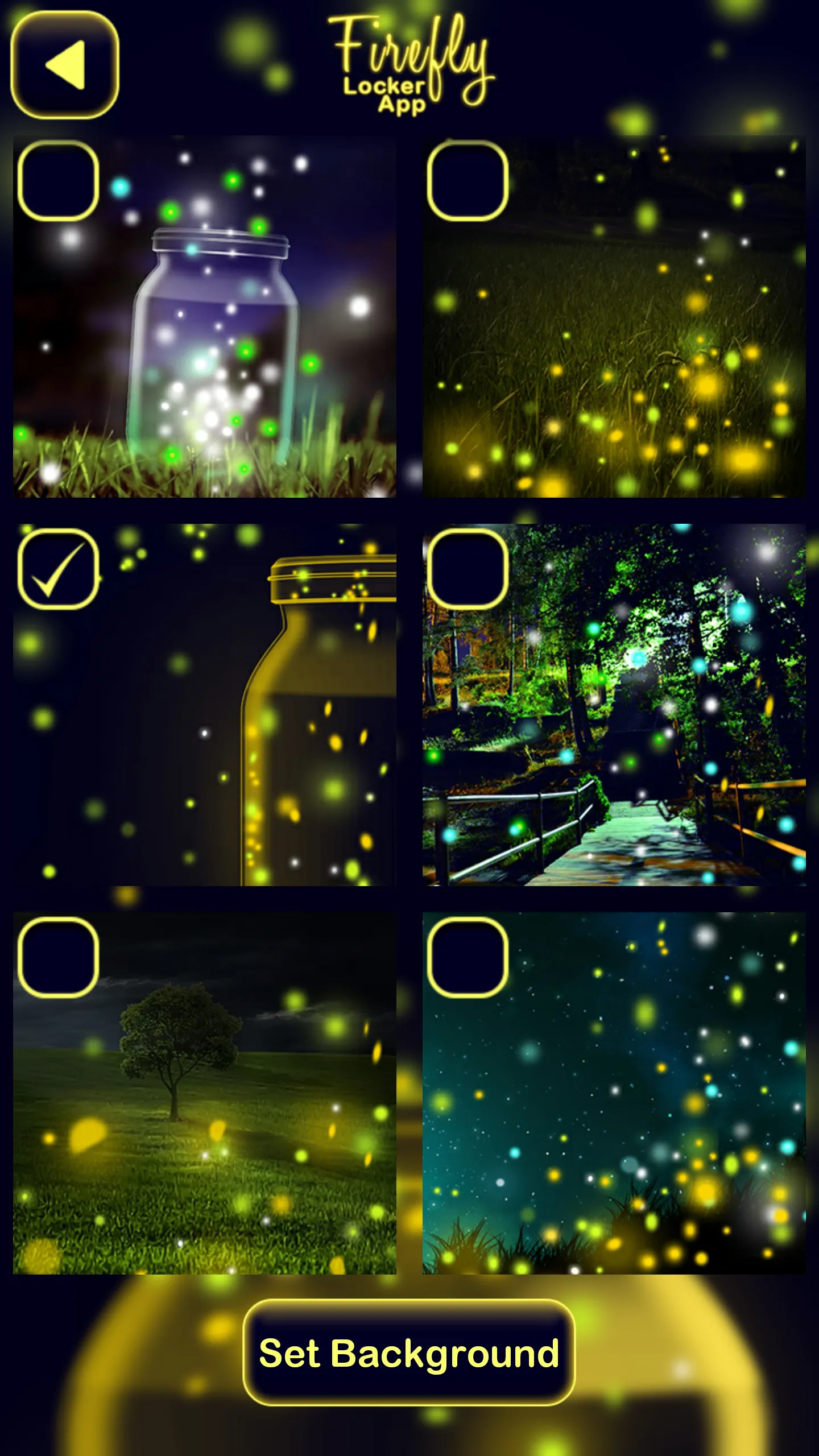
Beautiful Firefly Locker Theme
Get rid of your boring lock screen and download our new live locker.
We provide various fireflies live wallpapers for you to decorate your screen from time to time.
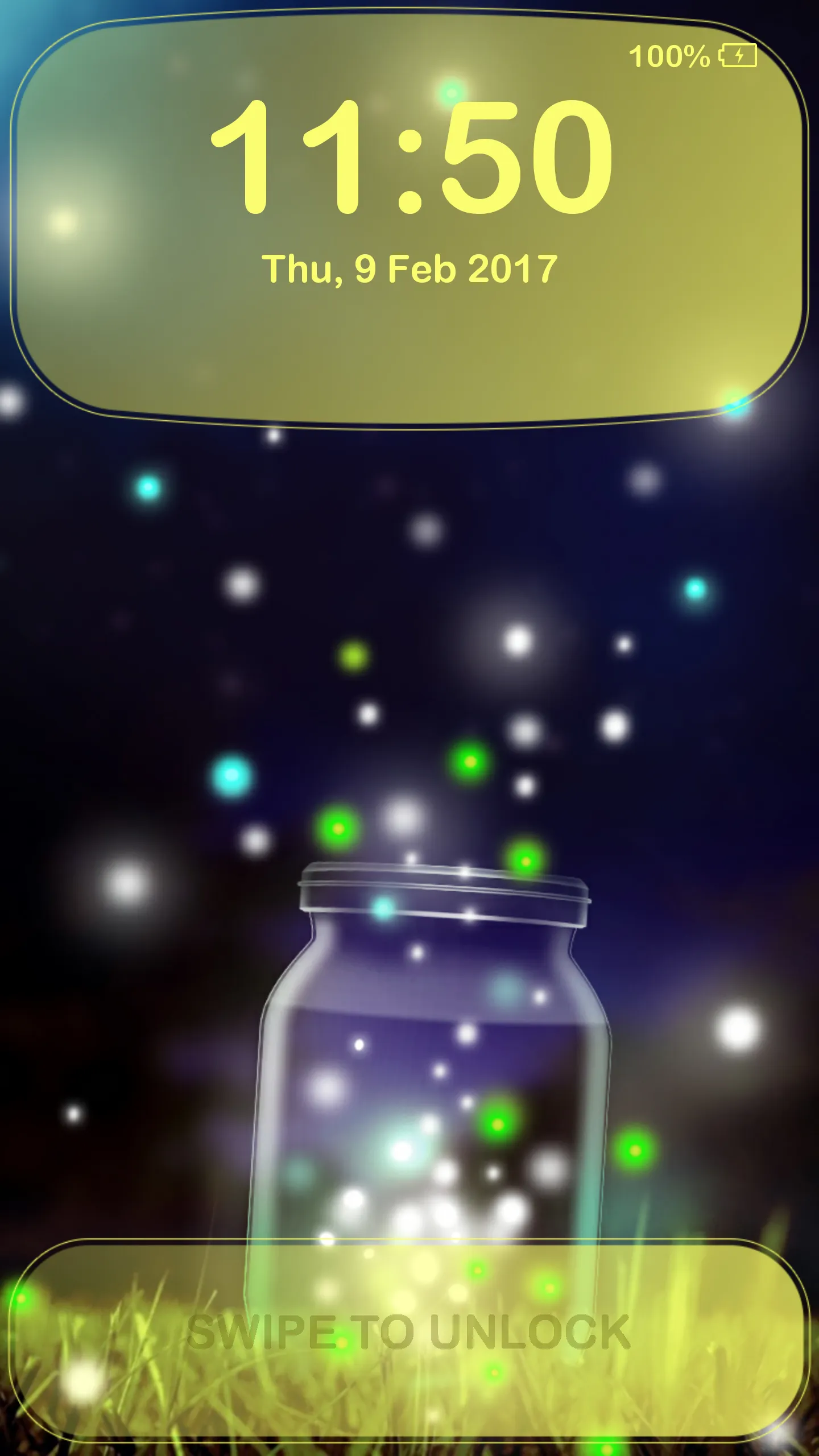
Cool Style Slide to Unlock
Cool style to slide unlock your phone easily with your finger touch.
Secure Keypad Lock Screen
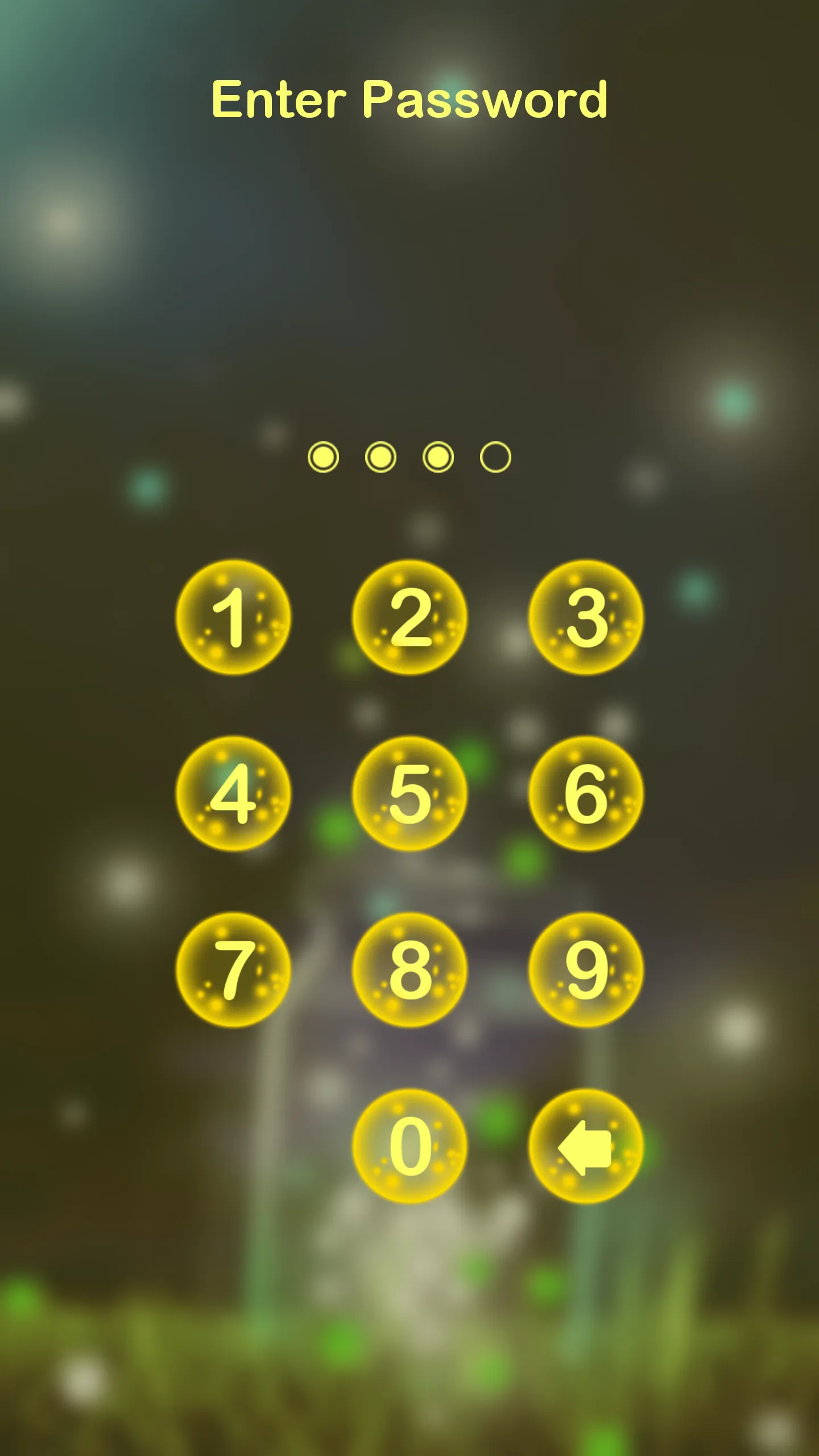
You can set a 4 digits pin or password for Lock Screen via your keypad or keyboard.
Compare to others lockscreen, our live locker will disable your home and back button to make your phone more security.
DIY Locker
You can customize your sliding text as what you want such as My Name Lock Screen.
Tips
Enable Lock Screen and Security Verification: Activate the lock screen in the settings and set up a PIN or pattern lock; enabling the randomized keypad can help reduce the risk of prying eyes.
Customize Visuals and Sound Effects: Personalize your interface by adjusting firefly animations, forest-themed wallpapers, unlock sounds, as well as text color, size, and font.
Configure Shortcuts and Notifications: Enable alerts for unread text messages, missed calls, and emails, add a music widget, or set up swipe gestures to quickly launch your frequently used apps.
FAQS
Q: What should I do if I encounter a "double" lock screen?
A: You can select the "Disable System Lock Screen" option to turn off the system's native lock screen or set it to "None."
Q: When I enable notifications, the app provides voice prompts while I am using my phone.
A: Please go to "Accessibility" in your system settings and disable "Firefly Locker."
Q: How do I uninstall the app?
A: Go to "Settings" > "Security" > "Device Administrators," deactivate the app, and then you will be able to uninstall it as usual.
Summarize
Firefly Locker offers an enchanting live wallpaper-themed lock screen for Android devices, transforming your phone into a mesmerizing firefly spectacle. With realistic animation mimicking fireflies' glowing signals set against forest-themed HD wallpapers, this app enhances your device's appearance and functionality, providing an immersive visual experience each time you unlock your phone.