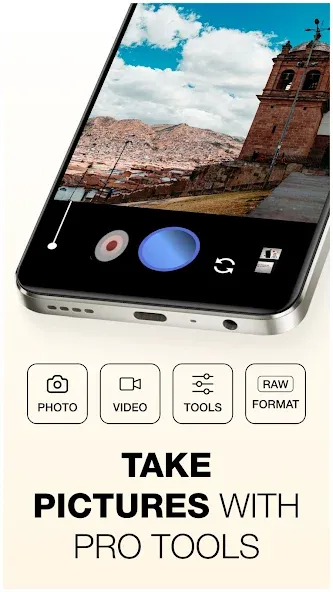
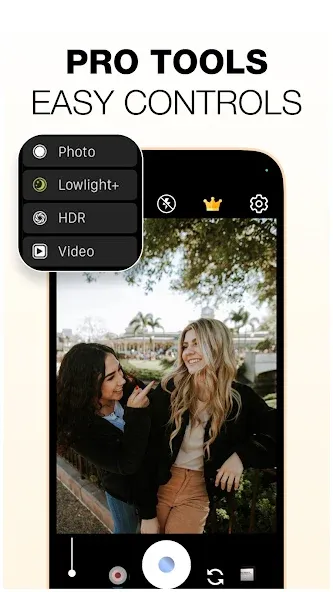
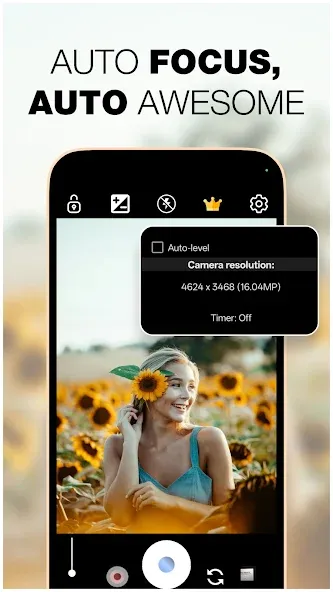
GCam is a professional-grade mobile photography application compatible with a wide range of smartphone brands. It operates alongside your device’s native camera app without interfering with its functionality. Leveraging advanced technology, GCam captures greater detail in challenging shooting conditions; its sophisticated algorithms also effectively reduce image noise and other unwanted artifacts. The app offers various shooting modes tailored to different scenarios—whether you are capturing night scenes or portraits—and provides manual controls for settings like shutter speed and focus.
Features
Convenient navigation
Easy file downloads
One-click downloading
Reduced advertisements
No permissions required
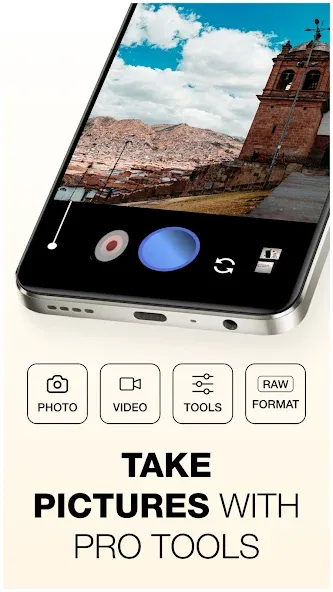
Highlights
Exceptional Image Quality: Advanced algorithms enhance detail, dynamic range, and color accuracy—say goodbye to image noise and blur.
Powerful HDR+ Mode: Capture stunning detail in both shadows and highlights. Our enhanced HDR+ processing ensures perfectly balanced photos in any lighting condition.
Stunning Night Mode: Take bright, clear, and detailed photos in extremely low light—no flash required. Perfect for capturing the night sky or dimly lit scenes.
Professional Portrait Mode: Achieve beautiful background blur (bokeh) that keeps your subject sharp and crisp, just like with a DSLR camera.
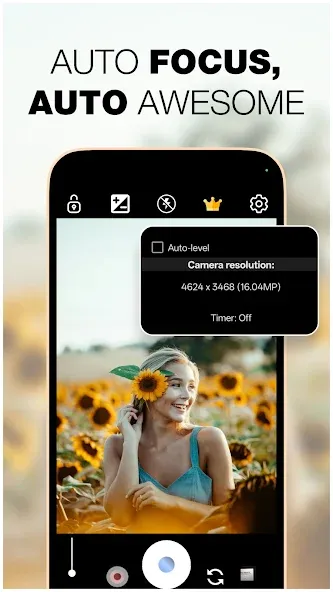
Full Manual Controls: Designed for pros! Adjust shutter speed, ISO, focus, and white balance to capture the exact shot you envision.
RAW Format Support: Capture uncompressed DNG files, giving you maximum flexibility for post-processing in your preferred photo editing software.
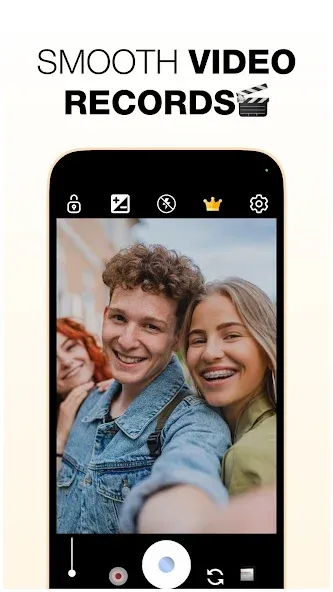
Clean, Intuitive Interface: Access powerful features with ease—no cluttered menus. We’re focused on elevating your photography experience.
Why are GCam ports so popular?
The popularity of GCam ports has surged because they deliver superior photo quality compared to the stock camera apps found on many Android devices. Among the various camera software options, the GCam APK stands out as the most well-known—even though it is, in its original form, a native camera application. Many people wonder what exactly makes GCam so special—what is it that other camera apps cannot offer? The answer lies in its unique level of software compatibility, which other camera applications simply lack.This camera software can completely transform your photo quality without the need for any external physical modifications, such as attaching manual lenses; all it takes is a few adjustments to the software settings.
The primary reason for using a GCam port is to take full advantage of Google’s high-quality photography features, which are typically unavailable on non-Pixel devices. Key features include HDR+, Night Sight, Portrait Mode, Astrophotography mode, and Super Res Zoom.
These ports are essentially optimized versions of the GCam application, modified to be compatible with the diverse hardware and software found in non-Pixel smartphones. Developers frequently update the code, fine-tuning settings related to camera sensors and software-level customizations.
Conclusion
Computational photography and AI-enhanced features are at the heart of the Google Camera experience, with each update bringing continuous improvements and refinements. A recent highlight is "Camera Coach"—as the name suggests, it provides users with tips and guidance on how to capture better photos and videos. The feature is simple and intuitive, making it easy for even photography novices to get started and benefit from it.