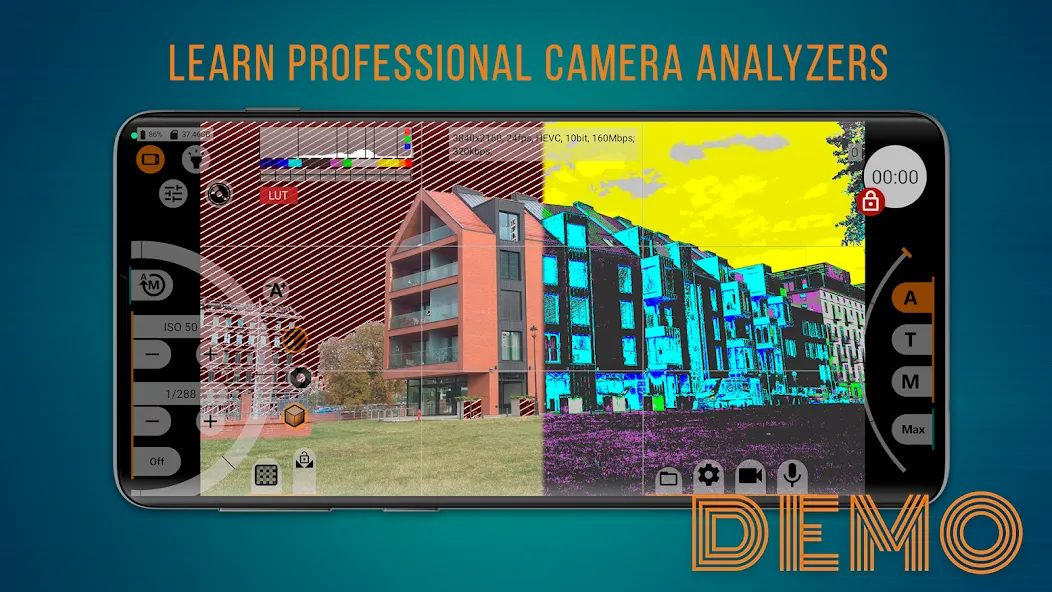
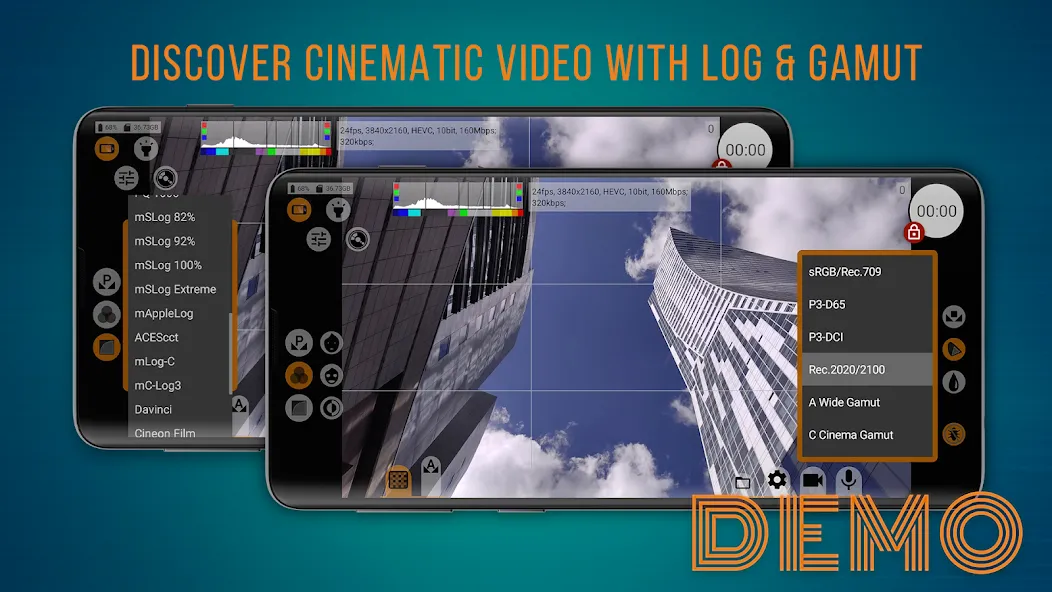
mcpro24fps demo is a professional-grade filming tool. It unlocks advanced resolution settings and high-end algorithmic processing capabilities tailored to your specific device. By leveraging the power of your phone’s CPU and GPU, the software allows for precise manual control over various parameters—such as focus, bitrate, and color range—and offers programmable lens control. It also provides accurate exposure tools. With these professional-level adjustments, users gain access to powerful features that streamline video editing and animation production. Once your parameters are set, you can activate your phone’s camera to capture high-definition, high-resolution footage.
Features
The interface and options are identical to those in the paid app, though recording functionality is temporarily disabled.
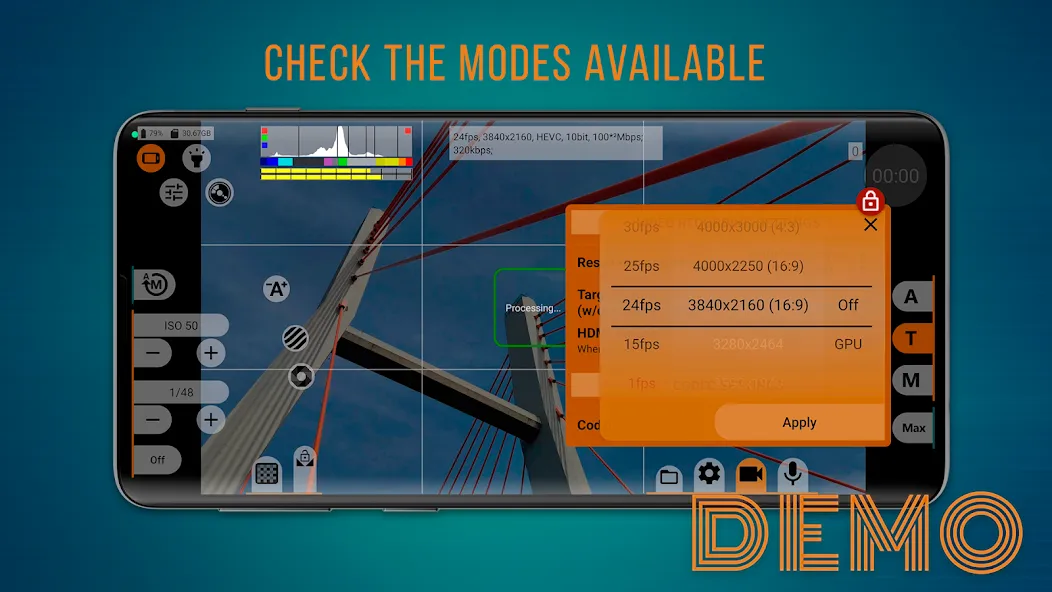
Check your device’s support for various modes, codecs, resolutions, and processing capabilities.
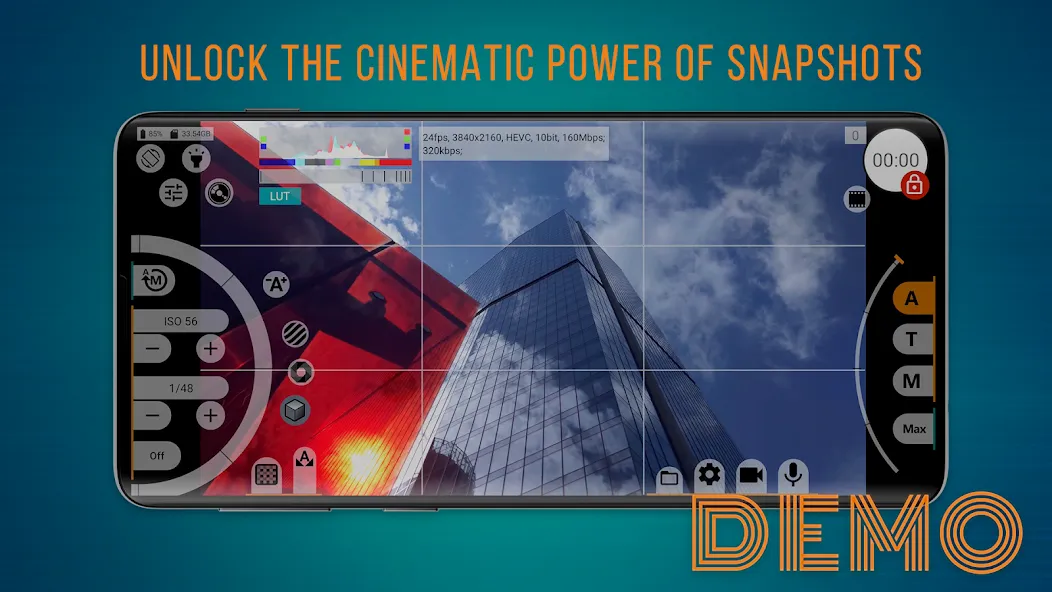
Explore manual video control options, such as focus, ISO, LUTs, bitrates, and color range.
Evaluate the user interface layout, quick-access controls, and overall shooting workflow.
Access guides, tutorials, FAQs, and community resources to help you get up to speed faster.
Highlights
Programmable Lens Control: The system will often require each person to explore programmable focus and zoom. This is absolutely necessary if you want to have quality products.
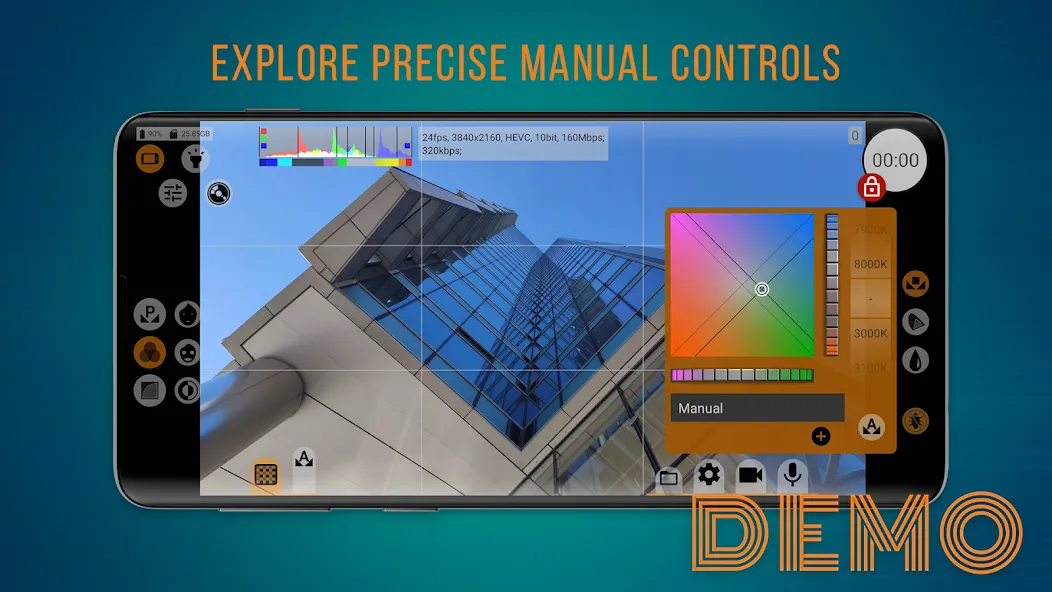
Precision Exposure Tools: Over time, users will need to quickly access different tools. They are considered modes with specific color indexes.
Pro-Level Adjustments: Besides the color factor, each person is often interested in different sounds. Therefore, sound also becomes a concern for any user.
Pros and Cons
Pros
Easy-to-use user interface.
Offers a wide range of features for video editing and animation production.
Allows users to easily customize their projects.
Features intuitive drag-and-drop functionality, making video creation quick and simple.
Cons
The user interface can be difficult to navigate due to its complexity.
Limited customization options for graphics settings or controller mapping.
Summarize
mcpro24fps demo is a free version of the professional camera app mcpro24fps, designed to showcase the advanced video-recording capabilities of your Android smartphone. It serves as a highly useful tool for users who wish to explore the app's features and functions before committing to a purchase.