ShareKaro is a file-transfer assistant designed for Android devices. It allows you to transfer files without requiring an internet connection or consuming mobile data. The app handles various types of content—including photos, high-definition videos, and documents—regardless of their size. Featuring a clean, intuitive interface, it requires no complex setup; simply pair your devices, select the files, and tap "send" to begin the transfer. You can send files over any distance without worrying about strict size limits. Devices can be paired quickly by scanning a QR code, and the app supports resuming transfers for large files should the connection be interrupted.
Features
No internet, no data, no drama — ShareKaro doesn’t ask you to be online. Transfers happen locally, so no data charges and no waiting for upload/download queues.
Support for all files, with no size limits — Whether it’s photos, HD videos, documents, ZIPs, apps — big, small, or somewhere in between — ShareKaro aims to handle it all easily.
Speed that actually feels fast — Because it uses direct device-to-device tech (no slow Bluetooth, no unreliable Wi-Fi uploads), big files get from “Send” to “Done” in seconds.
Zero barriers to using — simple interface, instant pairing, no setup headaches — Open the app, pick files, tap send, scan/confirm and off you go. Even if you’ve never transferred files before, it’s easy.
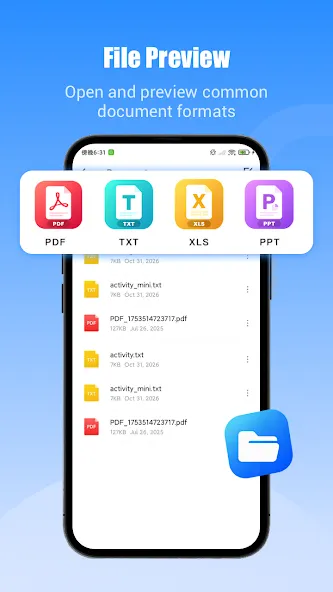
More than just sharing — a light file-manager built in — So you can not only send files, but also browse, organize, maybe clean up, without juggling multiple apps.
Pros and Cons
Pros
Offline nearby transfers with no stated size limit
Supports folders, APKs, archives, media, and documents
Includes file management and storage analysis
Cons
Interrupted transfers may require starting over
Ads can include inappropriate material
Tips
Quick Pairing via QR Code: Connect and transfer instantly by scanning a QR Code—no account creation or complex pairing steps required. This also simplifies the process if the recipient doesn't have the app installed.
Transfer Entire Folders and APKs: Send complete folders while preserving their original directory structure, eliminating the need to reorganize files. Large video files and installation files (APKs) can be transferred without any file size limits.
Resume Interrupted Transfers: If a connection drops while sending a large file, the transfer can resume from the exact point where it stopped, saving you from having to start over.
No Mobile Data or Wi-Fi Network Required: Transfers occur via peer-to-peer connections (such as Wi-Fi Direct or Bluetooth), consuming no mobile data and offering significantly faster speeds than traditional Bluetooth.
Summarize
ShareKaro is a free file sharing app that enables you to share files, apps, videos, and even large files without any internet connectivity. It is easy to use, with features that include file transfer without size limits, easy connectivity through QR codes, and strong file management.