VideoStar,An exceptionally artistic video editing software, this feature-rich tool empowers you to create stunning fan edits, imaginative lip-sync videos, dance-routine clips, and more. Choose from thousands of special effects in the resource library, and take advantage of a vast array of free features—including color grading, animation, merging, trimming, deleting, or retiming—to transform your own photos and footage into something truly magical.
Features:
AI Auto Beat Sync helps match your clips to music without manual work.
AI Music Generator lets you create background tracks that fit your edit.
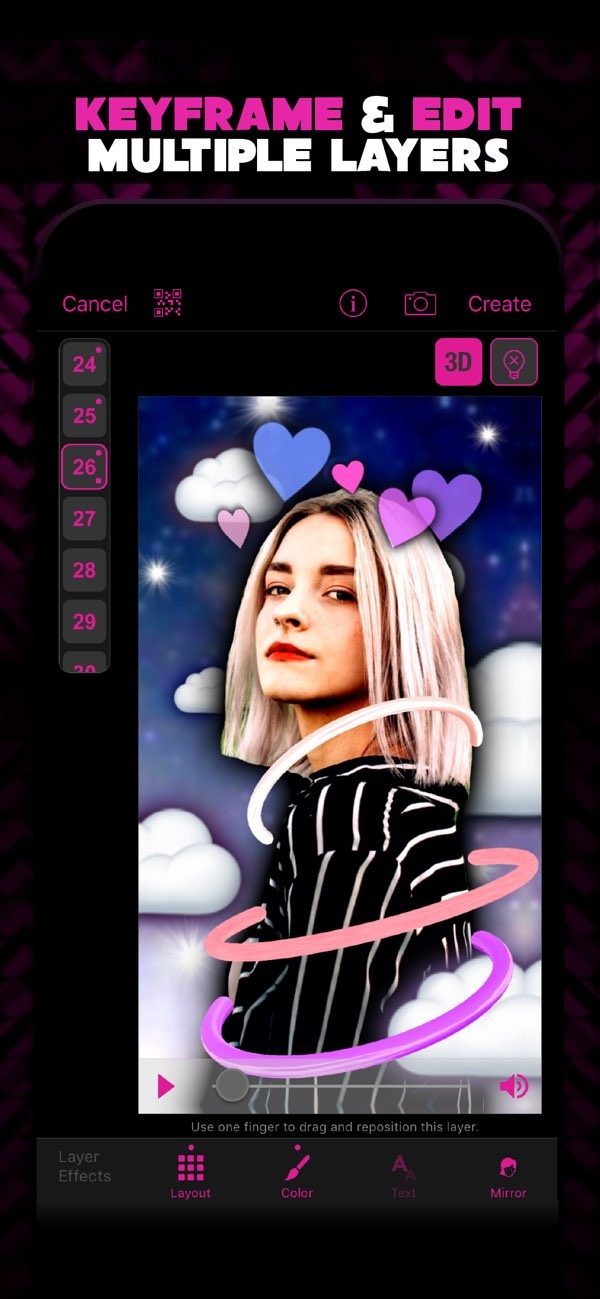
Keyframe animation gives you control over motion and effects.
600+ video templates help you build edits faster.
Large royalty-free library with music, footage, and fonts.
4K export support for higher quality output.
Highlights:
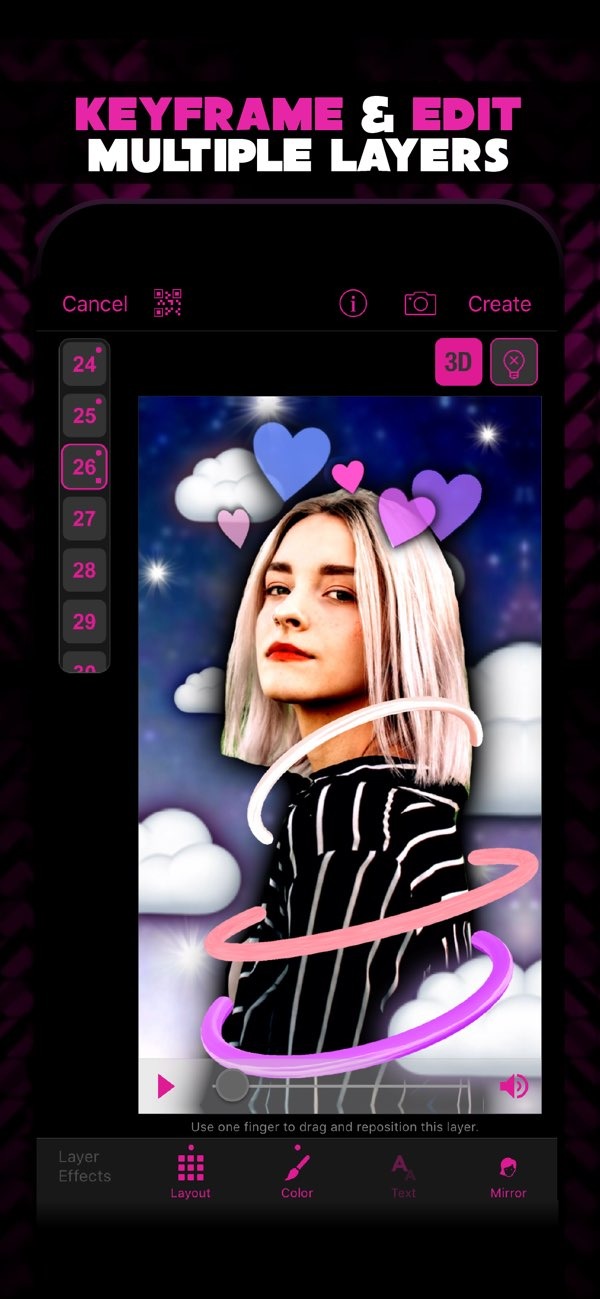
Precise Keyframing and Multi-Layer Editing: Supports granular keyframe animation adjustments and multi-layer compositing—ideal for creating complex transitions and visual effects.
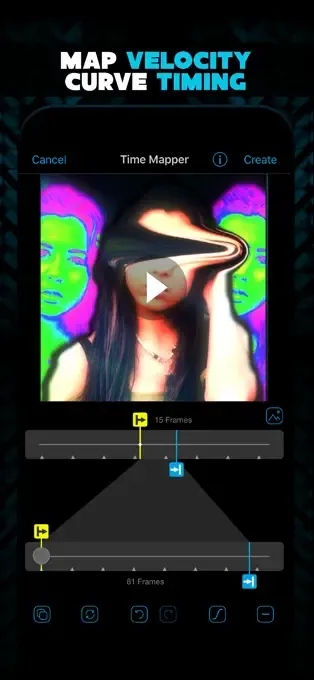
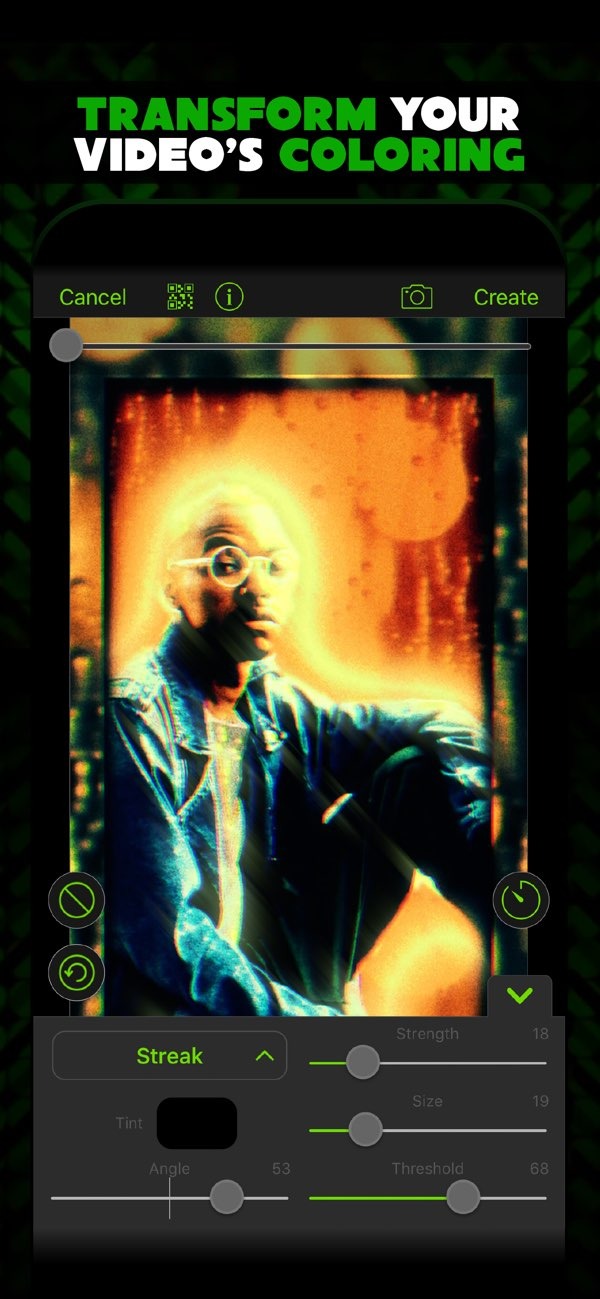
Extensive Effects and Color Grading Tools: Includes a vast library of effects, lighting, distortions, and speed-control tools, alongside custom coloring and color grading features to fine-tune lighting, hues, and overall visual style.
Presets and QR Code Sharing: Allows for the import and export of color grading and effect presets via QR codes, making it easy to apply styles created by other members of the community. You can also explore "Video Star Packs" to discover additional resources and find inspiration for your own presets.
Year-End Recap: At the end of each year, the app generates a personalized "VS Recap"—a highlight reel of your work—making it simple to organize and share your editing achievements from throughout the year.
Pros and Cons:
Pros
Free to download, use and upload videos
Easy to use
Allows for many types of videos to be created
Has limited social networking aspects
Cons
Must pay to use certain editing features
Recorded videos do not include audio
User comments:
I’ve been using VideoStar for almost a year now, or I believe that it has been a year.The app is great!!! If you use all the effects you are given you could make such a wonderful edit. However, on the topic of effects, the new update with the text effects isn’t the best. The text effects are choppy even with decent graphs. I’m not sure if putting it on a longer clip would do it justice but so far I don’t find it worth spending your money on. You could’ve added text explosion or something that you see in edits regularly. It would save editors a LOT of time. You should also consider getting some decent turbulences. Not the old turbulences, I’m talking about GOOD ones that look somewhat like AE. No matter how hard you try with the turbulences provided it still is not the best.Other than the lack of effects that people are asking for, the app is overall great. I would highly recommend it for ANY editors. Whether you’re beginner, intermediate, or experienced, this is right for you!!! If you are a beginner I would start on apps such as Funimate or apps that teach you the basics. Before you get on VS you have to learn at least what keyframes are and how to properly use them, or wing it. We don’t care.
Summarize:
VideoStar is a comprehensive video editing application that offers a wide range of features, including video trimming, watermark removal, adding music, video compression, audio extraction, video merging, resolution adjustment, watermark insertion, speed control, horizontal and vertical flipping, rotation, and video reversal. The app supports processing local video files directly, making it user-friendly and accessible to everyone, regardless of age or technical background. With industry-leading processing speeds, VideoStar is an excellent choice for anyone looking to edit videos—whether you need to remove watermarks, add music, compress files, extract audio, merge clips, adjust resolution, insert watermarks, change playback speed, flip or rotate footage, or play videos in reverse. If you enjoy video editing, this is a fantastic tool to have in your arsenal.