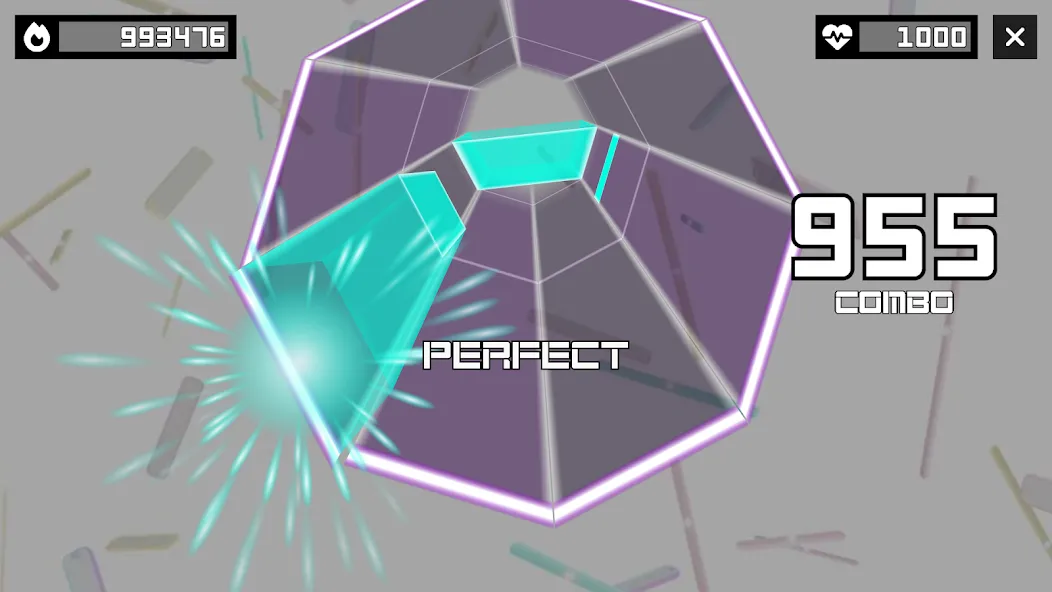
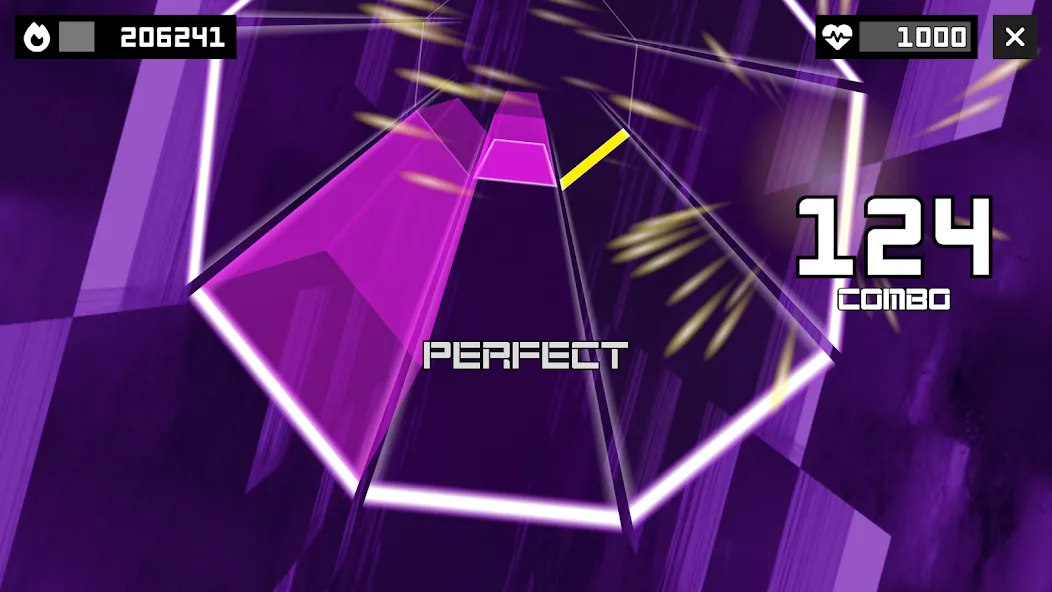
Sonolus is a powerful music simulation game driven by an advanced scripting engine. Players have the freedom to customize skins, backgrounds, sound effects, and particle effects. The game features a variety of modes, allowing players to practice their beatmaps through gameplay, observation, previewing, or tutorials. It also supports multiplayer, enabling cooperative or competitive play with others. The game includes precise offset and calibration settings—typically adjustable within a range of around 50ms—ensuring a highly rhythmic experience. Furthermore, users can create their own beatmaps and tracks, which they can then share with the community.
Features
Script-Driven Engine: Powered by a high-performance scripting system, this engine allows for the recreation of existing rhythm game mechanics or the creation of entirely new ones. It supports custom skins, backgrounds, sound effects, and particle effects.
Diverse Play Modes: Levels support various modes—Play, Watch (auto-play with 1ms-precision seeking), Preview (chart visualization), and Tutorial—facilitating practice and chart analysis.
Custom Servers & Community Content: Connect to official or community-hosted servers to explore single-player levels, replays, interactive posts, and user-created charts.
Multiplayer & Replay Sharing: Engage in cooperative or competitive play with others. Features include song selection/recommendations, in-game chat, and leaderboards, alongside the ability to watch and share gameplay replays.
Offset & Calibration Settings: Fine-tune audio and input latency settings to ensure an optimal playing experience tailored to your specific device.
Pros and Cons
Pros
The gameplay engine allows for modifications to note rules and control schemes.
Community servers offer a vast selection of tracks, charts, and unique gameplay styles.
Supports timing offsets, input calibration, and refresh rate adjustments.
Creators can design and share charts, songs, and servers.
Cons
Most content must be sourced independently from external servers.
Lacks sufficient in-app guidance; the initial setup process is not very intuitive.
Tips
Calibrating Audio Offset: Device audio latency affects all servers, so it is recommended to prioritize adjusting the server-level audio offset. If your hits are consistently early, adjust the offset forward; if they are late, adjust it backward (a common reference value is around 50ms; a larger offset may be required when key sounds are disabled).
Adjust Input Offset with Caution: Generally, there is no need to frequently change the input offset unless you encounter noticeable touch latency issues.
Choosing the Right Note Speed and Starting Point: Do not blindly pursue a high note speed; instead, find a speed that balances "chart readability" with "reaction time." If you find that notes falling from too high up are causing eye strain or confusion, consider lowering the note speed or adjusting the starting position of the notes.
Summarize
Sonolus is a powerful audio-game simulator that allows users to manage their own servers and create custom designs. Whether playing solo or with friends, the game offers an engaging experience featuring audio dramas and rhythm-based gameplay. Please keep in mind, however, that this application is a modern-generation audio-game simulator; it is not designed for any specific audio game, but rather serves as a platform to simulate such games.