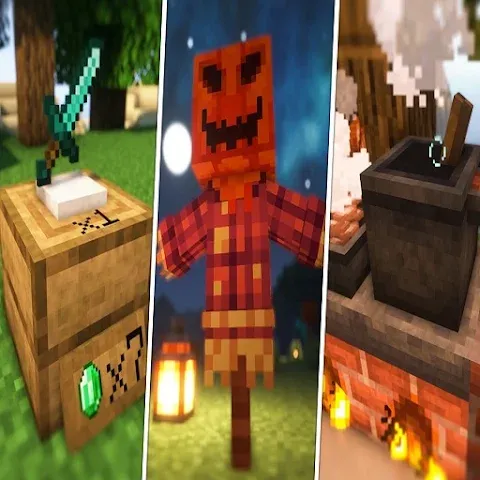
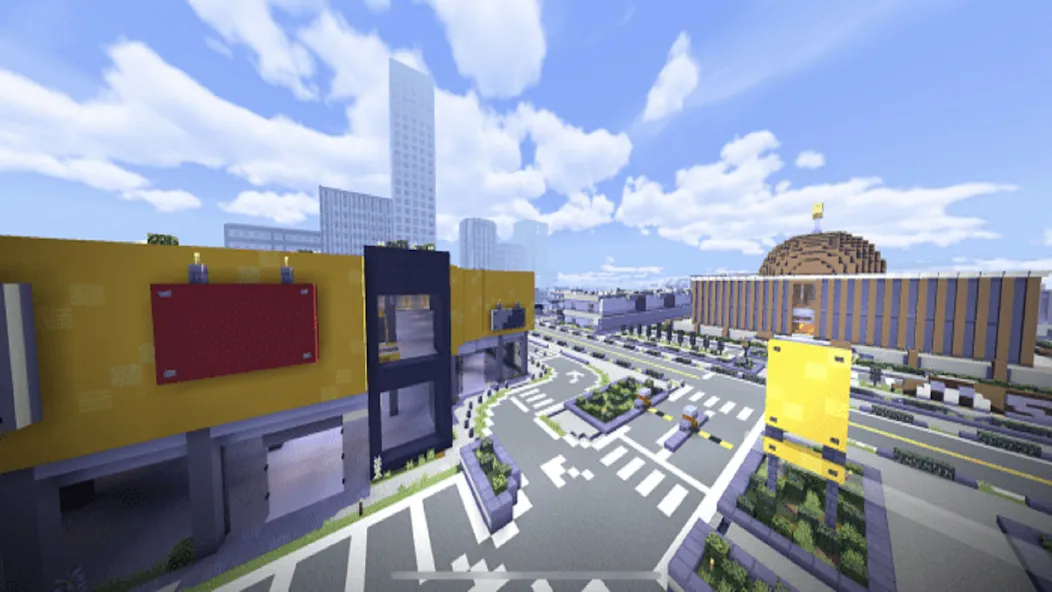
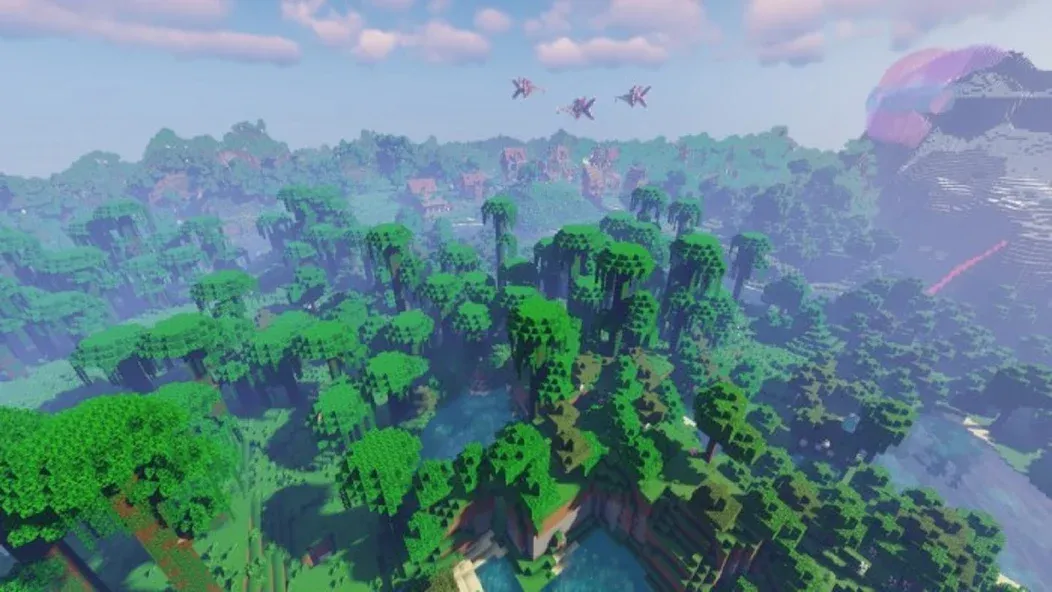
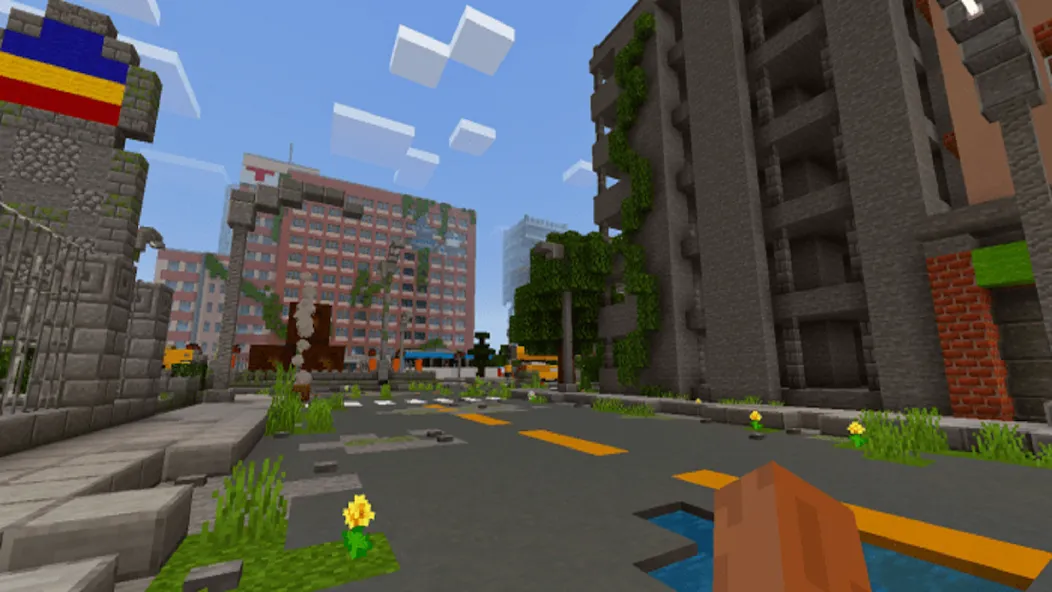
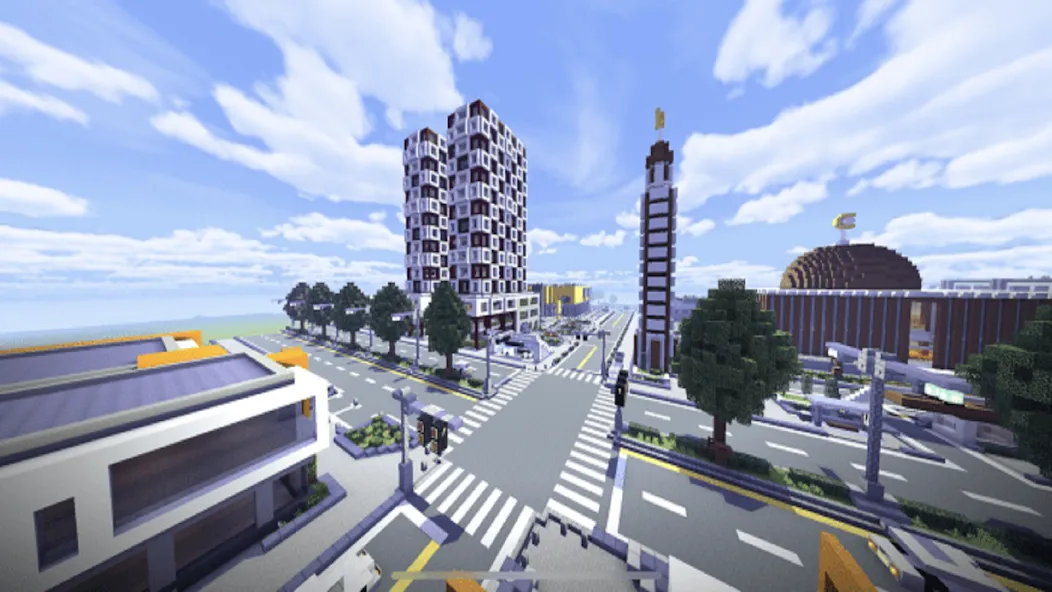
"Maps for Minecraft PE" is a utility tool for the Android version of Minecraft. It allows users to create blank maps using paper and incorporate a compass to establish their location and synchronize geographic coordinates, helping players quickly determine directions and their whereabouts. Maps can be combined with paper to zoom in or out as needed. The tool enables users to rapidly mark specific points of interest—such as shipwrecks, strongholds, and villages—directly on the map. Furthermore, it includes a collection of hundreds of pre-made maps, spanning various categories like urban survival and parkour, assisting players in efficiently exploring the open world.
Features
Regular vs. Locator Maps: Craft an Empty Map with paper, or an Empty Locator Map with paper and a compass. In Bedrock Edition, player position markers appear specifically on locator maps.
Zoom Levels: Combine a map with paper (or use a cartography table) to zoom out across scale levels, covering larger areas at lower block-per-pixel detail.
Cloning & Locking: Clone maps with empty maps to share or stack copies, or lock maps on a cartography table so terrain updates stop.
Explorer & Loot Maps: Find maps in structures (like shipwrecks, strongholds, or villages) or trade with cartographer villagers.
Pros and Cons
Pros
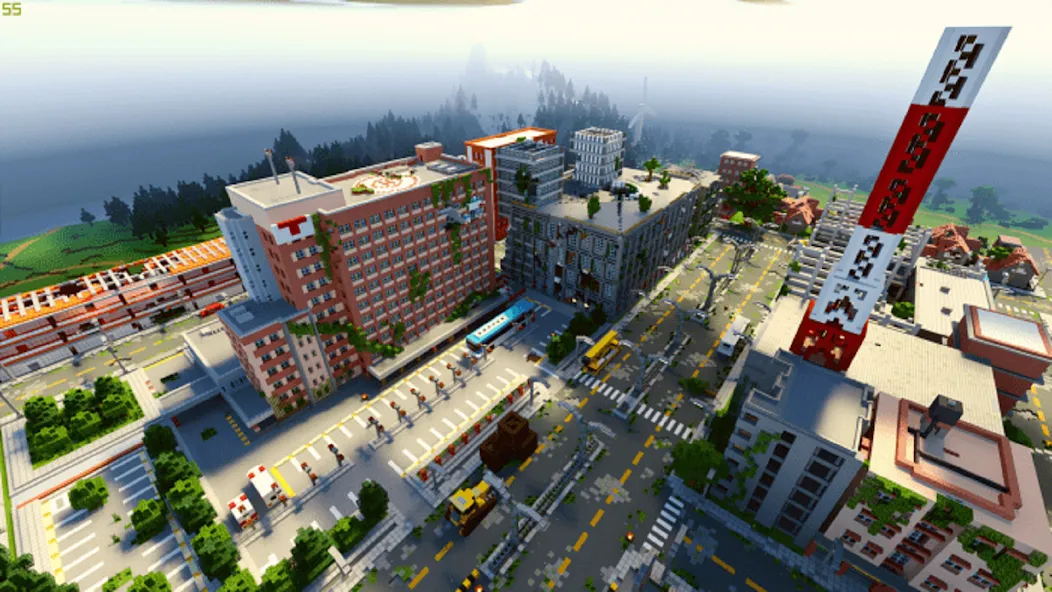
Hundreds of maps covering cities, survival, mini-games, parkour, and more
Map installation is quick, with worlds made available directly in Minecraft PE
Each map includes a description, screenshot, and creator credits for easier selection
Catalog receives new maps from time to time, keeping content fresh
Cons
Ad-supported experience, which may bother some players
Occasional ad freezes or glitches interrupt navigation
Tips
Creating a Locator Map: Craft a locator map by surrounding a compass with 8 sheets of paper, or enable the "Starting Map" world option to obtain one automatically. As you move while holding the map, the surrounding terrain is filled in; a pointer indicates your current location and orientation.
Adjusting the Scale: Place a map into a cartography table. Adding one sheet of paper at a time increases the zoom level—up to a maximum of 4 levels (where each pixel represents one block). Note that each zoom adjustment clears any previously mapped content.
Locking Map Content: Use a glass pane in a cartography table to lock a map. Once locked, the map's display will remain unchanged, even if the terrain itself is altered.
Summarize
Maps for Minecraft PE is, as the program name implies, a utility app for the pocket edition of Minecraft — a popular sandbox game where you can explore an open world and create various objects. Skim through this free map tool, find the best expanse, and install it on your device.