
Super Touch is a touch-optimization tool for Android devices. It enhances your phone's responsiveness, allowing you to execute commands—such as taps, swipes, and continuous actions—quickly and efficiently, without the need for forceful pressing or waiting for the device to register your input. Designed with power and memory efficiency in mind, the app runs in the background without compromising your phone's performance. You can configure specific tap sequences to automate tasks, eliminating the need for rapid manual tapping. Additionally, it improves scrolling speed and clears cached data for various applications. The tool works on a wide range of Android devices and does not require root access.
Features
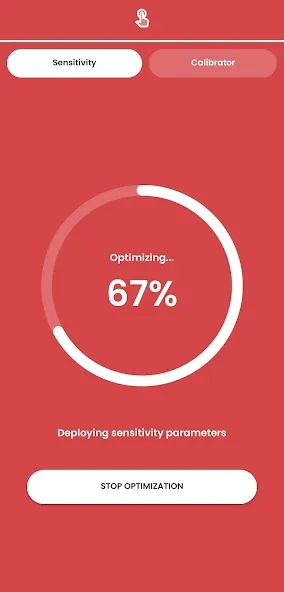
Superior Reactivity. This application enables you to change the way your phone responds to your touch. You will never have to press the screen too hard or wait for your phone to register your commands. With this app, simple touches will complete commands without delay!
Efficient Background Processes. This application is designed to save your battery and RAM. It can run in the background without affecting your phone's performance. You can also choose to have it automatically start when your phone boots up. The settings are diverse, and you can limit the background activity.
No Rooting Required. This app will run on most devices without any issues. This way, you can keep can avoid any potential risk associated with adjusting your Android system files.
Function
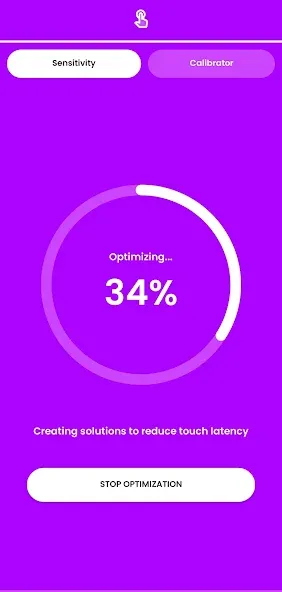
Full Customization. You can change the sensitivity, delay, and other settings to match your needs. The app also offers an Advanced Settings menu where you can fine-tune how your phone responds to input.
Improve Continuous Clicks. In some situations, you need to press a button multiple times in quick succession. With this app, you can do so without any delay or issues. This will save you the trouble of freezing your screen or losing your place.
Increase Sliding Speed. If you often find yourself frustrated by the slow sliding speed of your phone, this app can help. You can flip through pages and menus with ease.
Application Cache Cleaner. One of the issues that can affect your phone's performance is a cluttered cache. This app comes with a cache cleaner that will help you get rid of unwanted files and data.
Pros and Cons
Pros
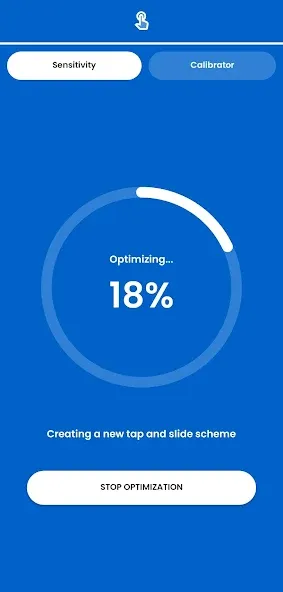
Improves touch responsiveness, reducing lag in taps, swipes, and rapid successive touches
No root required, so it works on standard Android configurations
Intuitive interface with a clear menu that keeps options easy to find
Slider-based controls let you fine-tune sensitivity to your preference
Cons
Finding the ideal sensitivity level can take some trial and error with the sliders
Focused mainly on touch behavior and app start responsiveness, without broader device maintenance tools
Tips
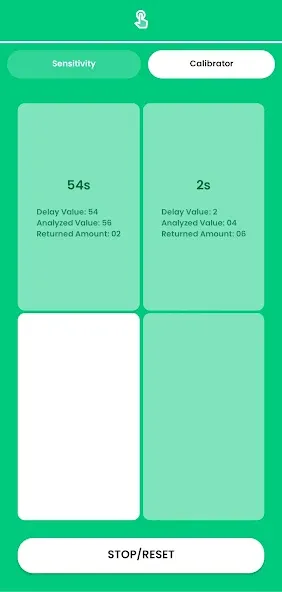
Slide gradually: Move the sensitivity optimization slider up in small increments rather than maxing it out immediately, especially on phones with stronger GPUs.
Test across the screen: Run touch response tests across different areas of your display to spot dead zones or uneven response before locking in a preset.
Keep auto-start on: Avoid disabling automatic startup if you rely on the app to maintain consistent touch and sliding behavior.
Summarize
Thanks to the optimization techniques in Super Touch, you can boost sensitivity and responsiveness without compromising battery performance. Download this app to restore your Android device’s speed and fluidity, allowing it to run games quickly—all without the need for rooting. With this excellent tool, you no longer have to worry about lag when running games or apps, nor will you ever be troubled by sluggish responsiveness again.