
UU Game Booster is an acceleration tool designed specifically for Android games. Within the app, players can discover a wide range of major titles, including upcoming releases of popular mobile games. Using the tool is incredibly simple: just open UU Game Booster, tap the "+" icon, and add the games you wish to play. Once set up, simply tap to launch your game and enjoy a seamless gaming experience. The tool optimizes memory usage and rendering, while providing dedicated server paths to ensure lower latency during gameplay. It does not interfere with game files, nor does it violate any terms of service.
Features
Supports 3000+ Mobile Games
If you can think of it – we have it! We support all major mobile games such as PUBG, Free Fire and Mobile Legends, as well as upcoming hot games, such as the highly anticipated Diablo Immortal.
Lag-free Performance
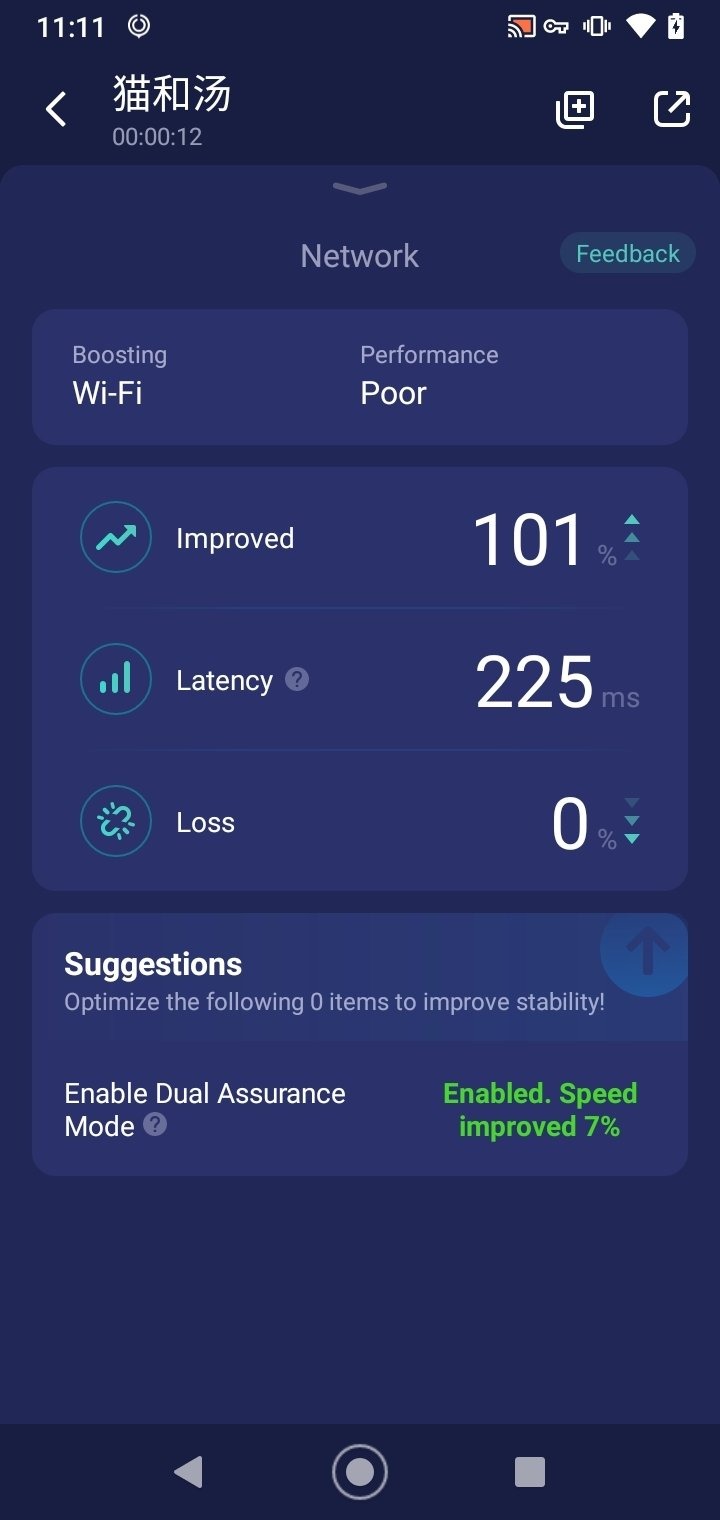
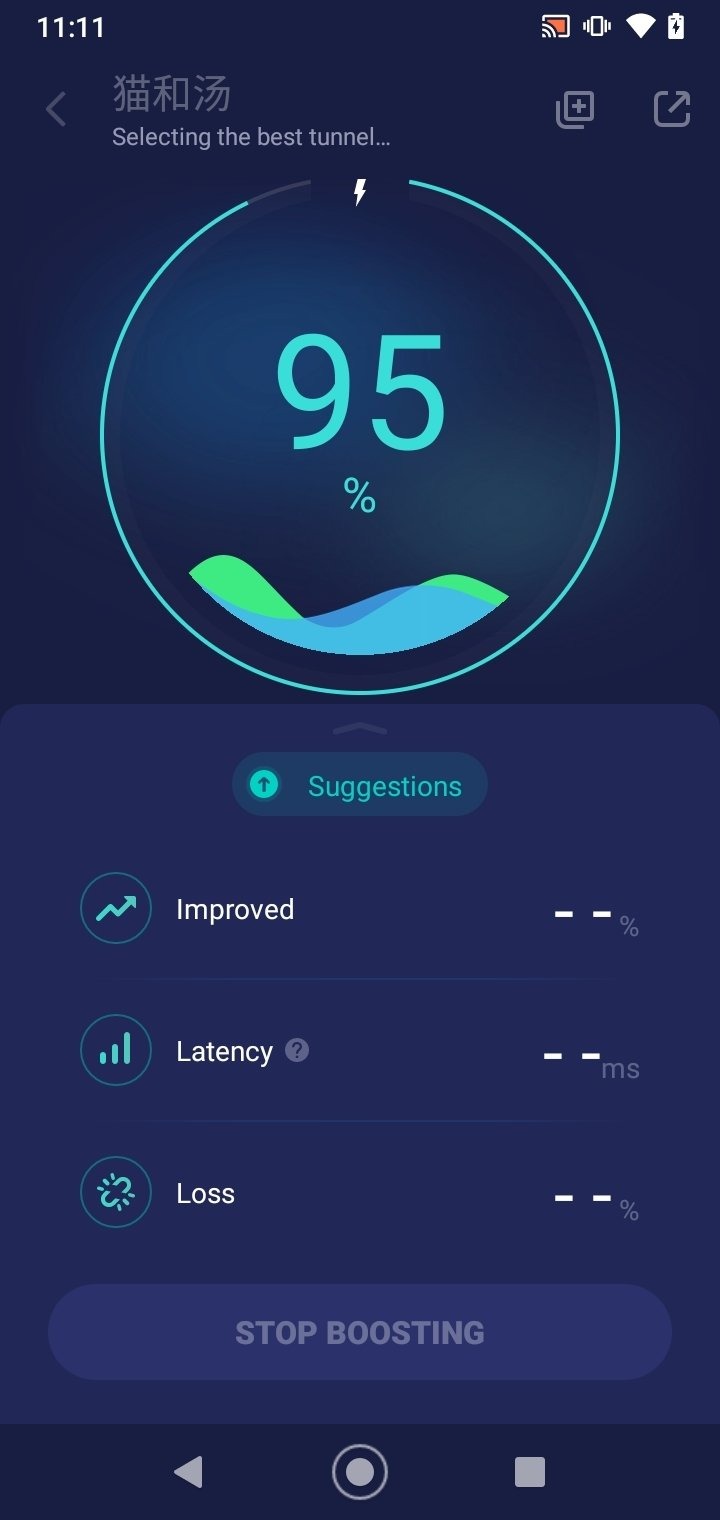
Improvements that you can see and feel! Our smart routing system prevents disconnections, lags, and high latency!
Patented Technology
Exclusive route: We provide a different path for you to connect to the game server! No need to compete with other gamers for the usual congested route, ensuring lower latency and hence lower ping.
Fast and Stable Connection
We offer exclusive nodes across the world to provide the fastest connection available! With our multipath technology, we guarantee that you can always connect to the best node.
Stress-free Gaming
Knowing the needs of our mobile gamers, we can guarantee that our game booster does not consume higher data usage or battery usage. Perfect for gaming on the go!
Quality Guaranteed
NetEase is a leading tech company that develops and distributes popular games such as Onmyoji Arena, Diablo, Knives Out and Identity V
How to Use
Step 1. Download, install and open UU Game Booster
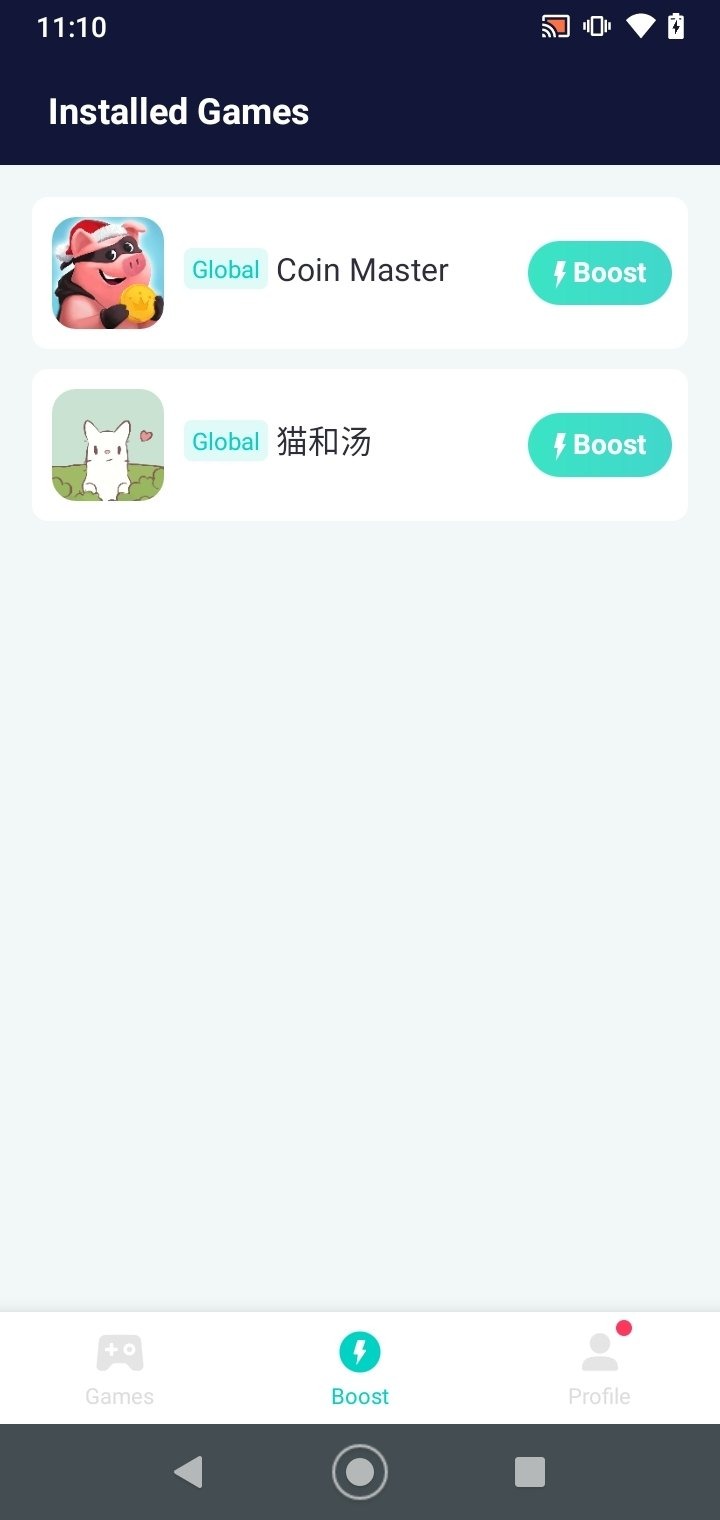
Step 2. You can select the game you want to play next by tapping on the “+” button located at the top-right corner of your display. Then, tap on an app icon from the displayed list to add it to your active games.
Step 3. After adding a game into UU Game Booster, you will see a list of options displayed on your screen. These include:
Step 4. Once you have selected the options you want, click on “Start” and then tap on “Launch Game” to start playing.
Pros and Cons
Pros
Multipath Connection provides alternative network routes
Supports more than 3,000 PC and mobile games
Simple game selection and automatic routing
Short trial lets players judge results on their connection
Cons
Restricted to users in China
Requires a monthly subscription after the trial
FAQS
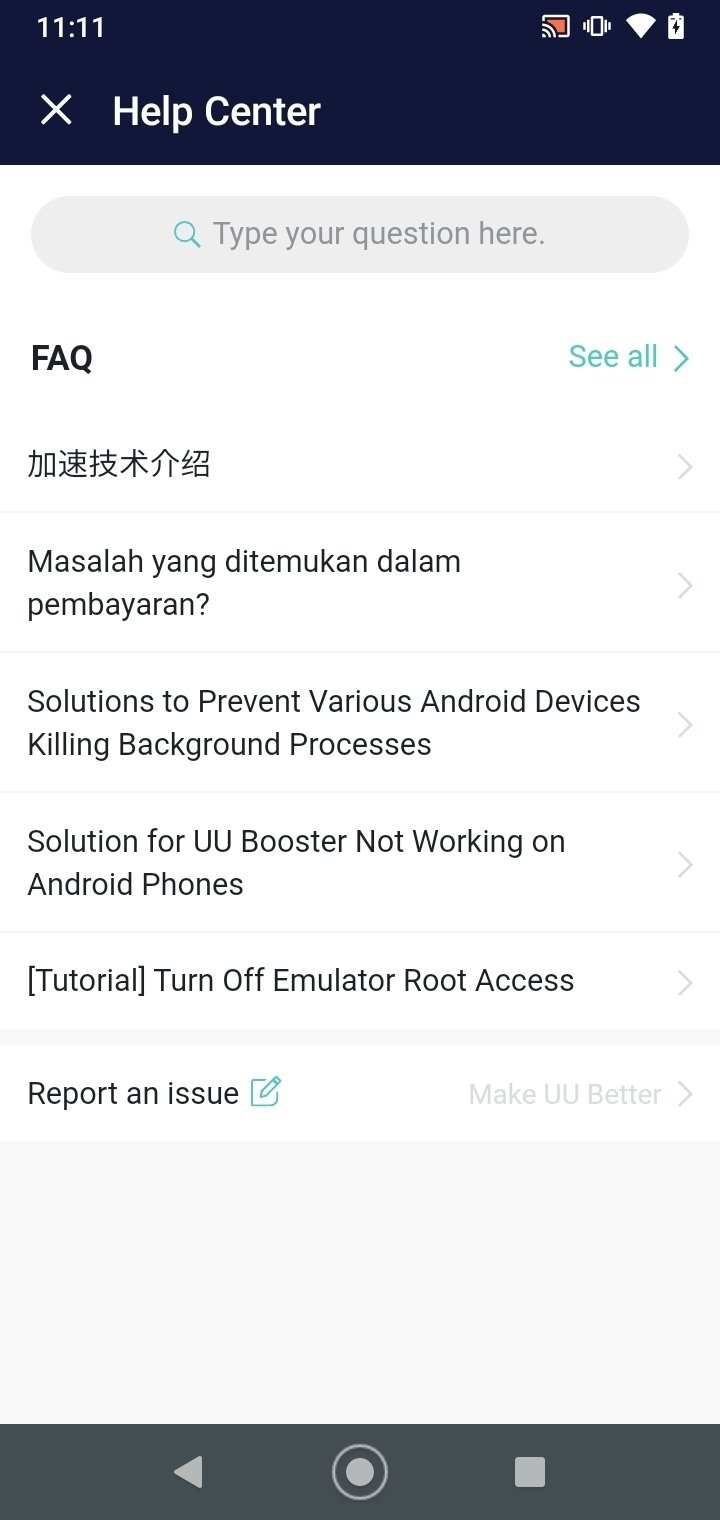
Does UU Game Booster work on all devices?
Yes, it is compatible with most modern Android devices and is optimized to run efficiently without consuming excessive system resources or battery life.
Is the service safe to use?
Absolutely, the technology is designed to optimize network traffic only and does not interfere with game files or provide any unfair advantages that would violate terms of service.
Can I use it for free?
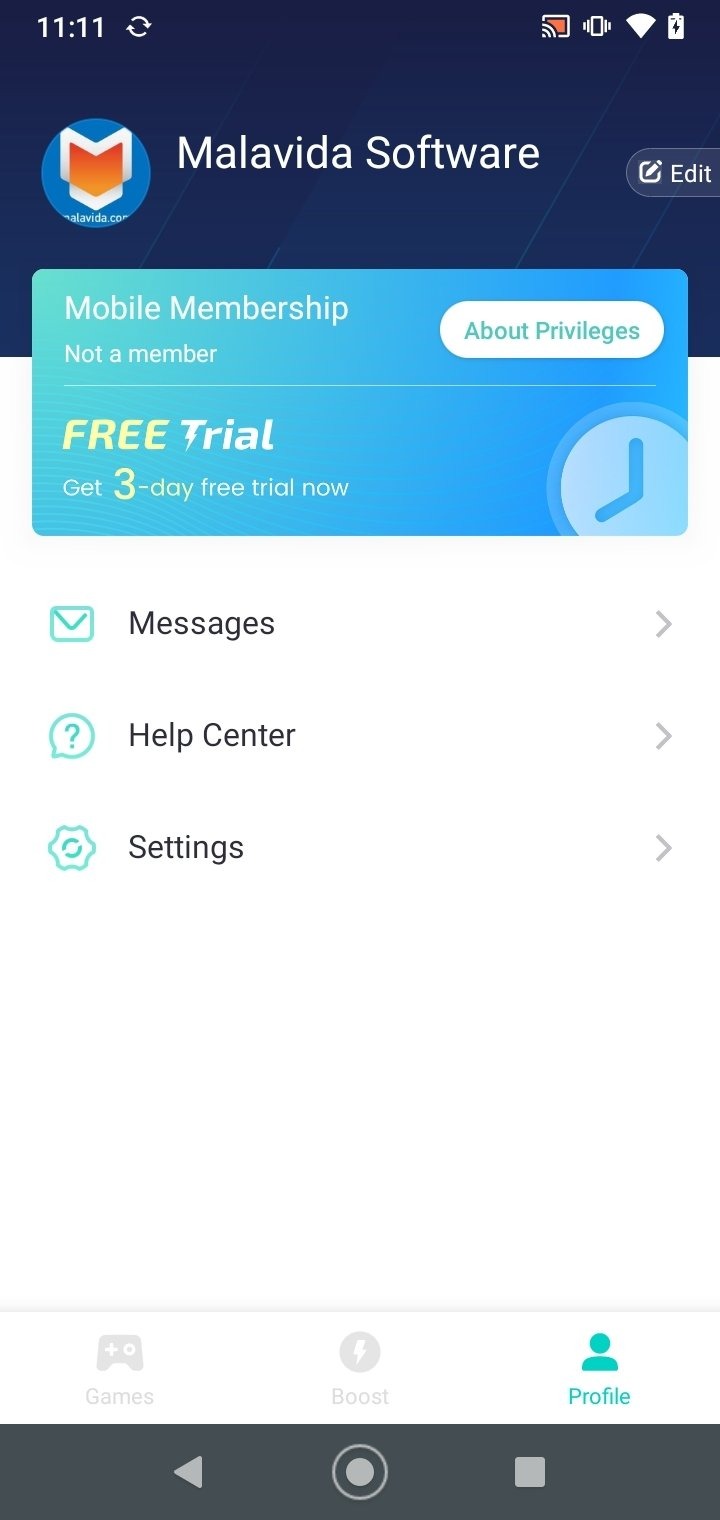
The UU Game Booster platform offers a free trial period for new users to test the optimization quality before deciding on a subscription for continued premium node access.
Summarize
UU Game Booster is an excellent app for Android gamers, giving them an edge when competing against others online. Give it a try and say goodbye to game lag, latency issues—or worse, getting killed—caused by an unstable network connection.